




Laser 1110
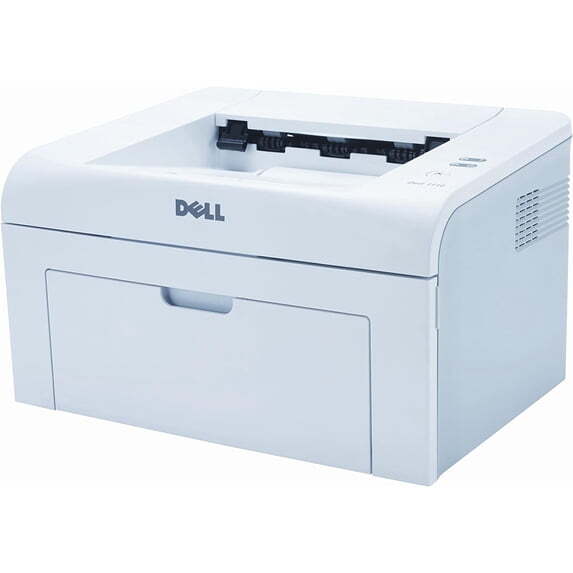
The Dell 1110 is the follow-up to Dell's breakthrough 1100 — still the value leader, now rated at up to 16 ppm with an 8,000-page monthly duty cycle. The compact 358 x 299 mm footprint and quiet operation make it a natural personal printer for home offices.
Like the 1100, the 1110 uses a single cartridge from the 310-6640 family, handling labels, envelopes, and transparencies alongside plain paper. Genuine and compatible toner for the 1110 is below.
Toner Cartridges for Dell 1110
This printer works with the following toner cartridges:
- Dell 310-6640
- Dell 310-7660
- Dell J9833
- Dell GC502
Frequently Asked Questions
What toner fits the Dell 1110?
The 1110 takes the 310-6640 black toner cartridge (standard yield) or the 310-7660 high-yield version; J9833 and GC502 are the same cartridges under Dell's alternate numbering. Either capacity fits the same slot, so choose based on how much you print.
How do I replace the toner cartridge in the 1110?
Open the front cover, pull the old cartridge straight out by its handle, and slide the new 310-6640 or 310-7660 cartridge in until it seats; no tools needed. Remove all sealing tape first, and print a test page to confirm even output.
The 1110 says 'toner low', how much longer can I print?
Usually quite a while: the low warning is conservative, and rocking the cartridge gently side to side redistributes remaining toner for extra pages. Order the replacement now, but keep printing until you see actual fading; swapping at the first warning wastes usable toner.