




Laser 1100
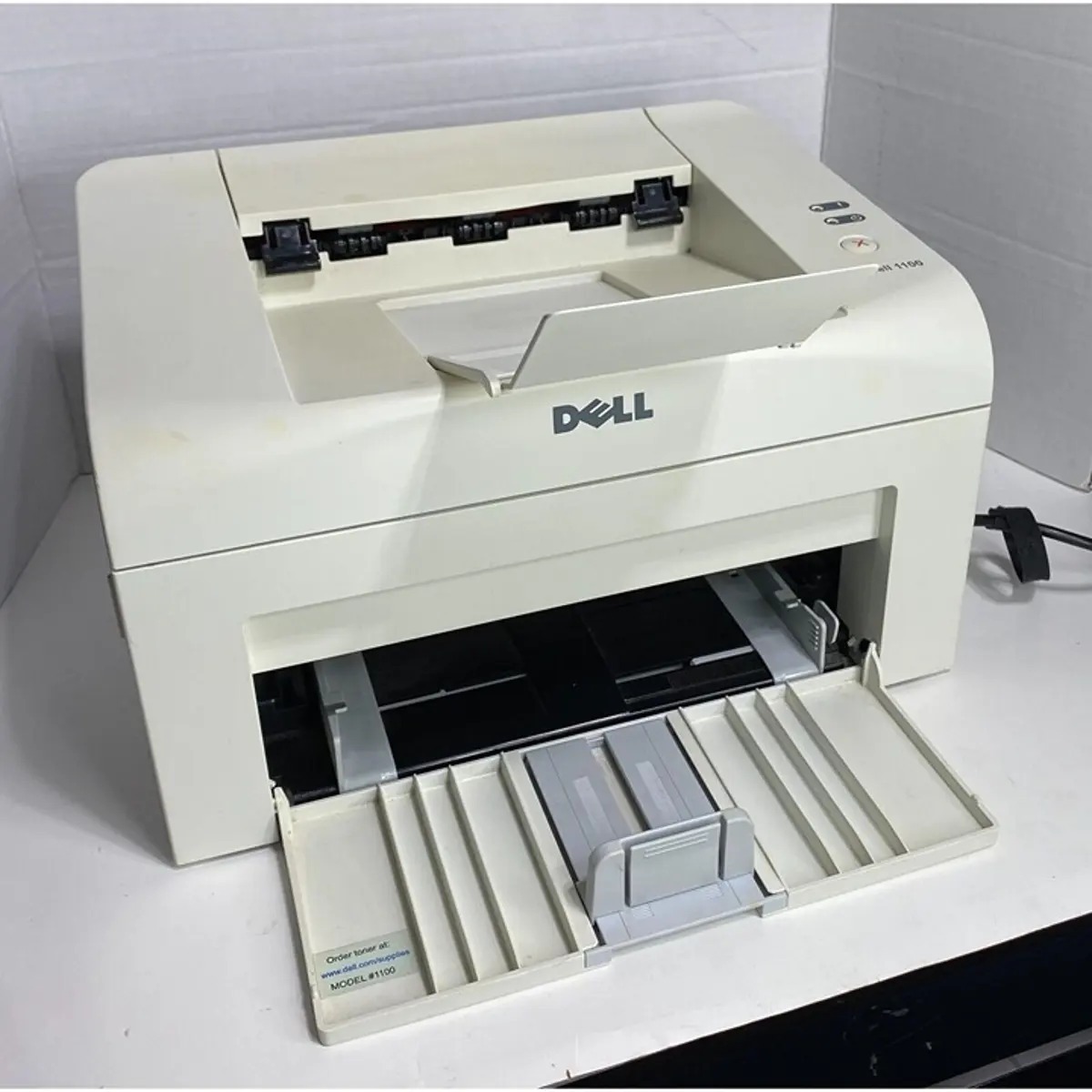
The Dell 1100 made history as the first sub-$100 laser printer — a compact monochrome desktop that brought laser output to home offices at inkjet prices. It prints up to 15 ppm (letter) with crisp 600 x 600 dpi text, in a 5.5 kg chassis with a 150-sheet tray.
The 1100's single toner cartridge ships in a 1,000-page starter and a 2,000-page standard version from the 310-6640 family. Compatible cartridges below keep this budget classic running for pennies a page.
Toner Cartridges for Dell 1100
This printer works with the following toner cartridges:
- Dell 310-6640
- Dell 310-7660
- Dell J9833
- Dell GC502
Frequently Asked Questions
Which toner cartridge does the Dell 1100 use?
The 1100 uses the 310-6640 standard black toner cartridge, with 310-7660 as the high-yield version that fits the same slot; J9833 and GC502 are alternate Dell numbers for the same cartridges. Match the number on your current cartridge to pick the right capacity.
Is the 1100 a good fit for a home office?
Yes: it is a simple monochrome laser built for straightforward black-and-white printing, with just one consumable to manage. Keep a spare 310-6640 or 310-7660 on hand and it handles typical home-office volumes reliably without the complexity of color supplies.
Prints from the 1100 are coming out with spots, what is the cause?
Random spots usually mean loose toner inside the printer or a dirty drum, so remove the cartridge and gently wipe accessible interior surfaces with a dry cloth. If spots repeat in a regular pattern down the page, the drum inside the cartridge is damaged and the cartridge needs replacing.