




Color Laser 3110
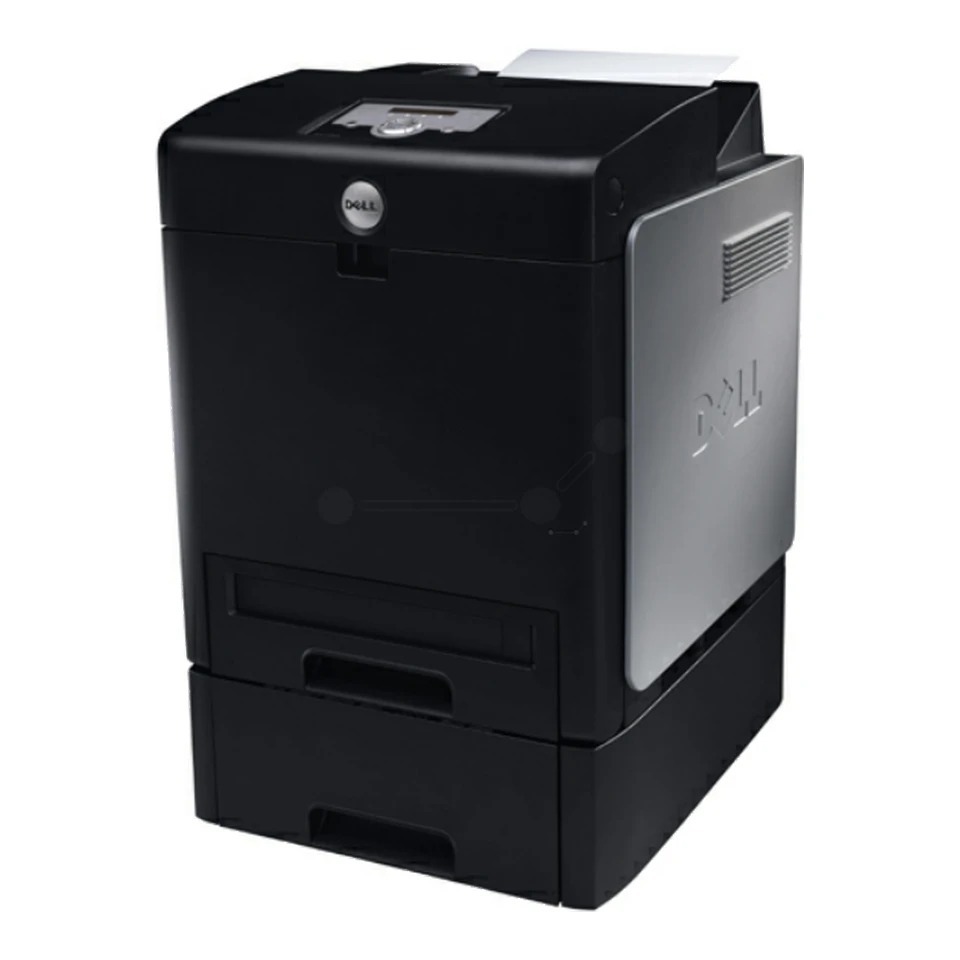
The Dell 3110 series brought workgroup-grade color laser printing to offices that needed more than a desktop color printer could give: network sharing, up to 30 ppm mono output, and high-capacity 8,000-page toner cartridges designed for sustained color volume.
Sustained color volume is precisely where compatible cartridges prove themselves — the same 8,000-page yields as OEM at a much lower price per set. For offices still running the 3110 daily, that saving repeats with every cartridge change.
Toner Cartridges for Dell 3110
This printer works with the following toner cartridges:
- Dell 310-8092
- Dell 310-8094
- Dell 310-8096
- Dell 310-8098
Frequently Asked Questions
Which replacement toner is compatible with the Dell 3110?
The Dell 3110 uses the Dell cartridge family that includes 310-8092, 310-8094, 310-8096, 310-8098. Match the part number on your old cartridge to be sure you get the right color.
There's toner dust inside the 3110. Is that a problem?
Light toner dust inside the 3110 is normal — when you swap a cartridge, take a moment to wipe the accessible surfaces with a dry cloth. Also run the printer's built-in cleaning cycle periodically to keep the transfer path clean.
How do I install a new toner cartridge in the Dell 3110?
After inserting the new 3110 cartridge (310-8092, 310-8094, 310-8096, 310-8098), close the cover and let the printer run its short initialization. If the printer still shows the old cartridge, reseat it — a cartridge that isn't fully clicked in won't be recognized.