





 See Compatible Printers
 Read more about our ink!
Brother
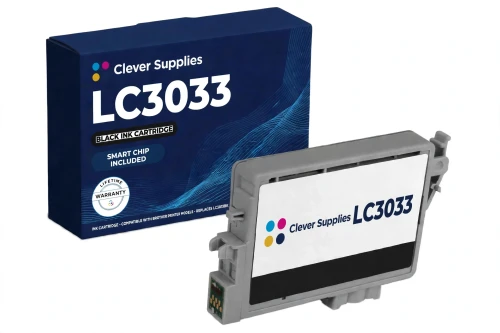
Compatible Brother LC3033 LC3033BK Black Ink Cartridge
- Page Yield:
- Up to 3,000 pages (ISO/IEC 24711)
- Shipping:
- Calculated at Checkout

Amazon Price:

- Page Yield:
- Up to 3,000 pages (ISO/IEC 24711)
- Shipping:
- Calculated at Checkout
- Compatible Printers
- Specifications
- SKU:
- CS-BR-3033-BK
- Condition:
- New Compatible
- OEM Part #:
- LC3033BK
- Color:
- Black
- Page Yield:
- Up to 3,000 pages (ISO/IEC 24711)
- Chip:
- New compatible chip (ink-level chip)
- Warranty:
- Lifetime Warranty
- Returns:
- 1-Year Free Returns
- Description
- Reviews
This is our compatible LC3033BK black cartridge for Brother's small INKvestment platform — the Super High Yield tier, rated up to 3,000 pages in accordance with ISO/IEC 24711. It is built for the five printers Brother lists for this family: MFC-J805DW, MFC-J805DW XL, MFC-J815DW XL, MFC-J995DW and MFC-J995DW XL.


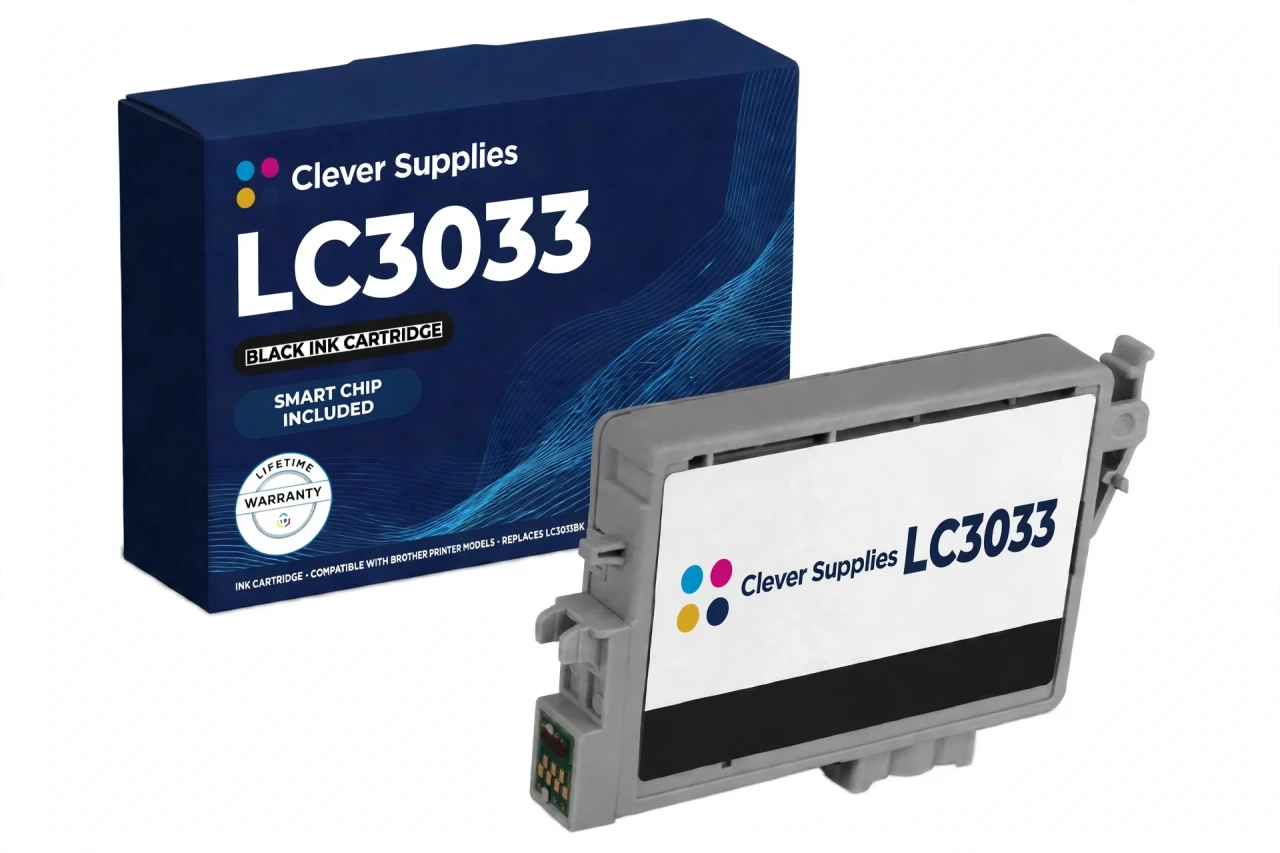
This is the small INKvestment platform. Its printers look much like the larger A3 INKvestment machines, and the yield figures are identical on paper — but the cartridges are not interchangeable: LC3033/LC3035 cartridges do not fit the LC3037/LC3039 platform, and the large-platform cartridges do not fit these printers. On this platform the step-up tier is LC3035 (Ultra High Yield), and the two tiers mix freely in the same printer; this LC3033BK is the standard refill most owners reorder.
The cartridge carries a new compatible chip that reports ink levels to the printer. Brother's own “Cannot Detect Ink Volume” guidance for this generation notes that a machine may or may not detect a non-genuine cartridge — we state that plainly rather than promise recognition, and the FAQ below explains what to do if a detection message appears. Covered by our lifetime warranty, with free returns for the first year.
Shop the Brother LC3033 family: LC3033C Cyan Ink Cartridge · LC3033M Magenta Ink Cartridge · LC3033Y Yellow Ink Cartridge · Set of 4 BCMY Ink Cartridge · Set of 9 BCMY Ink Cartridge
Browse by series: MFC Multifunction Series
Frequently Asked Questions
How many pages does the LC3033BK yield?
Up to 3,000 pages, Brother's published rating for the LC3033BK in accordance with ISO/IEC 24711. That is the Super High Yield tier of the small INKvestment platform; the Ultra High Yield tier (LC3035) roughly doubles it.
Which printers does this cartridge fit?
Five models, Brother's official list for the LC3033/LC3035 platform: MFC-J805DW, MFC-J805DW XL, MFC-J815DW XL, MFC-J995DW and MFC-J995DW XL. The cartridge fits all five identically — the XL badge on a model name changes the printer bundle, not the cartridge.
Will it fit my MFC-J6545DW or another A3 INKvestment printer?
No. Those printers belong to the large platform and take LC3037/LC3039 cartridges. The yield numbers look the same (3,000 black / 1,500 colors), but the cartridge bodies and slots differ — a small-platform cartridge will not install in a large-platform machine.
My printer is an MFC-J815DW (without XL). Is it compatible?
Brother's official list names the MFC-J815DW XL only — the plain MFC-J815DW is not on the LC3033 list, so we do not claim it. Check the full model name on your printer before ordering.
Will my printer recognize this compatible cartridge?
This cartridge carries a new compatible chip that reports ink levels to the printer. Brother's own support guidance for this generation — its “Cannot Detect” / “Cannot Detect Ink Volume” pages — states plainly that with non-genuine ink the machine may or may not detect the cartridge or its ink volume, and that Brother cannot guarantee optimum performance and reliability with ink of other specifications. We print that warning here instead of promising recognition we cannot guarantee: seat the cartridge firmly until it clicks, keep fingers off the chip contacts, and if a detection message appears, remove and reseat the cartridge and restart the printer.
Can I mix LC3033 and LC3035 cartridges in the same printer?
Yes. Brother lists both tiers for the same five printers, each slot is independent, and tiers can be mixed color by color — many owners run an LC3035 black for endurance with LC3033 colors.
What is the difference between LC3033BK and the LC3035 equivalent?
Tier fill. This LC3033 black cartridge is rated up to 3,000 pages; the LC3035 black cartridge is the Ultra High Yield step at 6,000 pages for black. Same printers, same slots — the LC3035 simply carries more ink.
How do I install it?
Open the ink cover, push the lever to release the old cartridge, and slide the new one in until it clicks — handling it by the housing and keeping fingers off the chip contacts. Run a print quality check if the printer has been idle.
Is this a genuine Brother cartridge?
No — it is a Clever Supplies compatible cartridge built to the LC3033BK specification, with a new compatible chip, and labeled compatible on the box and on this page. It is not manufactured by Brother.
What warranty and returns does it carry?
A lifetime warranty — a cartridge that fails to perform is replaced — and free returns within the first year.
Do you sell the LC3035 tier as singles?
Our LC3035 ultra tier is stocked as the Set of 4 and the 9-pack, where its price was verified against the reference ladder; the LC3033 singles on this page are the single-cartridge route for this platform. If you print heavily, the LC3035 Set of 4 is the better-value refill.
What should I check before ordering?
Three things: the model name must be one of the five small-platform models (MFC-J805DW, MFC-J805DW XL, MFC-J815DW XL, MFC-J995DW and MFC-J995DW XL); the code on your old cartridge should read LC3033BK or its LC3035 counterpart; and the cartridge family must be LC3033/LC3035 — not LC3037/LC3039, LC3017/LC3019 or LC3029, which look similar and fit none of these printers.
Related Items

Brother
Compatible Brother LC3033 LC3033M Magenta Ink Cartridge
This is our compatible LC3033M magenta cartridge for Brother's small INKvestment platform — the Super High Yield tier, rated up to 1,500 pages in accordance with ISO/IEC 24711. It is built for the...


Brother
Compatible Brother LC3033 LC3033C Cyan Ink Cartridge
This is our compatible LC3033C cyan cartridge for Brother's small INKvestment platform — the Super High Yield tier, rated up to 1,500 pages in accordance with ISO/IEC 24711. It is built for the five...

Brother
Compatible Brother LC3033 LC3033Y Yellow Ink Cartridge
This is our compatible LC3033Y yellow cartridge for Brother's small INKvestment platform — the Super High Yield tier, rated up to 1,500 pages in accordance with ISO/IEC 24711. It is built for the...

Brother
Compatible Brother LC61 LC61BK Black Ink Cartridge
This is the black cartridge most LC61 printers live on: our compatible LC61BK, rated up to 450 pages under ISO/IEC 24711 — Brother's own published figure for the standard tier. In a family where...