




What Toner Does the Brother MFC-L6810DW Use?
Posted by Clever Supplies on Nov 13th 2026
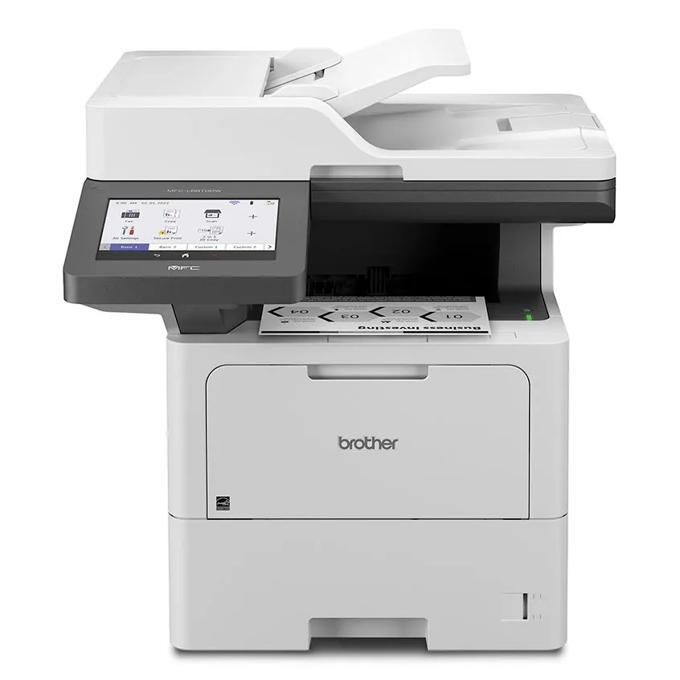
Quick answer: The Brother MFC-L6810DW uses Brother TN920 black toner in all four sizes — TN920 (about 3,000 pages), TN920XL (about 6,000), TN920XXL (about 11,000) and TN920UXXL (about 18,000) — with a separate DR920 drum unit rated at about 45,000 pages. It also arrives with an unusually generous head start: an approximately 8,000-page toner cartridge is included in the box.
The Family Flagship Is Really a Scanner With a Printer Attached
Read Brother's description of this machine and the printing almost feels secondary. Yes, it prints and copies at up to 52 pages per minute. But the headline hardware is the 80-sheet auto document feeder that scans both sides of a page in one pass at up to 100 images per minute, sitting over a document glass large enough for legal-size originals. For a records department digitizing case files, that feeder is the product; the print engine is the bonus.
The supporting cast is enterprise-grade throughout. Paper starts at 620 sheets — a 520-sheet tray plus a 100-sheet multipurpose tray — and grows to 1,660 sheets with optional trays, with a 250-sheet output bin. An integrated NFC card reader handles badge authentication at the panel, Triple Layer Security protects the network, the device and the document, and the model earned the same BLI Security Validation Testing seal as Brother's enterprise printers. Gigabit Ethernet and dual-band Wi-Fi are both standard, and scans route straight from the large color touchscreen to cloud services, email, SharePoint or an SFTP server.
Running Costs Across the Full Cartridge Ladder
| Supply | Rated yield | Our compatible price | Cost per page |
|---|---|---|---|
| TN920 (standard toner) | ~3,000 pages | $36.19 | About 1.21 cents |
| TN920XL (high-yield toner) | ~6,000 pages | $37.13 | About 0.62 cents |
| TN920XXL (super-high-yield toner) | ~11,000 pages | $38.24 | About 0.35 cents |
| TN920UXXL (ultra-high-yield toner) | ~18,000 pages | $51.68 | About 0.29 cents |
| DR920 (drum unit) | ~45,000 pages | $32.28 | About 0.07 cents |
Prices verified on our product pages, November 2, 2026. Brother positions this machine for mid-to-large workgroups, and at those volumes the standard cartridge is little more than a rounding error — a few weeks of output at best. The UXXL is the cartridge the machine was designed to live on: the lowest per-page cost in the range and the fewest interruptions. Even the drum nearly vanishes in the arithmetic, at roughly seven hundredths of a cent per page across its 45,000-page rating.
Replacing a Cartridge
1. With the machine on, open the front cover and pull the drum-and-toner assembly out by its handle. 2. Press the green lock lever and remove the empty toner cartridge from the drum unit. 3. Unpack the replacement, rock it gently from side to side several times, and take off the protective cover. 4. Push the new cartridge into the drum until it locks. 5. Slide the green corona-cleaning tab fully across and back to the arrow, slide the assembly home, and close the cover.
If the panel reports the new cartridge as not recognized, or the toner level fails to reset, our TN920 recognition and reset guide walks through the remedy.
One Box for Drum Day
Enterprise volumes turn the DR920's 45,000-page rating into a recurring calendar event rather than a once-in-years surprise, so the day the drum runs out frequently lands in the same month as a toner change. For exactly that overlap we stock the TN920 + DR920 drum and toner set: $52.39 for the pair, versus $68.47 for the two singles bought separately — $16.08 saved and a single delivery to receive. The TN920XL + DR920 set at $53.33 suits offices standardized on the high-yield size.
Honesty clause, as always in this series: a drum with 30,000 pages of life left does not need a partner today. Order the cartridge alone, and let the set wait for the month the counters actually converge.
Frequently Asked Questions
What is the 8,000-page cartridge in the box? It is the starter cartridge Brother bundles with this model, rated at roughly 8,000 pages — between the XL and XXL sizes. It is an in-box inclusion rather than a regular retail size; when it runs out, replacements are the four standard tiers in the table above.
How fast can the feeder really scan? Brother rates the 80-sheet feeder at up to 100 images per minute in single-pass two-sided mode, capturing both faces of each sheet in one run. It is the fastest scanner in this printer family.
Does the MFC-L6810DW use the DR920 or the DR925 drum? The DR920, rated at about 45,000 pages. The DR925 belongs to certain Workhorse and print-only enterprise models such as the HL-L6415DWT — check the part number, not the family resemblance.
Can staff release print jobs with an ID badge? Yes. The integrated NFC card reader works with the machine's Triple Layer Security features for badge-based authentication, so confidential jobs wait at the panel for their owner instead of sitting in the output tray.
How much paper can it hold when fully expanded? 1,660 sheets: the standard 520-sheet tray and 100-sheet multipurpose tray plus optional trays. The output side holds 250 sheets as standard.
 brother tn920 TN 920 toner cartridge black
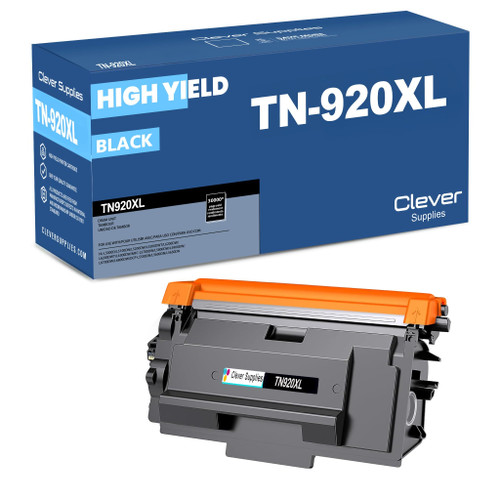 brother tn920xl TN 920xl toner cartridge black
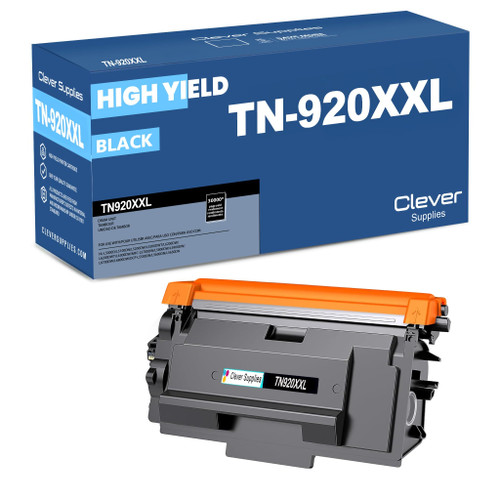 brother tn920xxl TN 920xxl toner cartridge black
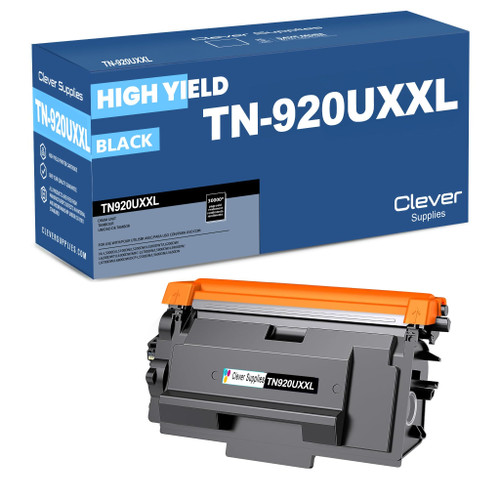 brother tn920uxxl TN 920uxxl toner cartridge black
Key takeaways
- The top cartridge here is rated at 18,000 pages — fewer swaps, lower cost per page.
- Lowest cost per page in this family: ~0.29¢ with the highest-yield cartridge.
- Toner and drum are separate parts on this printer — replace only the one the printer asks for.
Other Printers That Use TN920 Toner
Every cartridge in the table above also fits the following family members, so mixed fleets can standardize on one supply shelf:
- HL-L5210DN
- HL-L5210DW
- HL-L5215DW
- HL-L6210DW
- HL-L6310DW
- HL-L6415DW
- HL-L6415DWT
- DCP-L5510DN
- MFC-L5710DW
- MFC-L5715DW
- MFC-L5915DW
Ready to order? Start from our MFC-L6810DW toner page, which lists every cartridge and set that fits this printer.