




What Toner Does the Brother MFC-L5915DW Use?
Posted by Clever Supplies on Nov 12th 2026
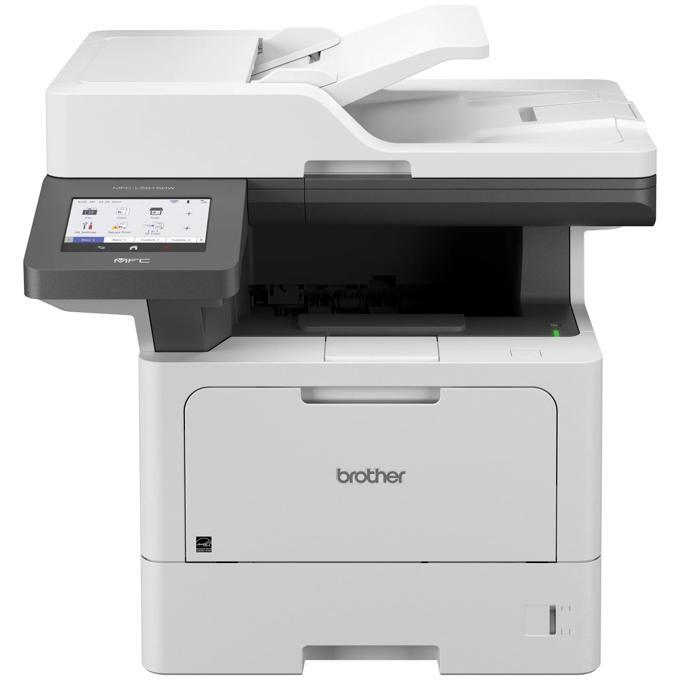
Quick answer: The Brother MFC-L5915DW uses Brother TN920 black toner in all four sizes — TN920 (about 3,000 pages), TN920XL (about 6,000), TN920XXL (about 11,000) and TN920UXXL (about 18,000) — together with a separate DR920 drum unit rated at about 45,000 pages. Of the mid-size models in this family, it is the one that unlocks the complete cartridge ladder.
A Bigger Feeder, a Bigger Screen, a Faster Engine
The MFC-L5915DW is what the family looks like when Brother stops trimming. Print and copy speeds rise to 50 pages per minute with a first page out in under 6.7 seconds. The document feeder swallows 70 sheets instead of 50 and scans both sides in a single pass — simplex up to 30 images per minute in black, duplex up to 60 — and the document glass underneath stretches to legal size, so bound or oversized originals copy without a fight. A 5-inch color touchscreen with 64 customizable shortcuts runs it all, noticeably roomier than the 3.5-inch panels on the smaller models.
Underneath, Brother raises the working limits too: a maximum monthly duty cycle of 125,000 pages and a recommended volume up to 8,000 pages a month, against 90,000 and 5,000 on the models below it. Paper capacity starts at 350 sheets and expands to 1,390, fax carries a 500-page memory, and Gigabit Ethernet plus dual-band Wi-Fi cover the networking. This is a machine bought for departments, and its supply shelf should be stocked like one.
Every Cartridge Size, Priced Per Page
| Cartridge | Brother-rated yield | Our compatible price | Cost per page |
|---|---|---|---|
| TN920 (standard) | ~3,000 pages | $36.19 | About 1.21 cents |
| TN920XL (high yield) | ~6,000 pages | $37.13 | About 0.62 cents |
| TN920XXL (super high yield) | ~11,000 pages | $38.24 | About 0.35 cents |
| TN920UXXL (ultra high yield) | ~18,000 pages | $51.68 | About 0.29 cents |
| DR920 (drum) | ~45,000 pages | $32.28 | About 0.07 cents |
Prices verified on our product pages, November 2, 2026. Do the department math: at 8,000 pages a month, a standard cartridge lasts about eleven days, while the UXXL lasts over two months and costs less per page than every other option. The in-box cartridge is the 3,000-page standard size, so treat it as a starter and put the first UXXL order in early. One footnote for the careful: Brother also sells a value cartridge called the TN920V (about 6,600 pages) in some bundles for this model; it is a Brother-only variant we do not carry, and the four sizes above are the complete replacement range.
Pairing a Drum With a Cartridge
A 45,000-page drum under a department's workload is roughly a six-month consumable, so drum changes are not the rare event they are on a desktop machine. When the drum counter runs down and a cartridge is low in the same stretch, our TN920 + DR920 drum and toner set covers both in one box for $52.39 — $16.08 less than the $68.47 the two singles cost apart. High-yield shops can take the TN920XL + DR920 set at $53.33 instead.
The standing advice applies here too, just with a shorter fuse: if the drum still shows healthy life, order toner alone. The set earns its shelf space when the two replacement dates genuinely converge.
Changing the Cartridge
1. Leave the machine powered, open the front cover, and pull out the drum-and-toner assembly. 2. Push the green lock lever down and lift the spent toner cartridge out of the drum. 3. Unpack the new cartridge, rock it side to side several times to distribute the toner, and remove the protective cover. 4. Press the cartridge into the drum frame until it clicks into place. 5. Slide the drum's green cleaning tab across and back to the arrow, reinstall the assembly, and close the cover.
If the machine will not recognize the fresh cartridge or the toner counter will not reset, our TN920 recognition and reset guide covers the procedure step by step.
Frequently Asked Questions
Does the MFC-L5915DW take the same drum as the MFC-L5710DW? Yes — both use the DR920, rated at about 45,000 pages. The cartridges are shared too; the difference is that this model also accepts the 18,000-page TN920UXXL, which the smaller machine does not.
Why is the document glass bigger than on most all-in-ones? It is sized for legal documents (8.5 x 14 inches), so contracts and ledgers lie flat for copying instead of overhanging the edge. Everyday letter paper is handled by the 70-sheet feeder above it.
How fast is two-sided scanning, really? Brother rates the single-pass feeder at up to 60 images per minute in black when capturing both sides, and up to 30 images per minute one-sided. A 100-page two-sided file is a coffee-length job, not an afternoon project.
What monthly volume is this model happiest at? Brother recommends up to 8,000 pages a month, with a hard maximum duty cycle of 125,000. Sustained work near the recommended figure is exactly the duty this model was specced for.
What is the TN920V cartridge I have seen mentioned? A Brother value-pack cartridge rated around 6,600 pages, supplied with certain retail bundles of this printer. It is not part of the regular replacement range we stock; the TN920XL at 6,000 pages or the larger sizes cover the same ground.
 brother tn920 TN 920 toner cartridge black
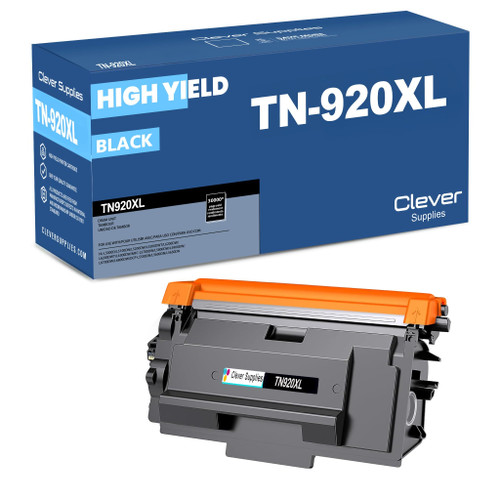 brother tn920xl TN 920xl toner cartridge black
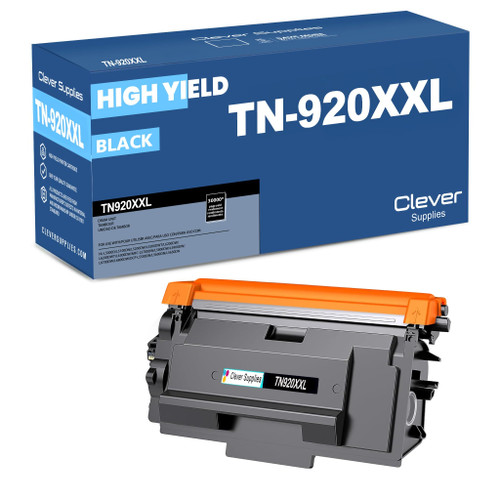 brother tn920xxl TN 920xxl toner cartridge black
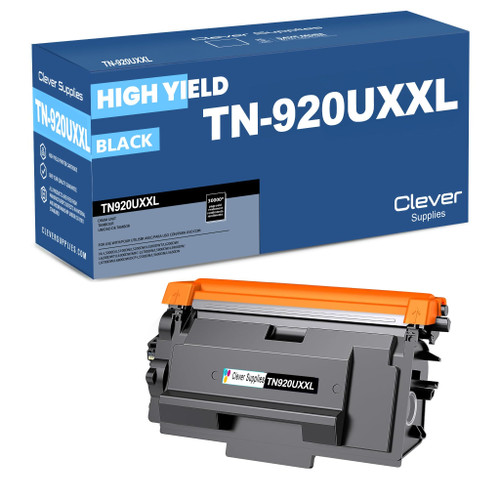 brother tn920uxxl TN 920uxxl toner cartridge black
Key takeaways
- The top cartridge here is rated at 18,000 pages — fewer swaps, lower cost per page.
- Lowest cost per page in this family: ~0.29¢ with the highest-yield cartridge.
- Toner and drum are separate parts on this printer — replace only the one the printer asks for.
Other Printers That Use TN920 Toner
Swap stories freely with the rest of the family — the cartridges below all fit these models, though a few of them stop short of the UXXL tier:
- HL-L5210DN
- HL-L5210DW
- HL-L5215DW
- HL-L6210DW
- HL-L6310DW
- HL-L6415DW
- HL-L6415DWT
- DCP-L5510DN
- MFC-L5710DW
- MFC-L5715DW
- MFC-L6810DW
Ready to order? Start from our MFC-L5915DW toner page, which lists every cartridge and set that fits this printer.