




What Toner Does the Brother HL-L6310DW Use?
Posted by Clever Supplies on Nov 7th 2026
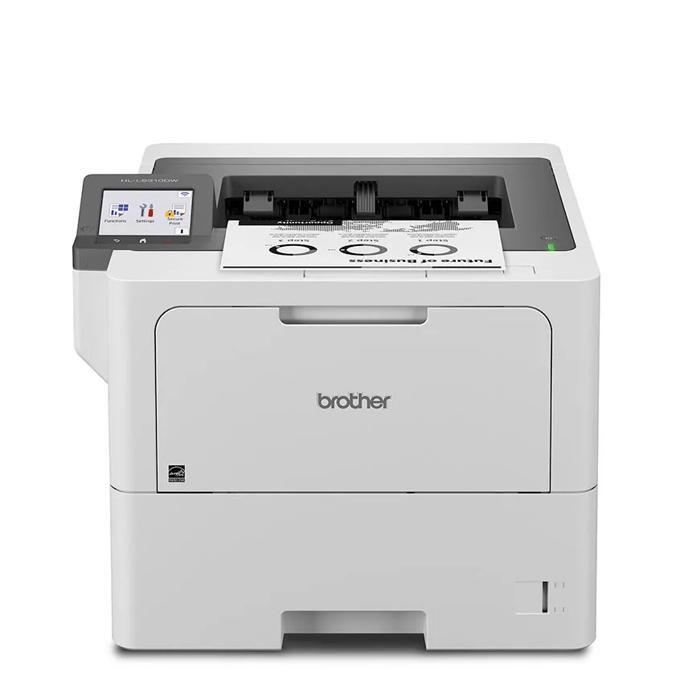
In one line: the Brother HL-L6310DW consumes TN920-family black toner — standard TN920 (around 3,000 pages), high-yield TN920XL (around 6,000), super high-yield TN920XXL (around 11,000) or ultra high-yield TN920UXXL (around 18,000) — plus a DR920 drum unit (around 45,000 pages) that lives a separate, far longer life than any cartridge. Black only; there is no color toner for it.
Prices and Yields at a Glance
| Supply | Brother-rated yield | Compatible price | Per-page cost |
|---|---|---|---|
| TN920 standard toner | ~3,000 pages | $36.19 | ~1.2¢ |
| TN920XL high-yield toner | ~6,000 pages | $37.13 | ~0.6¢ |
| TN920XXL super high-yield toner | ~11,000 pages | $38.24 | ~0.35¢ |
| TN920UXXL ultra high-yield toner | ~18,000 pages | $51.68 | ~0.29¢ |
| DR920 drum | ~45,000 pages | $32.28 | ~0.07¢ |
Prices recorded November 2, 2026 from our store; yields follow Brother's 5%-coverage ratings. Brother rates this printer for up to 12,000 pages a month — at that clip the standard cartridge would survive about a week, which is why this model is best thought of as an XXL-or-UXXL machine. The economics are lopsided in your favor: the 11,000-page cartridge costs barely a dollar more than the 6,000-page one beneath it.
The Screen Is the Point
Everything below this model in the range makes do with a one-line LCD and a thicket of button combinations. The HL-L6310DW replaces all that with a 3.5-inch color touchscreen, and the difference shows up precisely when toner is involved: supply levels, warnings and replacement guidance appear as plain prompts you can read at a glance, and shortcuts on the home screen can pin scan-to-cloud destinations from services such as Google Drive, Dropbox and OneDrive. An integrated NFC card reader lets staff release jobs with a badge tap, part of Brother's Triple Layer Security approach to keeping documents in the right hands.
Underneath the friendlier face sits the fastest engine in this part of the family — up to 52 pages per minute, automatic duplex, a 520-sheet main tray and 100-sheet multipurpose tray (620 sheets standard, expandable to 1,660), a 250-sheet output tray, a maximum monthly duty cycle of 140,000 pages, and a 6,000-page cartridge included in the box. Gigabit Ethernet, dual-band Wi-Fi and USB cover the connection bases.
Questions From HL-L6310DW Owners
Can the touchscreen warn us before toner actually runs out? Yes. The display tracks estimated cartridge life continuously, and low-toner alerts appear with enough pages in reserve to order a replacement without rushing — at this model's volumes, that early warning is worth real money.
What does badge release have to do with toner? More than it seems. Secure release stops abandoned jobs sitting in the tray and being reprinted "because nobody claimed them," and in busy offices that recovered waste quietly stretches every cartridge further.
Our team prints about 10,000 pages a month. Which tier fits? The TN920UXXL. At that rate it lasts close to two months, keeps cost per page at the family's lowest, and matches Brother's recommended volume for the machine. The XXL is a sensible second choice if purchase price matters more than swap frequency.
Does it take the same drum as the smaller models? Yes — the DR920, rated around 45,000 pages, is common across the TN920 platform, so spares interchange with most sibling machines.
Can I print from cloud storage without a computer? Yes. The touchscreen offers direct access to popular business cloud services, so a file stored in Google Drive or OneDrive can be printed straight from the panel.
Fitting the Replacement
Front cover open, printer powered. Slide the drum-and-toner assembly out, squeeze the green lock lever and lift the old cartridge from the drum. Before installing its successor, rock it gently left and right several times and strip off the protective cover; then press it into the drum until the lever clicks. Wipe the corona wire with the drum's green slider, return the assembly, close the cover. If the touchscreen continues to report the old cartridge's status, work through the reset steps in our TN920 troubleshooting guide — the counter, not the cartridge, is usually what needs attention.
Toner and Drum, One Box
At 12,000 pages a month, the DR920's 45,000-page life works out to roughly one drum a quarter, and it will inevitably fall due in the busiest week of that quarter. Keeping a matched pair on hand is the cheap fix: the TN920XXL and DR920 set costs $54.43 against $70.52 for the parts bought separately — a saving of about $16 — and parallel sets pair the drum with the TN920, TN920XL or TN920UXXL.
The usual honesty applies in reverse here, too: this advice assumes volume. An HL-L6310DW installed in a quiet branch office that prints a few hundred pages monthly will not meet its first drum change for years, and for that machine the set is shelf clutter — buy toner alone.
 brother tn920 TN 920 toner cartridge black
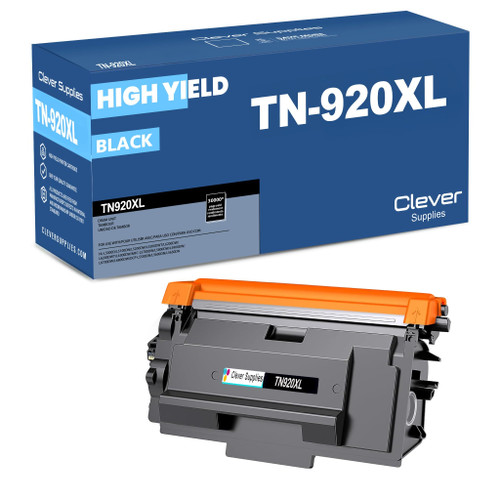 brother tn920xl TN 920xl toner cartridge black
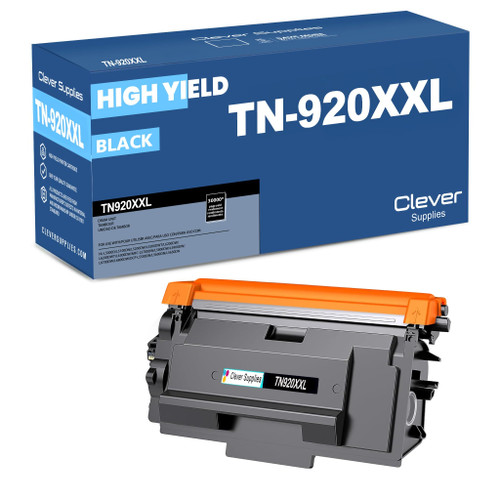 brother tn920xxl TN 920xxl toner cartridge black
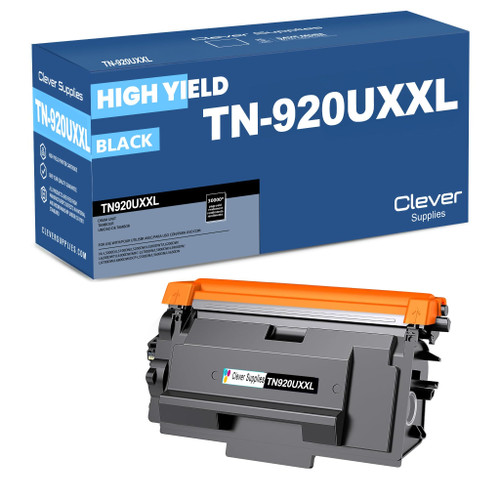 brother tn920uxxl TN 920uxxl toner cartridge black
Key takeaways
- The top cartridge here is rated at 18,000 pages — fewer swaps, lower cost per page.
- Lowest cost per page in this family: ~0.29¢ with the highest-yield cartridge.
- Buying the toner + drum set instead of the parts separately saves $16.
Other Printers That Use TN920 Toner
Eleven sibling models share this supply shelf. The range beneath starts with the HL-L5210DN and HL-L5210DW, continues through the Workhorse HL-L5215DW and the deep-tray HL-L6210DW, and tops out at the HL-L6415DW and HL-L6415DWT. Scanning and copying join the same cartridges in the DCP-L5510DN and in the multifunction MFC-L5710DW, MFC-L5715DW, MFC-L5915DW and MFC-L6810DW. Standardizing an office on this platform means one spare-parts list covers every desk.
Our HL-L6310DW toner page collects the four cartridges, the drum and the paired sets for this model.