




What Toner Does the Brother HL-L6210DW Use?
Nov 6th 2026
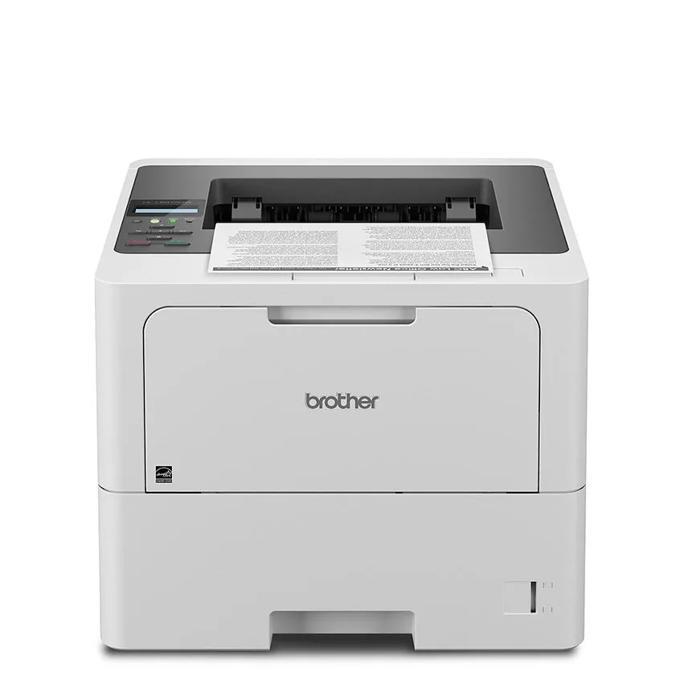
Answer first: the Brother HL-L6210DW uses TN920-family black toner — TN920 standard yield at about 3,000 pages, TN920XL high yield at about 6,000, TN920XXL super high yield at about 11,000, or TN920UXXL ultra high yield at about 18,000 — working with a DR920 drum unit (about 45,000 pages) that is replaced independently of the toner. Black is the only color this printer knows.
Built Around a 520-Sheet Tray
Ask owners what defines this model and they rarely mention the 50-pages-per-minute engine first. They mention the drawer. Where the smaller members of this family load 250 sheets, the HL-L6210DW swallows a full 520-sheet ream in its main tray, adds a 100-sheet multipurpose tray for envelopes and letterhead, and can be expanded to 1,660 sheets with optional trays underneath. A workgroup can load a case of paper on Monday and stop thinking about refills.
The rest of the specification suits that appetite. Brother sets the maximum monthly duty cycle at 125,000 pages and the recommended monthly volume at up to 8,000 pages — half again the workload of the 48 ppm models below it. Connectivity is Gigabit Ethernet, dual-band Wi-Fi and USB; output lands in a 150-sheet tray; two-sided printing is automatic. The printer ships with a standard 3,000-page TN920 in the box, which on a machine built for this volume is best understood as a starter to get you through setup week.
Yield and Cost, Side by Side
| Cartridge | Pages (Brother rating) | Price — our compatible | Cost per page |
|---|---|---|---|
| TN920 — standard | ~3,000 | $36.19 | ~1.2¢ |
| TN920XL — high yield | ~6,000 | $37.13 | ~0.6¢ |
| TN920XXL — super high yield | ~11,000 | $38.24 | ~0.35¢ |
| TN920UXXL — ultra high yield | ~18,000 | $51.68 | ~0.29¢ |
| DR920 — drum unit | ~45,000 | $32.28 | ~0.07¢ |
Prices isolated November 2, 2026; yields at the conventional 5% coverage. Do the volume math and the cartridge recommendation writes itself: at the recommended 8,000 pages a month, a standard cartridge would be exhausted in under two weeks, while the UXXL runs for more than two months between swaps. Less obvious but just as real — every cartridge change is a pause in a shared printer's day, so on this model the big cartridges are as much a workflow decision as a money one. The near-identical pricing of the three lower tiers (a $2 spread covers 3,000 to 11,000 pages) removes any serious reason to buy small.
Replacing Toner on the HL-L6210DW
Keep the power on and open the front cover. Draw the toner-and-drum assembly out, then press the green lock lever to free the empty cartridge from the drum unit. Rock the new cartridge gently from side to side, remove its protective cover, and seat it in the drum until the lever clicks home. Slide the green tab on the drum across and back to clean the corona wire before returning the assembly and closing the door. If a "Replace Toner" message survives a properly seated cartridge, follow the reset procedure in our TN920 troubleshooting guide rather than forcing the cartridge.
Stocking the Supply Cupboard
A printer fed this heavily punishes empty shelves: the day the toner and the drum warnings coincide is the day the office stops. Our answer is the combined set — for example the TN920UXXL with DR920 drum-and-toner set at $67.87, about $16 cheaper than the $83.96 the cartridge and drum cost bought apart. The same one-box pairing is offered with the TN920XXL, the TN920XL and the standard TN920.
Fair warning in the other direction: the DR920's 45,000-page rating means a lightly used HL-L6210DW may not need a drum for years. Pairing makes sense when the drum counter is well advanced, or when the machine's workload makes any stoppage expensive — not as a reflex with every toner order.
HL-L6210DW Questions, Answered
How long will the cartridge that came in the box last us? It is a standard 3,000-page TN920. At the recommended 8,000-page monthly pace, plan on replacing it within the first fortnight; most owners treat it as a starter and move straight to the XXL or UXXL tier.
Can it hold letter and legal paper at the same time? The main tray adjusts for sizes up to legal, and the multipurpose tray handles the odd sizes and envelopes; offices that switch sizes constantly usually add an optional second tray so each size has a permanent home.
Is the 125,000-page duty cycle a target we should aim for? No — it is a ceiling describing what the mechanism can survive in an extreme month. Brother's sustainable recommendation is up to 8,000 pages monthly, and running near that figure keeps both print quality and hardware life healthy.
My prints show a spot repeating down the page. Toner or drum? A defect that repeats at regular intervals is a drum signature. Toner problems fade or streak; drum damage prints the same mark again and again until the DR920 is replaced.
Does it support printing from phones? Yes — AirPrint, Mopria and Brother Mobile Connect all work over its dual-band wireless or through the wired network.
 brother tn920 TN 920 toner cartridge black
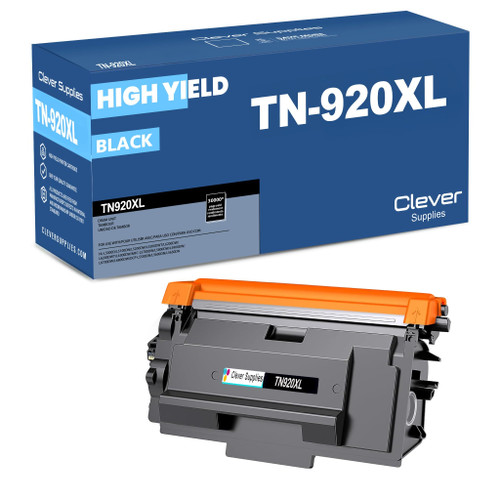 brother tn920xl TN 920xl toner cartridge black
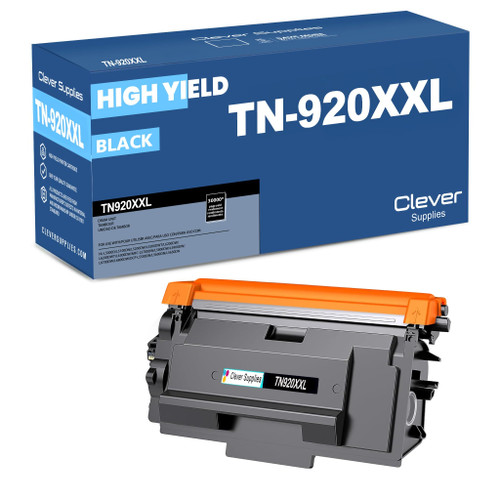 brother tn920xxl TN 920xxl toner cartridge black
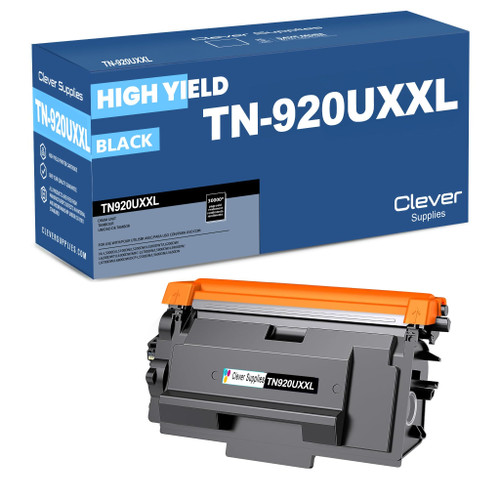 brother tn920uxxl TN 920uxxl toner cartridge black
Key takeaways
- The top cartridge here is rated at 8,000 pages — fewer swaps, lower cost per page.
- Lowest cost per page in this family: ~0.29¢ with the highest-yield cartridge.
- Toner and drum are separate parts on this printer — replace only the one the printer asks for.
Other Printers That Use TN920 Toner
This cartridge family is shared across a dozen models in our range. Print-only alternatives include the HL-L5210DN, HL-L5210DW and Workhorse HL-L5215DW below it, and the HL-L6310DW, HL-L6415DW and HL-L6415DWT above. The DCP-L5510DN brings copying and scanning to the same supplies, as do the multifunction MFC-L5710DW, MFC-L5715DW, MFC-L5915DW and MFC-L6810DW. A fleet built from any of them runs on one shared stock of spares.
To browse everything stocked for this machine, head to our HL-L6210DW toner page.