




What Toner Does the Brother HL-L5210DN Use?
Nov 3rd 2026
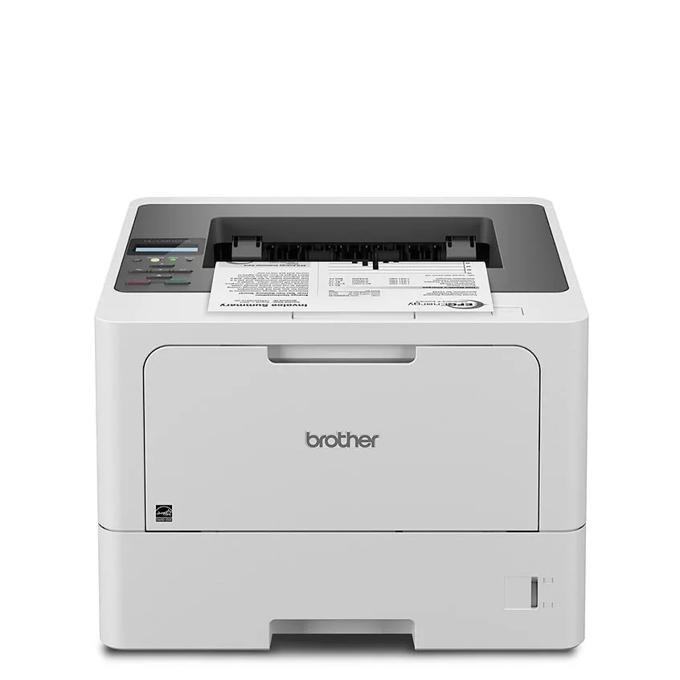
The short answer: the Brother HL-L5210DN prints with the TN920 cartridge family — TN920 standard yield (about 3,000 pages), TN920XL high yield (about 6,000 pages), TN920XXL super high yield (about 11,000 pages) and TN920UXXL ultra high yield (about 18,000 pages) — and every one of those cartridges works inside a separate DR920 drum unit rated for roughly 45,000 pages. It is a black-only machine, so there is exactly one toner color to think about: black.
The Wired Workhorse: No Wi-Fi, on Purpose
Plenty of buyers land on this model by accident and then wonder where the wireless settings went. There are none. The HL-L5210DN connects by Gigabit Ethernet or USB, full stop. For a printer that will live its whole life on one desk or one office network port, that is a feature rather than a gap: a wired connection does not drop, does not need re-pairing after a router change, and keeps the printer off the list of devices your IT policy has to worry about. Phones and tablets are not locked out, either — a mobile device on the same network can still send jobs to it through Brother Mobile Connect, AirPrint or Mopria, because the phone reaches the printer through the network rather than directly.
Brother also gave this entry-level chassis its Triple Layer Security toolkit — Secure Function Lock, Secure Print, TLS/SSL and SNMPv3 among them — plus Barcode Print+ for warehouses and back offices that print barcode labels from standard office software. Print speed is up to 48 pages per minute, two-sided printing is automatic and on by default, and the first page lands in under 6.7 seconds.
What Each Cartridge Costs per Page
| Cartridge | Rated yield | Our compatible price | Cost per page |
|---|---|---|---|
| TN920 | ~3,000 pages | $36.19 | ~1.2¢ |
| TN920XL | ~6,000 pages | $37.13 | ~0.6¢ |
| TN920XXL | ~11,000 pages | $38.24 | ~0.35¢ |
| TN920UXXL | ~18,000 pages | $51.68 | ~0.29¢ |
| DR920 drum | ~45,000 pages | $32.28 | ~0.07¢ |
Prices checked November 2, 2026; yields are Brother's ratings at 5% page coverage. Read the table from the bottom up and the pricing oddity jumps out: the standard cartridge and the 11,000-page XXL sit within about two dollars of each other, so the XXL prints a page for roughly a third of the standard cartridge's cost. On a machine rated for up to 5,000 pages a month of recommended volume, the standard cartridge is a false economy unless the printer genuinely sits idle.
Swapping the Cartridge
Leave the printer switched on and open the front cover. Pull the combined drum-and-toner assembly straight out, press the green lock lever to release the empty cartridge from the drum cradle, and rock the fresh cartridge gently side to side before peeling off its protective cover. Push it into the drum until the lever clicks, slide the green tab on the drum back and forth to clean the corona wire, seat the assembly, and close the cover. If the display still insists there is no toner, resist the urge to keep pulling the cartridge in and out — work through the reset sequence in our TN920 troubleshooting guide instead.
Duty Cycle Numbers, Translated
Brother quotes a maximum monthly duty cycle of 90,000 pages for this printer and a recommended monthly volume of up to 5,000 pages. Those two figures describe different things. The 90,000 is a survivability ceiling — the most the mechanism should ever be asked to do in a peak month. The 5,000 is the workload the printer is designed to sustain month after month without accelerated wear. Paper handling is sized for that middle ground: a 250-sheet main tray and a 100-sheet multipurpose tray as standard, growing to 1,390 sheets if you bolt on optional lower trays, with a 150-sheet output tray on top.
At the recommended 5,000 pages a month, arithmetic makes the cartridge choice for you. A standard TN920 would need replacing roughly every three weeks; a TN920UXXL stretches that interval past three months, and the DR920 drum becomes an annual event rather than a recurring chore.
Buying the Toner and Drum Together
Because the drum outlives roughly fifteen standard cartridges — or about two and a half UXXL cartridges — its replacement tends to arrive as a surprise in the middle of a print run. That is the practical logic behind the paired sets we stock, such as the TN920XXL toner with a DR920 drum in one box at $54.43, which is about $16 less than the $70.52 the same two parts cost separately. Equivalent sets exist around the standard TN920, the TN920XL and the TN920UXXL, so you can match the bundle to the tier you actually run.
The honest counterweight: if your HL-L5210DN is nearly new, its drum has tens of thousands of pages left in it, and a bundle parks money on the shelf for no benefit. Buy toner alone while the drum is young; switch to the set when the drum counter is deep into its life or when the printer supports a team that cannot wait two days for a delivery.
Questions HL-L5210DN Owners Ask
Can I print from my phone even though the printer has no Wi-Fi? Yes, provided the phone and the printer are on the same network. The phone connects to your router wirelessly and the printer connects to the same router by cable; apps such as Brother Mobile Connect, AirPrint and Mopria bridge the last step.
Is the TN920UXXL too big to fit a printer designed around the TN920? No. All four tiers share the same physical shell and the same drum. The yield difference is in how much toner is inside, not in the dimensions your printer sees.
The box says TN-920 with a hyphen. Is that a different cartridge? It is the same part. Brother's numbering appears with and without the hyphen depending on where it is printed; TN920, TN-920 and TN 920 all describe one cartridge family.
How do I know whether streaks mean toner or drum? Fading that improves after you rock the cartridge points at toner. Repeating spots, lines or marks at regular intervals down the page point at the drum, and they persist even with a brand-new cartridge fitted.
Does this printer enlarge its paper capacity later? Yes. Optional 250-sheet and 520-sheet lower trays stack underneath it, taking total input to a maximum of 1,390 sheets.
 brother tn920 TN 920 toner cartridge black
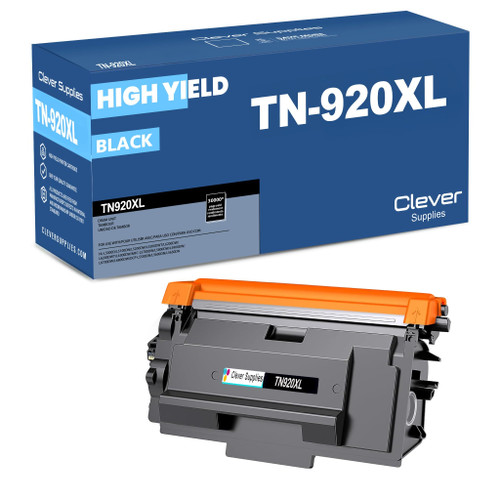 brother tn920xl TN 920xl toner cartridge black
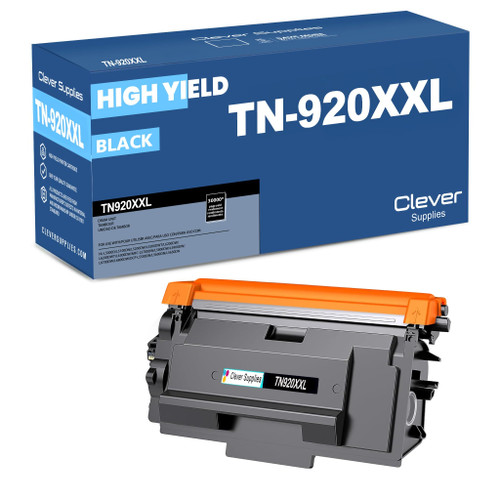 brother tn920xxl TN 920xxl toner cartridge black
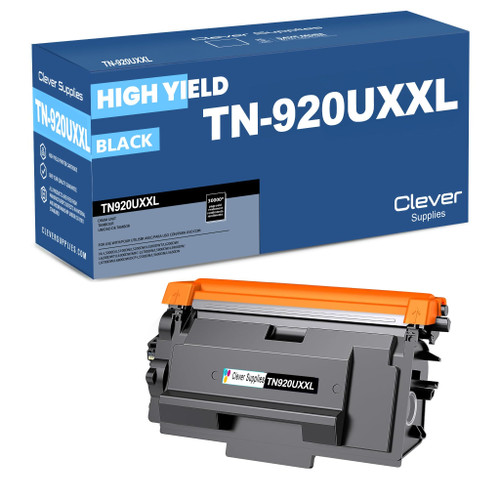 brother tn920uxxl TN 920uxxl toner cartridge black
Key takeaways
- The top cartridge here is rated at 18,000 pages — fewer swaps, lower cost per page.
- Lowest cost per page in this family: ~0.29¢ with the highest-yield cartridge.
- Toner and drum are separate parts on this printer — replace only the one the printer asks for.
Other Printers That Use TN920 Toner
The same four cartridges — and the same DR920 drum — serve eleven more models in our catalog. The wireless twin is the HL-L5210DW, joined by the Workhorse HL-L5215DW, the larger-tray HL-L6210DW, the touchscreen HL-L6310DW, and the enterprise pair HL-L6415DW and HL-L6415DWT. The family's lone DCP model is the DCP-L5510DN, and the all-in-ones are the MFC-L5710DW, MFC-L5715DW, MFC-L5915DW and MFC-L6810DW. One spare cartridge on the shelf therefore covers any mix of these machines.
Ready to restock? Start from our HL-L5210DN toner page, which lists every cartridge, drum and set that fits this printer.