




What Toner Does the Brother MFC-L6900DW Use?
Posted by Clever Supplies on Nov 16th 2026
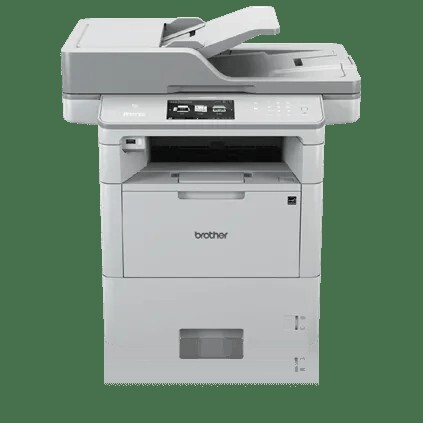
Quick answer: The Brother MFC-L6900DW uses four sizes of black toner — TN820 (about 3,000 pages), TN850 (about 8,000 pages), TN880 (about 12,000 pages) and the TN890 ultra high-yield (about 20,000 pages) that fits this model and almost nothing else — imaging through a DR890 drum unit rated at about 50,000 pages. Note the drum: it is the DR890, not the DR820 its siblings use. Links: TN890, TN880, TN850, TN820.
The flagship, and the two parts that make it different
Everything about the MFC-L6900DW is the family formula turned up: print and copy speeds of up to 52 pages per minute, an 80-sheet feeder that scans both sides in one pass at up to 100 images per minute, a 4.85" color touchscreen, an integrated NFC card reader for badge-authenticated release, and paper capacity that starts at 570 sheets and can be built to 1,610 with trays — or 2,650 with the tower-tray option. Brother even shipped it with a 12,000-page cartridge in the carton, a statement of intent about the volumes expected of it.
Two supply facts separate it from every sibling in this series, and both trip people up:
1. It takes a fourth toner. The TN890 ultra high-yield cartridge, rated around 20,000 pages, fits the MFC-L6900DW and the HL-L6400DW series — and no other machines in this generation. It is the longest-legged cartridge Brother made for the line. 2. It takes a different drum. Where the rest of the family images through the DR820, the MFC-L6900DW uses the DR890, rated at approximately 50,000 pages. A DR820 will not do the job here, whatever a cross-reference chart implies.
What 20,000 pages does to the math
| Cartridge | Rated yield | Our compatible price | Cost per page |
|---|---|---|---|
| TN820 standard yield | ~3,000 pages | $29.07 | ≈1.0¢ |
| TN850 high yield | ~8,000 pages | $29.07 | ≈0.36¢ |
| TN880 super high yield | ~12,000 pages | $29.07 | ≈0.24¢ |
| TN890 ultra high yield | ~20,000 pages | $36.94 | ≈0.18¢ |
| DR890 drum unit | ~50,000 pages | (see note) | — |
Prices from our product pages on November 2, 2026.
The TN890's $36.94 is the highest cartridge price in the table and the cheapest page in it: about 0.18¢ per page, before the drum's contribution (a DR890 spread across its 50,000-page rating adds only a few hundredths of a cent more). At flagship volumes the changeover interval matters almost as much — a department printing 5,000 pages a month swaps a TN890 roughly once a quarter, where the TN820 would have them at the supply closet every three weeks. The smaller tiers remain useful for satellite machines sharing the shelf, but in this printer the ultra high-yield is the cartridge the machine was designed around.
The drum situation, honestly
The DR890 is rated by Brother at approximately 50,000 pages — roughly two and a half TN890 cartridges, or about four TN880s. Two things to know as an owner. First, when its warning arrives, it genuinely is a different part from the DR820 stocked for the rest of this family; check the number on the frame before ordering anything. Second, full disclosure: our catalog currently carries the TN890 and the other toners as compatibles, but not a compatible DR890 drum — so this post deliberately links no drum product rather than pointing you at the wrong one. Budget-wise the drum is a minor, infrequent line at this rating; toner choice is where this machine's running cost is decided.
Replacing the toner
1. Leave the machine on, open the front cover, and let it cool briefly after a heavy run. 2. Pull the combined drum-and-toner assembly straight out. 3. Press the green lock lever down and lift the old cartridge out of the drum frame. 4. Unpack the replacement, rock it side to side five or six times, and pull the protective cover away. 5. Set it into the frame until it clicks, slide the green tab along the corona wire several times, and return the tab to its marker. 6. Refit the assembly, close the cover, and let the machine recalibrate before releasing the queue.
If a "Replace Toner" or unrecognized-cartridge message persists after a textbook install, our TN820/TN850/TN880 reset guide covers the manual counter reset for this generation.
Frequently asked questions
Can I use a DR820 drum in the MFC-L6900DW to save money? No — the flagship images through the DR890. The DR820 belongs to the MFC-L5700DW through MFC-L6800DW and the HL/DCP models. Forcing the wrong drum risks poor output and a machine that won't recognize the unit.
Is the TN890 worth it over the TN880? At our prices, yes for this machine: 0.18¢ versus 0.24¢ per page and 8,000 extra pages between changeovers. The TN880 still makes sense if the printer shares a shelf with an MFC-L6800DW that can't take the TN890.
What came in the box originally? A super high-yield cartridge rated around 12,000 pages — so a well-kept MFC-L6900DW may still be early in its supply life even after a year of real work.
How long should the DR890 last a busy workgroup? At 10,000 printed pages a month, roughly five months of rated life remains a long runway — and jobs averaging several pages stretch the rating further. Watch for the on-screen drum counter rather than guessing.
Does the badge reader affect supplies in any way? Only indirectly: NFC badge release means fewer abandoned print jobs sitting in the tray, which quietly saves toner across a fleet. It changes no part numbers.
Other printers that use TN820, TN850 and TN880
The flagship drinks from the same toner shelf as the rest of the generation:
- HL-L5200DW
- HL-L5200DWT
- HL-L6200DW
- HL-L6200DWT
- HL-L6300DW
- DCP-L5500DN
- DCP-L5600DN
- DCP-L5650DN
- MFC-L5700DW
- MFC-L5800DW
- MFC-L5850DW
- MFC-L5900DW
- MFC-L6700DW
- MFC-L6800DW
Shared, with two asterisks: the TN880 part of the range only opens from the HL-L6200DW/MFC-L6700DW upward, and every machine above uses the DR820 drum — the DR890 is this flagship's alone.
See all pack sizes that fit on our MFC-L6900DW toner page.
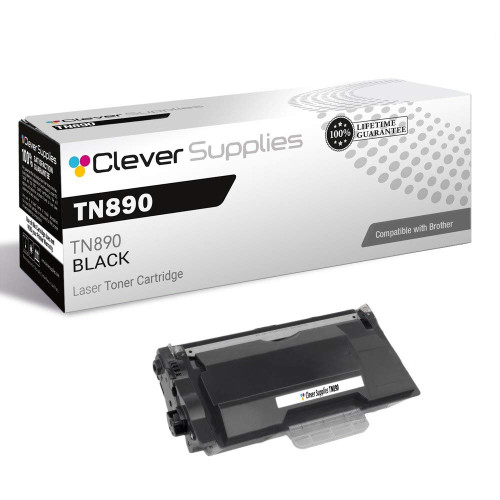 brother tn890 tn890 toner cartridge black
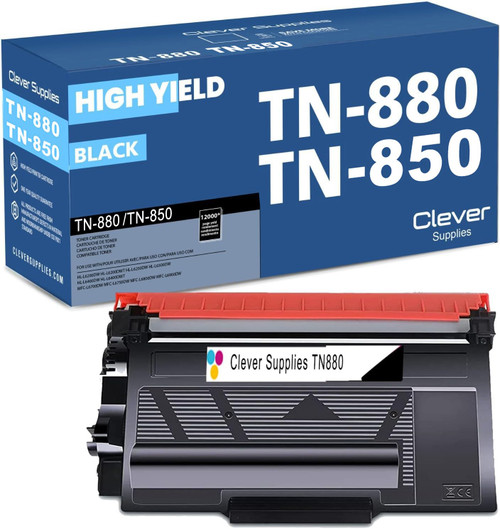 brother tn880 toner cartridge black
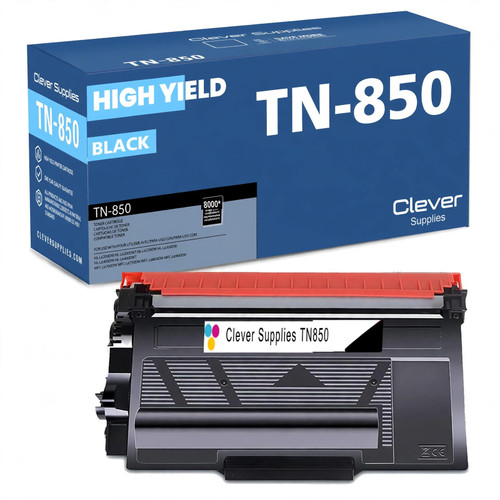 brother tn850 laser toner cartridge compatible high yield bl
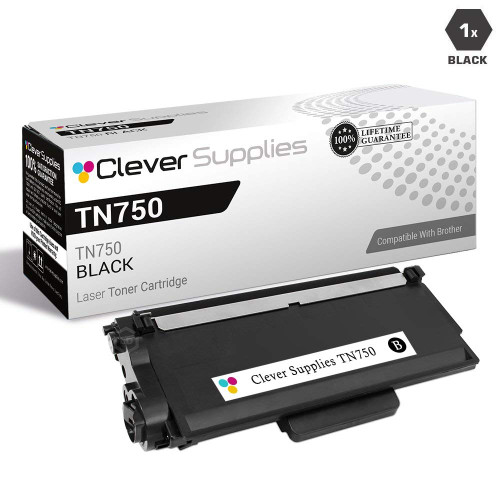 brother tn820 laser toner cartridge compatible black
Key takeaways
- The top cartridge here is rated at 20,000 pages — fewer swaps, lower cost per page.
- Lowest cost per page in this family: ~0.18¢ with the highest-yield cartridge.
- Toner and drum are separate parts on this printer — replace only the one the printer asks for.