




What Toner Does the Brother MFC-L5900DW Use?
Posted by Clever Supplies on Nov 13th 2026
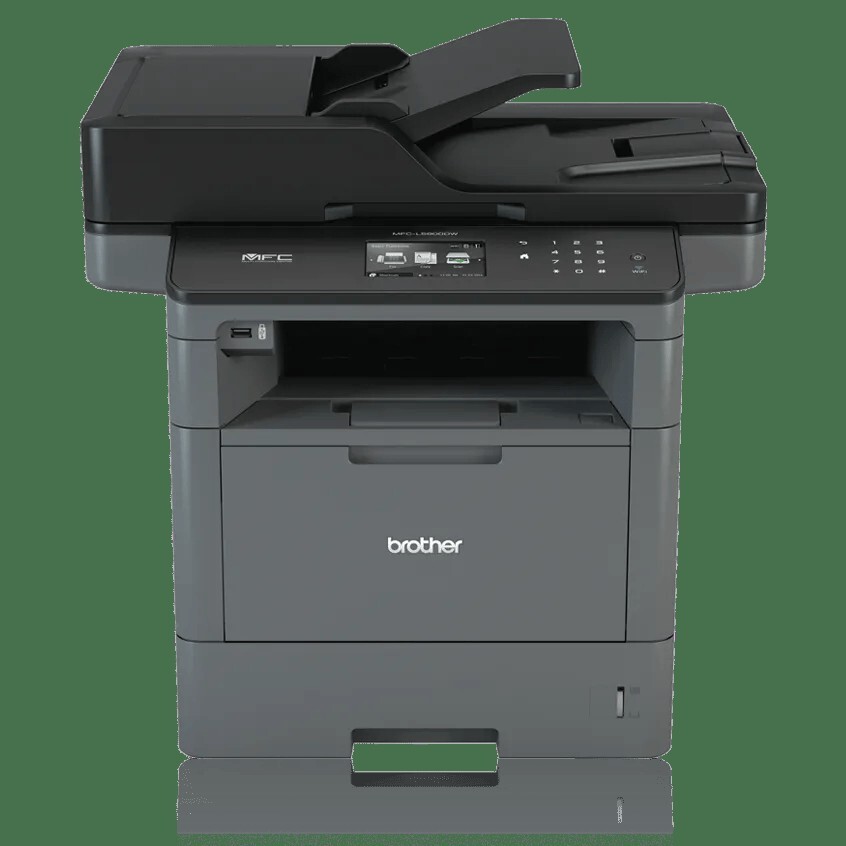
Quick answer: The Brother MFC-L5900DW uses the TN820 standard-yield black toner (about 3,000 pages) or the TN850 high-yield black toner (about 8,000 pages), and a separate DR820 drum unit (about 30,000 pages). The TN880 does not fit this model. Shop the compatibles here: TN850, TN820, DR820.
The shared-office specification
Ask what separates the MFC-L5900DW from the other 42 ppm machines in its family and the answer is on the back panel: Gigabit Ethernet alongside the usual Wi-Fi, so a whole department can print and scan through one fast wired queue. Around that network port sits the rest of the top-tier 42 ppm kit — a 70-sheet auto document feeder that scans both sides in a single pass at up to 56 images per minute, a legal-size flatbed glass for bound or oversize originals, a 3.7" color touchscreen with room for 48 shortcuts, and paper handling that starts at 300 sheets and can be built out to 1,340.
A printer shared by a department drinks toner at department pace, so the supply math matters more here than on a personal machine. Here it is.
The numbers that run this machine
| Consumable | Brother's rating | Our compatible price | Cost per page |
|---|---|---|---|
| TN820 standard toner | ~3,000 pages | $29.07 | ≈1.0¢ |
| TN850 high-yield toner | ~8,000 pages | $29.07 | ≈0.36¢ |
| DR820 drum unit | ~30,000 pages | $30.04 | ≈0.10¢ |
Prices pulled from our product pages on November 2, 2026.
The ratio worth memorizing: at rated yields, one DR820 drum outlasts almost exactly four TN850 cartridges (4 × 8,000 ≈ 32,000 pages against the drum's 30,000). So a sensible standing order for a busy MFC-L5900DW is a TN850 roughly every quarter and a drum roughly once a year at department volumes — and since our TN820 and TN850 singles are the same $29.07, there is no budget argument for the small cartridge at all. Combined toner-and-drum cost: about 0.46¢ per page.
Fitting a new cartridge
1. Leave the power on and open the front cover; let a hard-working machine cool for a couple of minutes first. 2. Take hold of the assembly's handle and pull the drum and toner out together. 3. Press the green lever to release the empty toner from the drum frame. 4. Rock the fresh cartridge side to side several times, strip off its protective cover, and drop it into the frame until it clicks. 5. Slide the green tab back and forth along the corona wire to clean it, making sure it settles back at its home mark. 6. Slide the assembly home, close the cover, and give the printer a moment to recognize the new cartridge before the queue resumes.
Persistent "Replace Toner" messages after a clean install are a counter issue, not a cartridge issue — the fix is walked through in our TN820/TN850/TN880 reset guide.
When the drum's turn comes
Brother rates the DR820 at approximately 30,000 pages on a one-page-per-job basis, stretching toward 50,000 pages for offices whose jobs run longer. At our $30.04, that's a tenth of a cent per page — the cheapest line in this printer's budget, and the one most often missed in cost comparisons because it only comes due every fourth toner or so.
A note on bundles, since departments like buying in kits: our store's toner-and-drum sets pair this drum with a 12,000-page TN880-class cartridge, and the MFC-L5900DW cannot use that toner — so for this model the set shelf is empty and the two parts are bought separately. Honestly, the pairing rarely matters: nine times out of ten the drum in the machine has years of life left, and the correct order is a toner on its own.
Frequently asked questions
We're a department of twelve. How often will we be changing toner? At, say, 2,000 printed pages a month, a TN850 (about 8,000 pages) lasts around four months, and the DR820 drum roughly fifteen months. The touchscreen's toner gauge makes reorder timing easy to eyeball.
Does the whole office printing at once wear the drum faster? The drum counts pages, not users. Simultaneous queues don't add wear beyond the pages themselves — though long average job lengths actually flatter the drum's rating.
Can I put a TN880 in it if I already stock them for another printer? No. Offices sometimes keep TN880s for an MFC-L6700DW down the hall; the MFC-L5900DW will not accept one. Its ceiling is the TN850.
The display says "Drum End Soon" but prints still look fine. Swap now or later? Later is fine — it's an early warning based on the page counter. Order the DR820 so it's in the cupboard, and change it when quality dips or the message escalates to "Replace Drum."
Is Wi-Fi printing slower than the Gigabit connection for big files? For large scan jobs and big print files, yes, the wired Gigabit link is noticeably brisker. Either way, the consumables and their costs are identical.
Other printers that use TN820, TN850 and DR820
Shared supplies are the quiet advantage of this generation — one shelf of cartridges can cover several machines:
- HL-L5200DW
- HL-L5200DWT
- HL-L6200DW
- HL-L6200DWT
- HL-L6300DW
- DCP-L5500DN
- DCP-L5600DN
- DCP-L5650DN
- MFC-L5700DW
- MFC-L5800DW
- MFC-L5850DW
- MFC-L6700DW
- MFC-L6800DW
- MFC-L6900DW (toner range matches, but its drum is the DR890)
For one-page ordering, our MFC-L5900DW toner page lists every pack size that fits this model.
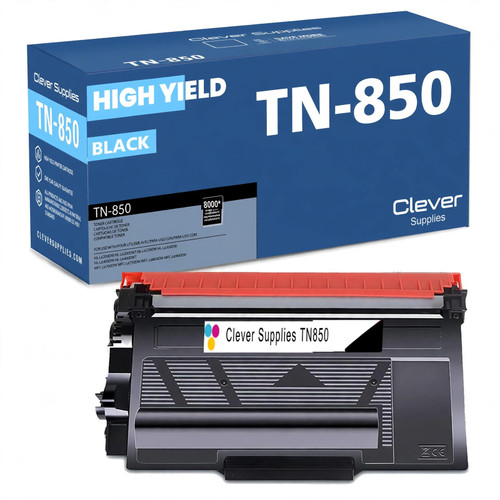 brother tn850 laser toner cartridge compatible high yield bl
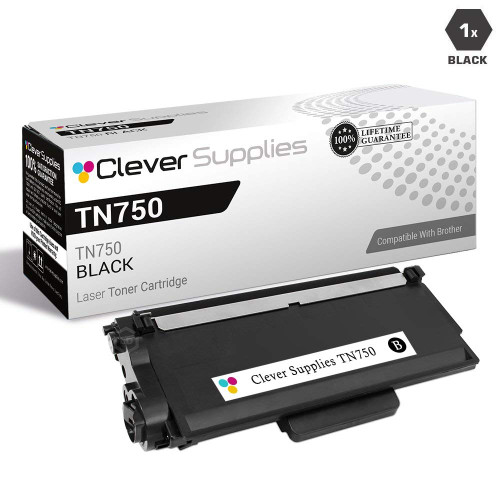 brother tn820 laser toner cartridge compatible black
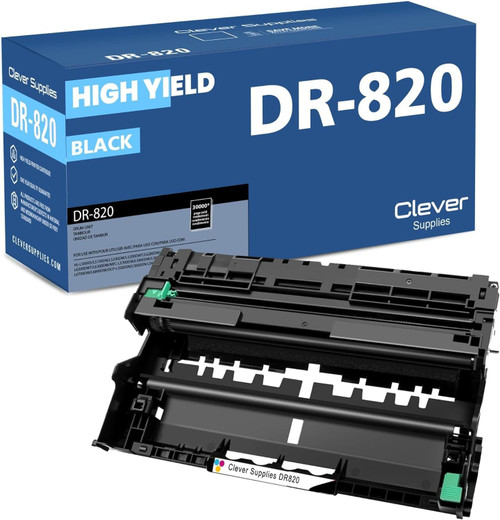 brother dr820 drum unit high yield black
Key takeaways
- The top cartridge here is rated at 8,000 pages — fewer swaps, lower cost per page.
- Lowest cost per page in this family: ~0.36¢ with the highest-yield cartridge.
- Toner and drum are separate parts on this printer — replace only the one the printer asks for.
For the full family comparison — every pack size priced by the page — see the Best Brother TN850 Toner Cartridges buying guide.