




What Toner Does the Brother MFC-L5850DW Use?
Posted by Clever Supplies on Nov 12th 2026
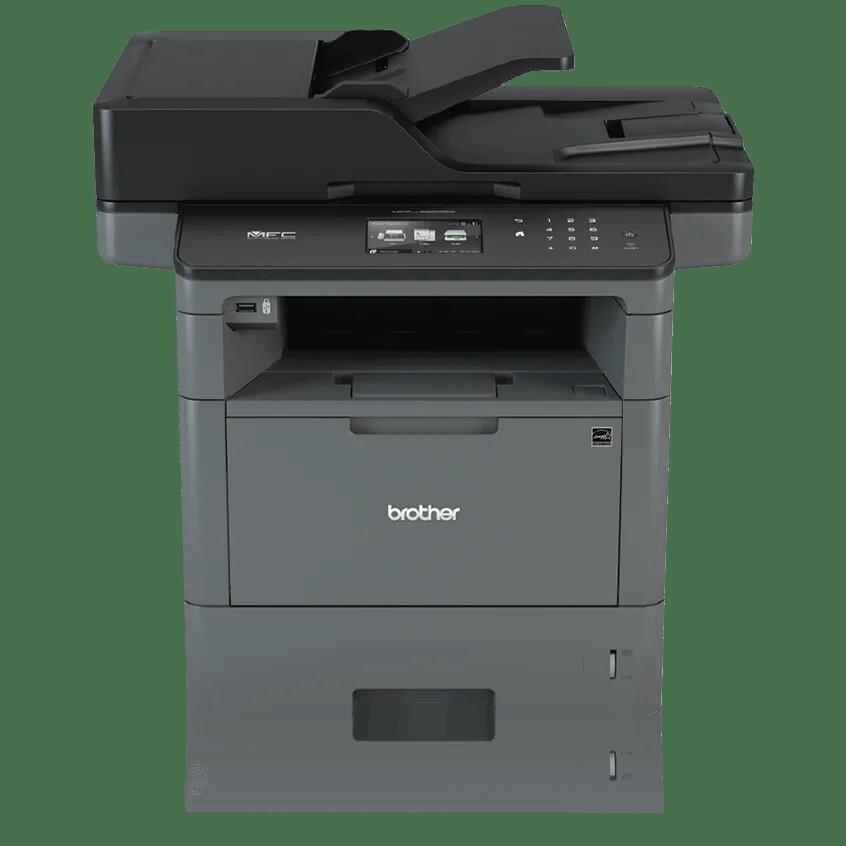
Quick answer: The Brother MFC-L5850DW takes TN820 standard-yield black toner (about 3,000 pages) or TN850 high-yield black toner (about 8,000 pages), plus a separate DR820 drum unit (about 30,000 pages). There is no TN880 option for this model. Our compatibles: TN850, TN820, DR820 drum.
The step-up model: two-sided scanning in a single pass
Within its family, the MFC-L5850DW is the point where scanning grows up. Its 70-sheet auto document feeder is a duplex feeder: it captures both faces of a page in one pass, at up to 56 images per minute for two-sided monochrome work, instead of flipping each sheet and hoping nothing skews on the second journey. The flatbed glass underneath is legal-size, print and copy speeds run at 42 pages per minute, and the 3.7" color touchscreen carries the usual 48 customizable shortcuts for scan-to-email, folder and cloud destinations.
Offices bought this model to digitize file cabinets. That workload profile — enormous scanning volume riding on modest printing volume — has a pleasant side effect where supplies are concerned, which the cost section below spells out.
Costs: the high-yield cartridge is the whole story
| Supply | Rated life | Our price | Cost per page |
|---|---|---|---|
| TN820 standard-yield toner | ~3,000 pages | $29.07 | ≈1.0¢ |
| TN850 high-yield toner | ~8,000 pages | $29.07 | ≈0.36¢ |
| DR820 drum unit | ~30,000 pages | $30.04 | ≈0.10¢ |
(Our compatible prices, read off the product pages on November 2, 2026.)
Two things stand out. First, our TN820 and TN850 singles carry the same $29.07 price, so choosing the 8,000-page cartridge cuts toner cost per page by nearly two-thirds at no extra outlay. Second, everything this machine scans for free: scanning consumes no toner and doesn't turn the drum, so a digitization-heavy MFC-L5850DW can run for years on a handful of TN850s before the DR820's 30,000-printed-page rating becomes relevant. All-in supply cost for printed pages lands under half a cent each.
Brother caps the toner range here deliberately — the 12,000-page TN880 is reserved for the 48 ppm machines further up the line, and it physically won't register in this one.
Replacing the toner, step by step
1. With the machine switched on, open the front cover; pause briefly if it has just finished a long copy run. 2. Slide the drum-and-toner assembly out toward you using its green handle. 3. Press the green lock lever down and lift the spent cartridge out of the drum unit. 4. Unpack its replacement, rock it gently end to end half a dozen times to loosen the toner, and peel off the protective cover. 5. Lower it into the drum frame until it clicks home, then slide the green cleaning tab along the corona wire a few times and return it to its rest position. 6. Push the whole assembly back into the printer, shut the cover, and wait for the status light to settle before printing.
If the screen keeps insisting on a new cartridge after a correct swap — a known habit of this generation — our TN820/TN850/TN880 reset guide walks through clearing the counter manually.
Drum economics for a scan-first machine
The DR820 drum is a standalone part on this printer, rated by Brother at roughly 30,000 printed pages (one page per job; sustained longer jobs can stretch it toward 50,000). Our compatible drum is $30.04, which amortizes to about 0.10¢ per printed page — and because scanning doesn't count, offices that mostly digitize will find the drum outliving several toner cartridges and possibly the scanning project itself.
One buying note: our catalog's toner-and-drum bundle sets pair the DR820 with a 12,000-page cartridge this model can't use, so there is no bundle to recommend here; the toner and drum are separate purchases. That's no hardship — with a healthy drum in place, a lone TN850 is the complete order, and the drum only joins the cart on the rare occasion its own warning appears.
Frequently asked questions
Does two-sided printing use more toner than single-sided? No — duplex printing puts the same toner on both faces of a sheet instead of one face of two sheets. It halves paper use, not toner use, and per printed page the cost is unchanged.
How fast does the feeder scan a two-sided stack? Brother rates the MFC-L5850DW's duplex scanning at up to 56 images per minute in monochrome — a 35-page two-sided document (70 images) takes a little over a minute.
Why does my toner seem to last forever but the drum warning showed up? Check the page counts rather than the calendar: copying counts as printing, and offices often copy far more than they realize. Scanning, by contrast, never touches either consumable.
Can the MFC-L5850DW use the TN880 for longer intervals between orders? It can't — the TN880 is keyed for the MFC-L6700DW class and up. The TN850's 8,000 pages is the longest interval available here, and at roughly 0.36¢ a page it's inexpensive time between orders.
What's the difference between this and the MFC-L5900DW for supplies? None at all. Both drink TN820/TN850 and ride on the DR820; the differences between those machines are in networking and feeder details, not consumables.
Other printers that use TN820, TN850 and DR820
The same two cartridges and drum serve the full generation in our catalog:
- HL-L5200DW
- HL-L5200DWT
- HL-L6200DW
- HL-L6200DWT
- HL-L6300DW
- DCP-L5500DN
- DCP-L5600DN
- DCP-L5650DN
- MFC-L5700DW
- MFC-L5800DW
- MFC-L5900DW
- MFC-L6700DW
- MFC-L6800DW
- MFC-L6900DW (same toners; its drum is the DR890 instead)
Everything on our MFC-L5850DW toner page fits this printer — that's the page to order from.
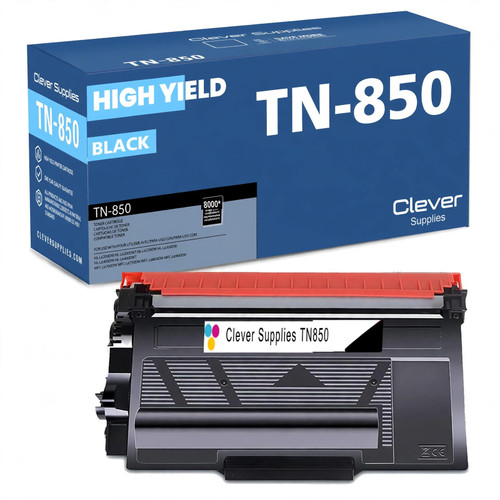 brother tn850 laser toner cartridge compatible high yield bl
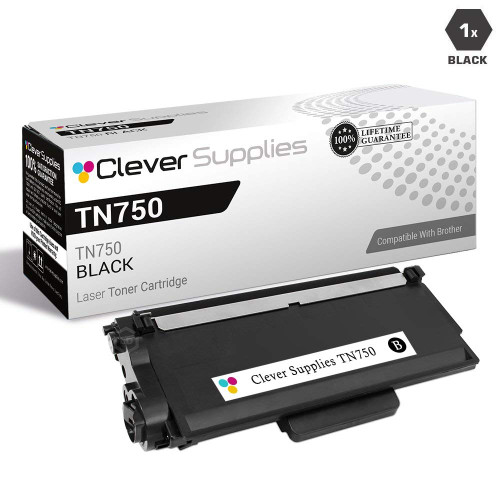 brother tn820 laser toner cartridge compatible black
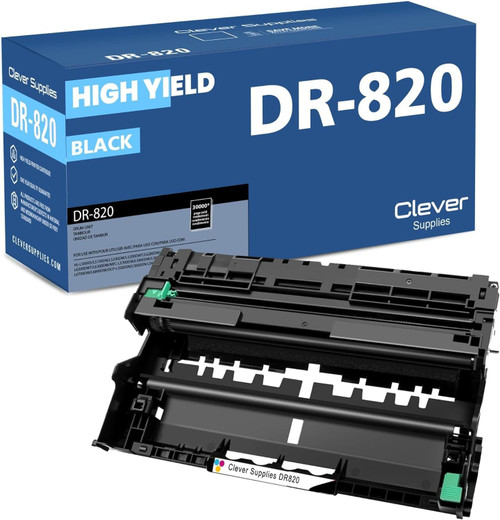 brother dr820 drum unit high yield black
Key takeaways
- The top cartridge here is rated at 8,000 pages — fewer swaps, lower cost per page.
- Lowest cost per page in this family: ~0.36¢ with the highest-yield cartridge.
- Toner and drum are separate parts on this printer — replace only the one the printer asks for.