




What Toner Does the Brother DCP-L5500DN Use?
Nov 2nd 2026
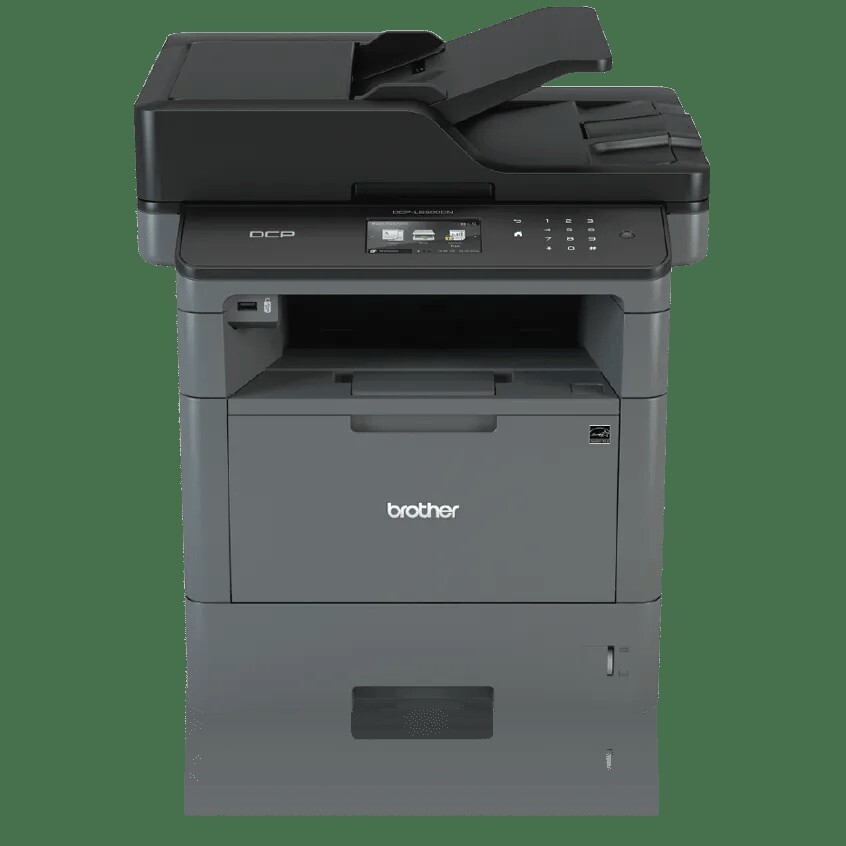
Quick answer: The Brother DCP-L5500DN prints with black TN820 toner (about 3,000 pages) or high-yield TN850 toner (about 8,000 pages), seated in a DR820 drum unit rated for roughly 30,000 pages. The TN880 does not fit this model — that super-high-yield cartridge is reserved for a few higher-end printers in the family. And because this is a DCP, remember that only printing and copying consume toner; scanning never touches the cartridge.
The Wired All-in-One (Minus the Fax)
The "DN" in the name is the spec sheet in miniature: duplex printing, networked — by cable. The DCP-L5500DN connects through Gigabit Ethernet or USB and has no Wi-Fi, which suits a machine that will spend its life plugged into one office wall. It prints and copies at up to 42 pages per minute, scans through a 40-sheet automatic document feeder at up to 24 images per minute, and runs everything from a 3.7-inch color touchscreen that can hold shortcuts for scan-to-folder and similar routines. Paper starts at a 250-sheet tray plus a 50-sheet multi-purpose tray and can grow to 1,340 sheets with optional trays; Brother sets a 50,000-page maximum monthly duty cycle.
What it deliberately lacks is a fax modem — Brother's MFC line covers that. For toner purposes the three-in-one design has one pleasant consequence: a scan-heavy office can run the feeder all day and use almost no toner, while a copy-heavy office spends cartridges at printer speed. Your cartridge rhythm depends on which of those offices you are.
What the Toner Costs per Page
| Supply | Rated yield | Our compatible price | Cost per page |
|---|---|---|---|
| TN820 | ~3,000 pages | $29.07 | ~0.97¢ |
| TN850 | ~8,000 pages | $29.07 | ~0.36¢ |
| DR820 drum | ~30,000 pages | $30.04 | ~0.10¢ |
Prices checked November 2, 2026; yields are Brother's ISO/IEC 19752 ratings. The standout fact is the tie: our compatible TN820 and TN850 both cost $29.07, so the high-yield cartridge prints each page for about a third of the standard cartridge's cost and needs changing far less often. The machine ships with a ~3,000-page TN820 inside, and the sensible standing order from the first replacement onward is the TN850. One drum, rated at roughly 30,000 pages for short jobs and up to 50,000 for longer ones, covers about four TN850 cartridges — call it a once-in-a-few-years purchase in most small offices.
Drum Economics, Without a Bundle
Our catalog's paired toner-and-drum sets for this platform are all built around the TN880, which this DCP cannot use — so there is no set to pitch you, and none is needed. The DR820 drum bought on its own is $30.04, works out to about a tenth of a cent per page, and announces itself through the printer long before it fails. The economical routine is boring by design: keep a TN850 spare on the shelf, and order a drum only when the machine's drum counter or a repeating print defect says so.
Changing the Cartridge
Leave the power on, open the front cover and draw out the drum-and-toner assembly. Press the green lock lever, lift the empty cartridge from the drum, and rock the new one gently side to side before removing its protective cover. Click it into the drum, slide the green tab across to clean the corona wire, and refit the assembly. If the touchscreen still reports the old cartridge afterwards, the toner counter needs the reset described in our TN820, TN850 and TN880 troubleshooting guide — reseating the cartridge repeatedly will not clear it.
Questions DCP-L5500DN Owners Ask
Does scanning wear out the toner or drum? Scanning uses neither. Toner is spent only when pages are printed or copied; drum wear tracks printed pages, not scans.
Why is there no wireless option in the menu? This model is Ethernet-and-USB only by design. Devices on the same network — phones included — reach it through the router, so mobile printing still works over your office Wi-Fi.
Will the TN880 from our HL-L6200DW fit this machine? No. It is physically and electronically incompatible here. Fleets running both models need TN880s for the HL and TN850s for this DCP; the DR820 drum, happily, is shared.
Can copying be making my cartridge drain faster than printing did? Copies consume toner exactly as prints do, page for page. A copying surge shows up directly in cartridge life.
How do I check how much toner is left? The touchscreen's toner gauge shows the current level at a glance, and because the machine is networked, the same status is visible from a browser or Brother's status monitor on any office PC — useful when the printer lives in a supply closet rather than beside your desk.
The touchscreen offers cloud scan destinations. Do they affect supplies? Not at all — they change where scans go, not what printing uses. They are simply the fastest way to keep paper originals moving without printing anything.
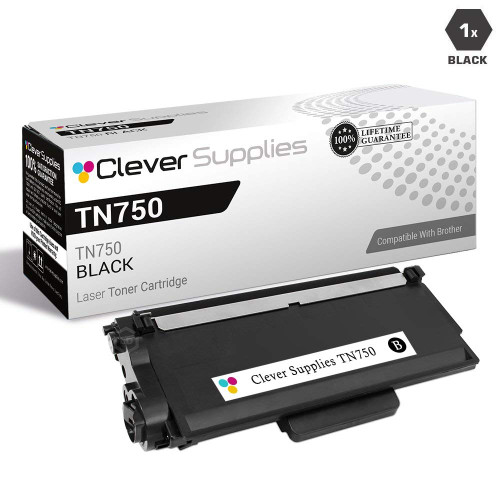 brother tn820 laser toner cartridge compatible black
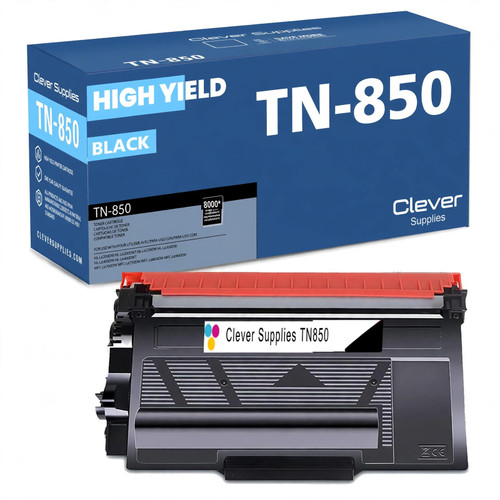 brother tn850 laser toner cartridge compatible high yield bl
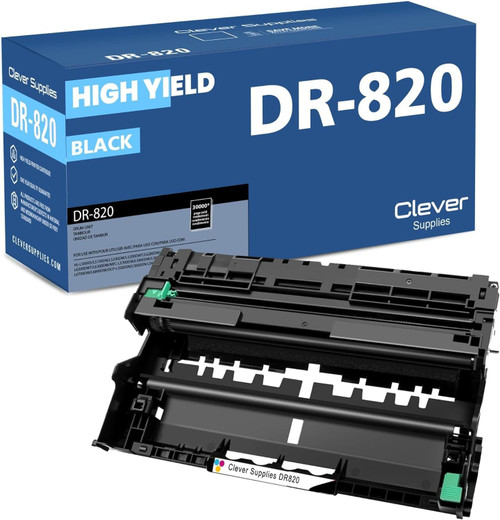 brother dr820 drum unit high yield black
Key takeaways
- The top cartridge here is rated at 8,000 pages — fewer swaps, lower cost per page.
- Lowest cost per page in this family: ~0.36¢ with the highest-yield cartridge.
- Toner and drum are separate parts on this printer — replace only the one the printer asks for.
Other Printers That Use TN850 and DR820
Fourteen other models in our catalog run on the same TN850 and DR820 pairing. Its DCP siblings with bigger feeders are the DCP-L5600DN and DCP-L5650DN. The print-only branch holds the HL-L5200DW, HL-L5200DWT, HL-L6200DW, HL-L6200DWT and HL-L6300DW — the last three of those also accept the TN880. The fax-equipped branch is the MFC family: MFC-L5700DW, MFC-L5800DW, MFC-L5850DW, MFC-L5900DW, MFC-L6700DW, MFC-L6800DW and MFC-L6900DW.
Ready to restock? Start from our DCP-L5500DN toner page, which lists every cartridge and drum that fits this printer.