




What Toner Does the Brother HL-2280DW Use?
Posted by Clever Supplies on Nov 16th 2026
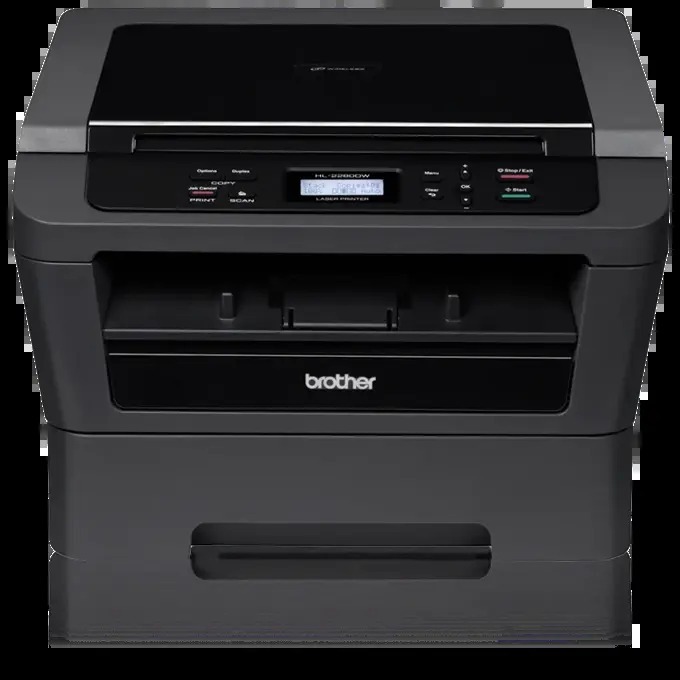
Quick Answer: The Brother HL-2280DW uses TN420 black toner (standard yield, about 1,200 pages) or TN450 black toner (high yield, about 2,600 pages), plus a separate DR420 drum unit rated for roughly 12,000 pages. No color cartridges — despite the scanner's color abilities, everything this machine puts on paper is black.
Wait — an "HL" That Copies and Scans?
Yes, and it confuses people. The HL-2280DW wears a printer-series badge but carries a flatbed on top: Brother built it as a fast 27 ppm monochrome laser printer with convenience copying and color scanning added, automatic duplex printing, and Wi-Fi plus Ethernet for sharing. There is no fax and no automatic document feeder — copies and scans happen one sheet at a time on the glass.
Why does that matter for toner? Because the copier changes where pages come from. On a plain printer, every page is a deliberate print job from a computer. On the HL-2280DW, the glass invites walk-up copies — the form on the fridge, the kid's worksheet, the contract page — and those copies draw from the same cartridge as printing does. Owners are sometimes surprised by how quickly a cartridge moves; the copier is the reason.
Scanning, by contrast, costs nothing in toner. Scan all day and the cartridge never notices. Only pages that come out of the machine — prints and copies — spend it.
The Supply Table
| Supply | Rated yield | Our compatible price* | Cost per page |
|---|---|---|---|
| TN420 | ~1,200 pages | $23.59 | ~2.0¢ |
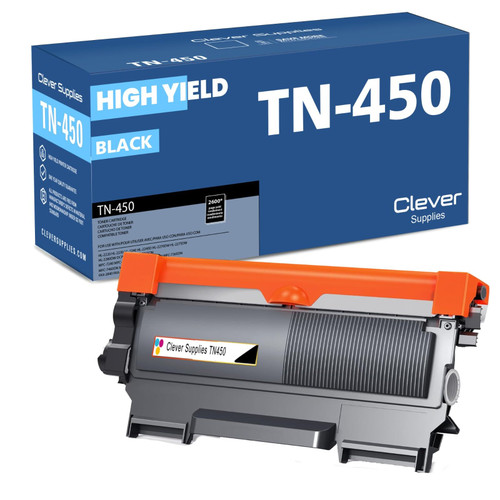
| TN450 | ~2,600 pages | $23.59 | ~0.9¢ |
| DR420 drum | ~12,000 pages | $26.52 | ~0.2¢ |
*Prices read from the product pages on November 2, 2026; they can change. Yields are Brother's at 5% coverage.
At identical $23.59 shelf prices, the TN450 is the obvious cartridge for a machine whose copier encourages extra pages: about 0.9¢ per page against about 2.0¢, and over twice the pages between changes. The TN420's remaining niche is a printer about to leave service.
Replacing the Cartridge
1. Leave the machine on, open the front cover, and slide the drum-and-toner assembly out. 2. Rest it on a sheet of paper, press the green lock lever, and lift the used cartridge out of the drum. 3. Give the new cartridge a gentle side-to-side rock to loosen the toner, then peel away the protective cover. 4. Seat the cartridge in the drum until the lever clicks upward, and slide the drum's green tab across and back to clean the corona wire, returning it to its home mark. 5. Push the assembly back in, close the cover, and the HL-2280DW returns to Ready on its own.
A Set for the Day Both Parts Are Due
The DR420 under your cartridge images every print and every copy, and it is rated for about 12,000 pages. When it wears out, our TN450 + DR420 set replaces drum and high-yield toner together for $34.03, saving $16.08 against buying the two parts separately at $50.11. The counter-case deserves stating plainly: if the drum is mid-life, the set is money parked in a drawer — the $23.59 TN450 alone is the whole job.
Two Habits That Stretch a Cartridge in This Machine
First, treat the scanner as the default and the copier as the exception. A document scanned to a file can be viewed, e-mailed and printed later only if a paper copy is truly needed; a document copied reflexively spends toner the moment it exists. Households that flip that default routinely report cartridges lasting half again as long. Second, when you do copy, use the print driver's Toner Save approach for drafts — internal copies of forms and worksheets rarely need full-density output, and the savings across a school year of worksheets are real. Neither habit asks anything of the machine it was not already built to do.
Frequently Asked Questions
Does copying use more toner than printing? A copy spends toner exactly like a printed page — the same drum, the same cartridge. Dense originals (photos, shaded forms) spend more than plain text pages, which is why a copy-heavy month shortens a cartridge's life.
The scanner is color, so why can't I print in color? The scan head reads in color and sends color files to your computer, but the print engine is monochrome. One black cartridge is all it has ever used.
Can I use a TN450 even though my first cartridge was smaller? Yes. The machine shipped with a starter cartridge of roughly 700 pages. Both retail cartridges — TN420 and TN450 — fit the same slot in the DR420 drum.
Faint copies but acceptable prints — what's failing? Start with the basics: rock the cartridge to redistribute toner, and clean the scanner glass, since copy faintness often lives on the glass rather than in the cartridge. If prints and copies both fade and a new cartridge changes nothing, look to the drum.
Does the HL-2280DW share toner with the HL-2270DW? Completely. The whole family below runs on TN420, TN450 and DR420, so a spare serves any of them.
 brother tn420 tn420 toner cartridge black
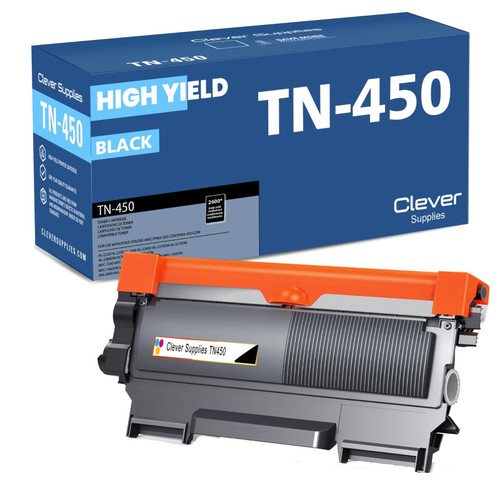 brother tn450 tn450 toner cartridge black
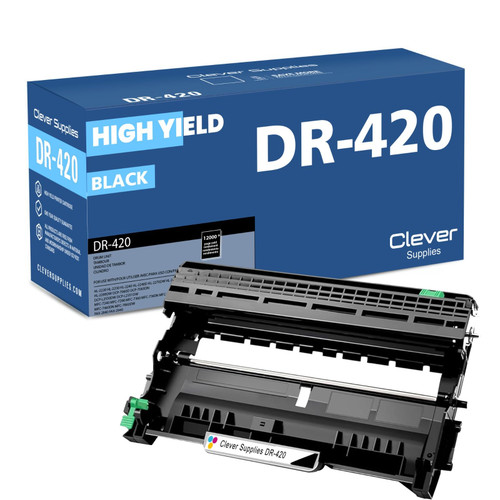 brother dr420 dr420 toner cartridge black
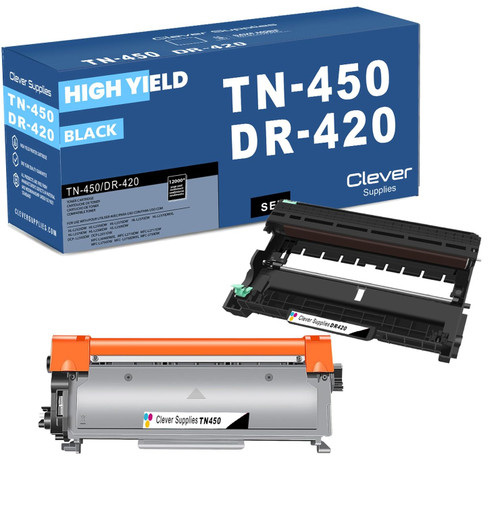 brother tn450 dr420 black drum and toner set
Key takeaways
- The top cartridge here is rated at 2,600 pages — fewer swaps, lower cost per page.
- Lowest cost per page in this family: ~0.9¢ with the highest-yield cartridge.
- Toner and drum are separate parts on this printer — replace only the one the printer asks for.
Other Printers That Use TN420, TN450 and DR420
The HL-2280DW's supplies are shared with these fifteen models:
- HL-2220
- HL-2230
- HL-2240
- HL-2240D
- HL-2270DW
- HL-2275DW
- DCP-7060D
- DCP-7065DN
- MFC-7240
- MFC-7360N
- MFC-7365DN
- MFC-7460DN
- MFC-7860DW
- FAX-2840
- FAX-2940
Ready to order? Start from our HL-2280DW toner page, which lists every cartridge, drum and set that fits this printer.