




What Toner Does the Brother HL-2240D Use?
Posted by Clever Supplies on Nov 13th 2026
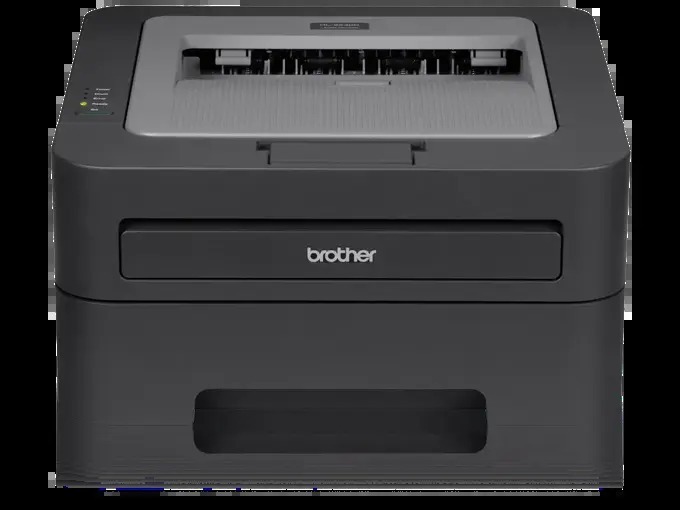
Quick Answer: The Brother HL-2240D uses TN420 black toner (standard yield, about 1,200 pages) or TN450 black toner (high yield, about 2,600 pages), working with a separate DR420 drum unit rated around 12,000 pages. Same cartridges as the rest of its family — the "D" in this model's name is about paper, not toner.
The D Stands for Duplex — and Duplex Changes the Math
Plenty of printers wear out their welcome by eating paper. The HL-2240D was the step-up model in its line precisely because it prints on both sides of the sheet automatically, at up to 24 pages per minute, from a 250-sheet tray over a simple USB connection. Automatic duplex does not change which cartridge you buy, but it changes how the cartridge behaves in real life: two-sided reports, contracts and booklets are exactly the long, text-dense jobs where a high-yield cartridge shines, because the printer spends its life printing pages rather than waiting for them.
That is worth remembering when you choose between the two cartridges below. A duplexing HL-2240D in a working home office can move through paper at a surprising rate, and every cartridge swap avoided is a small mercy.
Costs, Side by Side
| Supply | Rated yield | Our compatible price* | Cost per page |
|---|---|---|---|
| TN420 | ~1,200 pages | $23.59 | ~2.0¢ |
| TN450 | ~2,600 pages | $23.59 | ~0.9¢ |
| DR420 drum | ~12,000 pages | $26.52 | ~0.2¢ |
*Prices read from the product pages on November 2, 2026; subject to change. Yields are Brother's ratings.
Since the standard and high-yield cartridges cost the same $23.59 on our shelf, the TN450 delivers its 2,600 pages at under a cent each while the TN420 charges about two cents for the same page. Unless this printer is being retired imminently, the high-yield cartridge is the one to buy — and on a duplex machine that quietly doubles the usefulness of every sheet, fewer, longer-lasting cartridges also mean fewer interruptions mid-document.
Replacing the Cartridge
1. With the printer on, open the front cover and slide the drum-and-toner assembly out. 2. Rest it on paper, press the green lock lever, and lift the empty cartridge free of the drum. 3. Rock the new cartridge side to side a few times, then strip off its protective cover. 4. Set it into the drum until the lever clicks up, slide the green tab back and forth to clean the corona wire, and return the tab to its mark. 5. Slide the assembly home and close the cover. The printer warms up and returns to Ready by itself.
Pairing a Fresh Drum with Fresh Toner
The DR420 drum beneath your cartridge is good for roughly 12,000 pages — about four to five TN450s. When its turn comes, our TN450 + DR420 drum and toner set puts both parts in one box for $34.03, which is $16.08 below the $50.11 you'd pay for the same cartridge and drum separately. The framing stays honest: a set is a drum-day purchase. While the drum still has thousands of pages in it, the $23.59 toner on its own is the complete order.
Living with the Duplex Habit
Owners of this model tend to develop a reflex: duplex becomes the default, and single-sided output starts to look wasteful. That reflex is good for the paper budget and neutral for toner — but it does concentrate this printer's work into longer, hotter runs, which is when a nearly empty cartridge chooses to fade. Fitting the high-yield cartridge is the simplest way to keep the duplex habit from ever being interrupted by supplies, and it is why most HL-2240D owners we hear from never go back to the standard size after their first TN450.
Frequently Asked Questions
Does duplex printing use more toner per sheet? It uses toner for two printed pages instead of one — but that is the point. The yield ratings count printed pages (sides), not sheets, so a 2,600-page TN450 still delivers roughly 2,600 printed sides; you simply use half the paper getting them.
Is the HL-2240D's toner the same as the HL-2240's? Identical. TN420, TN450 and the DR420 drum serve both models and the fourteen others listed below. The D model's difference is its automatic duplex unit, full stop.
Why does the printer still complain after I fitted a new cartridge? Check the seating first — the lock lever must click up by itself. Then clean the corona wire with the drum's green tab. A cartridge that is almost-but-not-quite home is the classic cause.
How long should a TN450 last in this printer? At a few hundred pages a month, expect the better part of a year. Heavy duplex users printing a thousand pages monthly will see roughly a quarter from each cartridge — still far better than swapping a standard cartridge every five or six weeks.
When pages fade on one side only, is that the drum? One-sided fading usually means toner has settled unevenly in the cartridge; remove it, rock it, refit it. Repeat marks or an overall gray cast that a new cartridge does not cure are the drum's signature instead.
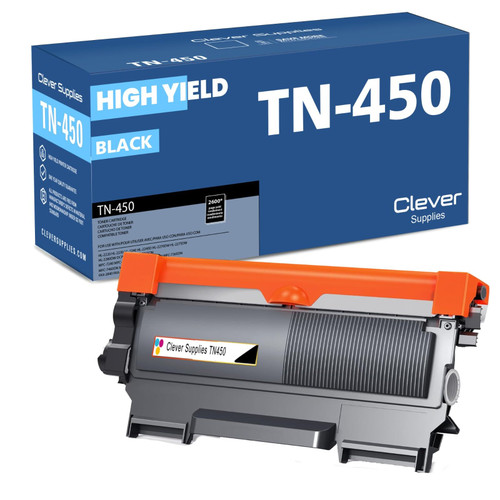 brother tn420 tn420 toner cartridge black
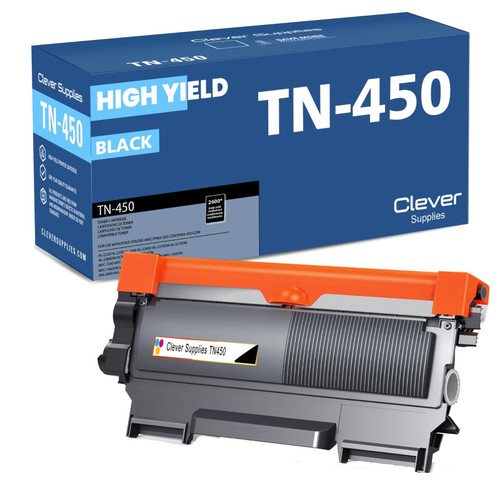 brother tn450 tn450 toner cartridge black
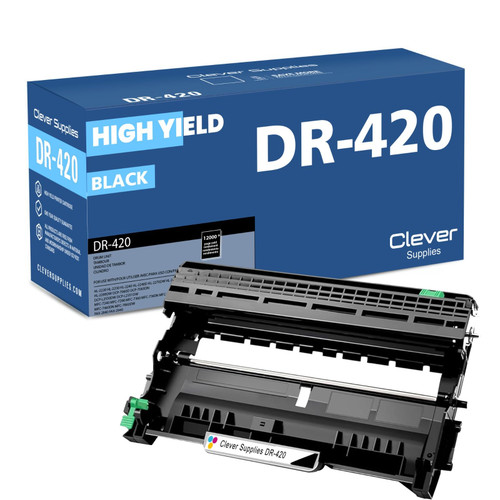 brother dr420 dr420 toner cartridge black
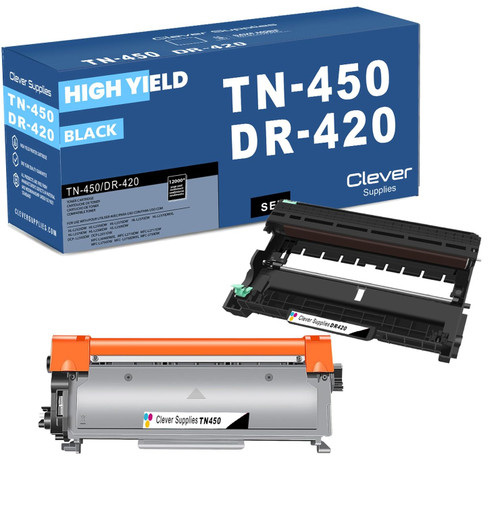 brother tn450 dr420 black drum and toner set
Key takeaways
- The top cartridge here is rated at 2,600 pages — fewer swaps, lower cost per page.
- Lowest cost per page in this family: ~0.9¢ with the highest-yield cartridge.
- Toner and drum are separate parts on this printer — replace only the one the printer asks for.
Other Printers That Use TN420, TN450 and DR420
The same two cartridges and drum also serve:
- HL-2220
- HL-2230
- HL-2240
- HL-2270DW
- HL-2275DW
- HL-2280DW
- DCP-7060D
- DCP-7065DN
- MFC-7240
- MFC-7360N
- MFC-7365DN
- MFC-7460DN
- MFC-7860DW
- FAX-2840
- FAX-2940
Ready to order? Start from our HL-2240D toner page, which lists every cartridge, drum and set that fits this printer.