




What Toner Does the Brother DCP-7065DN Use?
Posted by Clever Supplies on Nov 7th 2026
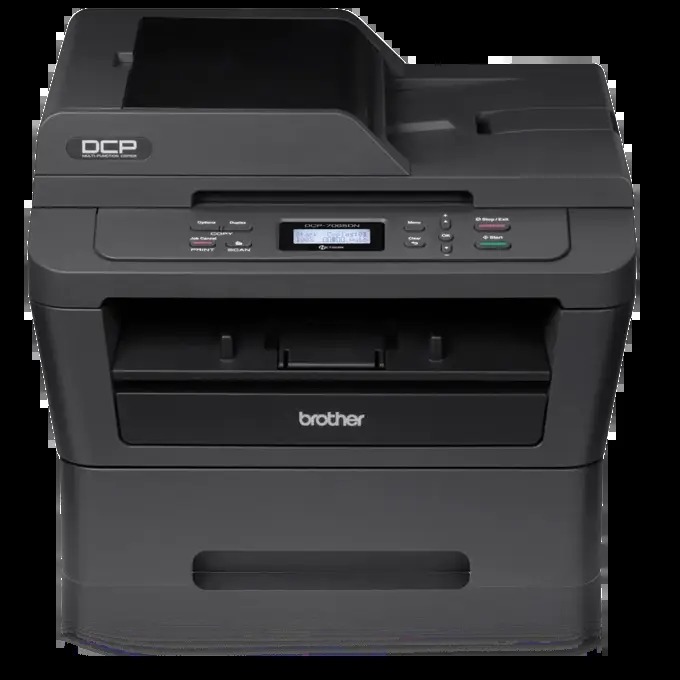
Quick Answer: The Brother DCP-7065DN uses the TN420 standard-yield black cartridge (about 1,200 pages) or the TN450 high-yield black cartridge (about 2,600 pages), sitting in a separate DR420 drum unit rated for roughly 12,000 pages. Monochrome only — a single black cartridge covers all of its printing and copying.
The Feeder-and-Network Step Up
Take the DCP-7060D, add a 35-page automatic document feeder, an Ethernet port and a faster 27 ppm engine, and you have the DCP-7065DN. Those additions change the machine's working life in ways that reach the toner cartridge. The feeder makes multi-page copying and scanning an unattended job instead of a page-by-page chore, and the network connection lets a small office share the machine — both of which push page counts up. Its automatic duplex printing, meanwhile, makes long two-sided documents routine.
One asymmetry is worth pocketing: scanning through that feeder to a file, image, e-mail or OCR spends no toner at all, while copies and prints do. Offices that digitize incoming paperwork instead of photocopying it watch a cartridge stretch surprisingly far. Offices that copy everything should plan on the high-yield cartridge from the start.
What the Supplies Cost
| Supply | Rated yield | Our compatible price* | Cost per page |
|---|---|---|---|
| TN420 | ~1,200 pages | $23.59 | ~2.0¢ |
| TN450 | ~2,600 pages | $23.59 | ~0.9¢ |
| DR420 drum | ~12,000 pages | $26.52 | ~0.2¢ |
*Prices isolated from the product pages on November 2, 2026 and subject to change. Yields follow Brother's ratings at 5% coverage.
Because both cartridges are $23.59 here, the TN450 is the standing recommendation for a shared, feeder-equipped machine: about 0.9¢ a page instead of about 2.0¢, and more than twice as long between swaps. The TN420 remains only as the budget line for a copier being retired.
How to Replace the Toner Cartridge
1. With the machine powered on, open the front cover and pull the drum-and-toner assembly straight out. 2. Set it on a sheet of paper, press the green lock lever, and lift the spent cartridge out of the drum. 3. Rock the new cartridge gently side to side five or six times, strip off the protective cover, and click it into the drum until the lever rises. 4. Slide the drum's green tab across and back to clean the corona wire, and confirm the tab is back at its arrow mark. 5. Reinsert the assembly, close the cover, and the copier returns to Ready by itself.
Replacing Toner and Drum as a Pair
The DR420 images every page the feeder and the print engine produce, and after roughly 12,000 of them it needs replacing in its own right. Our TN450 + DR420 toner and drum set bundles one high-yield cartridge with one drum for $34.03, saving $16.08 compared with the $50.11 the two parts cost separately. The honest reservation: a drum with most of its life ahead of it makes the set unnecessary — order the $23.59 toner alone until the drum's turn genuinely arrives.
Setting a Sensible Restock Rhythm
Shared copiers reward a rhythm rather than a reaction. A workable pattern for this model: keep one TN450 in the supply cupboard at all times, and reorder the day the spare goes into the machine. At typical small-office volumes that turns toner into a twice-a-year errand instead of a same-day emergency, and the drum — good for roughly four to five cartridges — can be checked each time a cartridge is changed, so its replacement never arrives as a surprise either. If your office's volume is climbing toward the point where even that rhythm feels frequent, that is information about the machine's workload, not about the cartridge: the TN450 is already the largest this platform takes, and it is doing exactly what Brother rated it to do.
Frequently Asked Questions
Does the DCP-7065DN take the same toner as the DCP-7060D? Yes — TN420, TN450 and the DR420 drum are identical across both models and the fourteen other family members below. Only the hardware around the cartridge differs.
Why is my cartridge emptying faster since we networked the copier? Sharing multiplies users, and the feeder multiplies copies. Nothing is wrong: the machine is simply doing the job it was upgraded to do, which is precisely the case for the high-yield TN450.
Can I scan a stack of documents without using toner? Yes. The 35-sheet feeder will scan multi-page documents to a file, image, e-mail or OCR without touching the cartridge. Toner is spent only when paper comes out.
The display mentions the drum while my prints still look fine. Action needed? Not immediately. The drum counter approaches its rating before quality visibly fails. Order the drum or the set, and swap when repeating spots or a gray background show up despite a healthy cartridge.
Is an automatic duplex copy also possible, or just duplex printing? Duplex on this model is a printing feature; copies are made from the feeder or glass as single-sided output unless you turn pages manually. Either way, only the printed output spends toner.
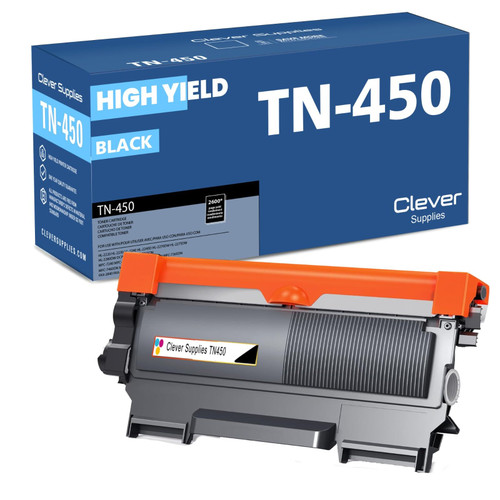 brother tn420 tn420 toner cartridge black
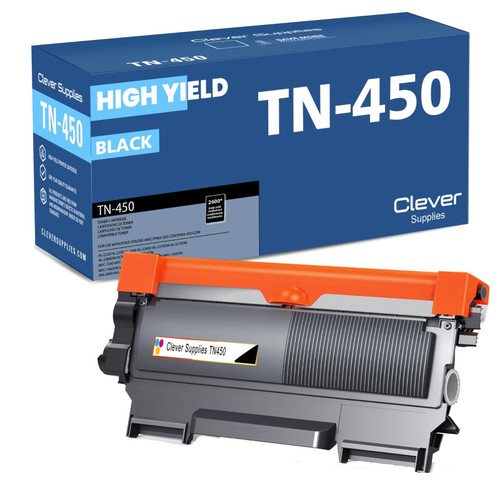 brother tn450 tn450 toner cartridge black
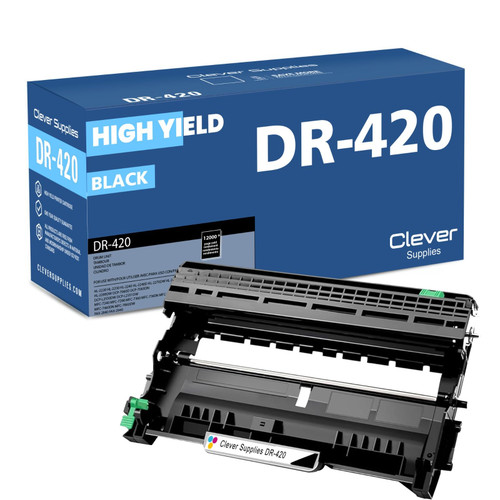 brother dr420 dr420 toner cartridge black
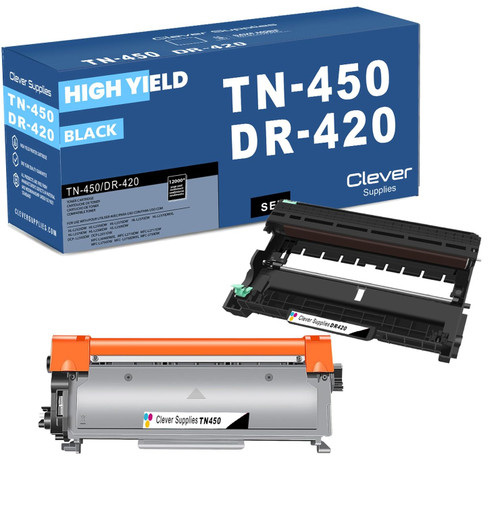 brother tn450 dr420 black drum and toner set
Key takeaways
- The top cartridge here is rated at 2,600 pages — fewer swaps, lower cost per page.
- Lowest cost per page in this family: ~0.9¢ with the highest-yield cartridge.
- Toner and drum are separate parts on this printer — replace only the one the printer asks for.
Other Printers That Use TN420, TN450 and DR420
Your copier's supplies are shared across this sixteen-model family:
- HL-2220
- HL-2230
- HL-2240
- HL-2240D
- HL-2270DW
- HL-2275DW
- HL-2280DW
- DCP-7060D
- MFC-7240
- MFC-7360N
- MFC-7365DN
- MFC-7460DN
- MFC-7860DW
- FAX-2840
- FAX-2940
Ready to order? Start from our DCP-7065DN toner page, which lists every cartridge, drum and set that fits this printer.