




What Toner Does the Brother DCP-7060D Use?
Nov 6th 2026
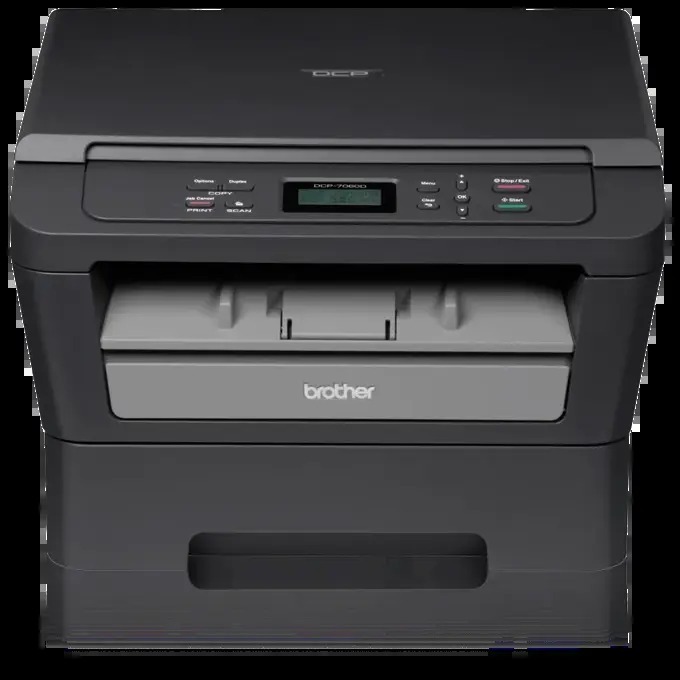
Quick Answer: The Brother DCP-7060D uses TN420 black toner (standard yield, about 1,200 pages) or TN450 black toner (high yield, about 2,600 pages), and a separate DR420 drum unit rated at approximately 12,000 pages. One black cartridge at a time — this multi-function copier prints and copies in monochrome only.
A Copier First, and What That Means for Toner
Brother pitched the DCP-7060D as a personal multi-function copier: it prints and copies at up to 24 pages per minute, prints double-sided automatically, and scans in color from its flatbed — all over a plain USB connection, with no network port and no document feeder. Every copy and scan starts as a sheet laid on the glass by hand.
That design leaves clear fingerprints on supply use. There is no feeder encouraging fifty-page copy runs, and no network inviting the whole office to share it, so consumption stays personal and predictable. And notice the asymmetry built into the machine: scanning a document to a file, image, e-mail or OCR costs no toner at all, while every copy that rolls out of the output tray spends it. Owners who scan paperwork instead of copying it find their cartridges lasting far longer than the calendar suggests.
Cost Per Page on the DCP-7060D
| Supply | Rated yield | Our compatible price* | Cost per page |
|---|---|---|---|
| TN420 | ~1,200 pages | $23.59 | ~2.0¢ |
| TN450 | ~2,600 pages | $23.59 | ~0.9¢ |
| DR420 drum | ~12,000 pages | $26.52 | ~0.2¢ |
*Prices checked on the product pages on November 2, 2026; they can change. Yields are Brother's ratings.
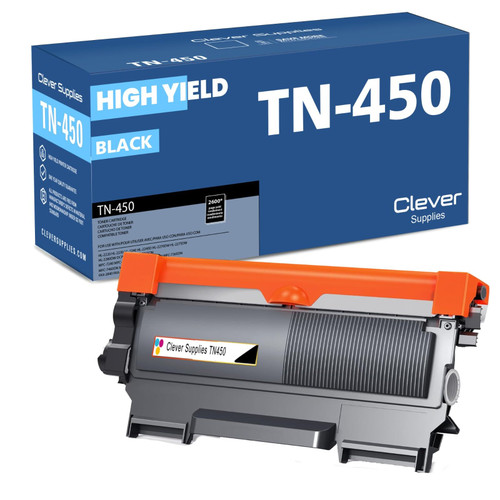
The two cartridges cost the same $23.59 here, so the TN450's roughly 2,600 pages at about 0.9¢ each make it the default choice; the TN420 at about 2.0¢ per page is for a machine on its way out. Automatic duplex printing sweetens the TN450 further — long two-sided documents are heavy page-count jobs, and the bigger cartridge simply interrupts them less often.
How to Replace the Toner Cartridge
1. Leave the DCP-7060D on and open the front cover. 2. Pull the drum-and-toner assembly out and set it down on a protective sheet of paper. 3. Press the green lock lever and lift the empty cartridge up and out of the drum unit. 4. Unpack the new cartridge, rock it gently from side to side, and remove the protective cover. 5. Lower the cartridge into the drum until the lock lever clicks into place, then slide the drum's green tab back and forth to clean the corona wire and return it to the arrow position. 6. Slide the assembly back into the machine and close the cover; it will warm up and report Ready.
Toner Plus Drum, in a Single Box
At about 12,000 pages, one DR420 drum will image roughly four to five TN450 cartridges' worth of prints and copies before it needs replacing itself. When that day arrives, our TN450 + DR420 toner and drum set covers both parts for $34.03 — a $16.08 saving over the $50.11 the cartridge and drum total separately. As ever, the honest counterpoint: on a machine whose drum is still young, toner alone at $23.59 is the complete order, and the set can wait.
Who Still Runs a DCP-7060D — and Why Its Supplies Suit Them
The surviving population of these copiers clusters in predictable places: a church office, a smallholding's paperwork desk, a retiree's home study, the back counter of a shop. The pattern is low, steady, single-user volume and a premium on machines that simply work. For that life, the supply design is nearly ideal — one inexpensive cartridge changed a few times a year at most, a drum changed rarely enough to feel like an event, and no network settings, apps or accounts standing between the owner and a copy. When people ask whether keeping one is economical, the cartridge prices on this page are most of the answer.
Frequently Asked Questions
Does the DCP-7060D have an automatic document feeder? No. Copies and scans are placed on the flatbed glass one sheet at a time — that is the main hardware difference from the DCP-7065DN, which adds a 35-sheet feeder and Ethernet. Your toner, however, is exactly the same.
My copies look lighter than my prints. Is the toner low? Possibly settled toner — remove the cartridge, rock it side to side, and refit it. Also wipe the underside of the scanner glass; copy quality depends on the glass in a way print quality does not.
Can I fit a TN450 in place of the starter cartridge? Yes. The starter cartridge (about 700 pages) shares its slot with both retail cartridges. The TN450 is the same physical size with a larger toner fill.
Why does the machine ask for a drum when the toner is fine? Because they are separate parts with separate counters. The DR420 images every page whether the toner cartridge is new or old, and at around 12,000 pages it asks to be replaced on its own schedule.
Does scanning to OCR or e-mail wear anything out? No toner is involved, and the scanner's wear is negligible. Scan freely; only printed output spends supplies.
 brother tn420 tn420 toner cartridge black
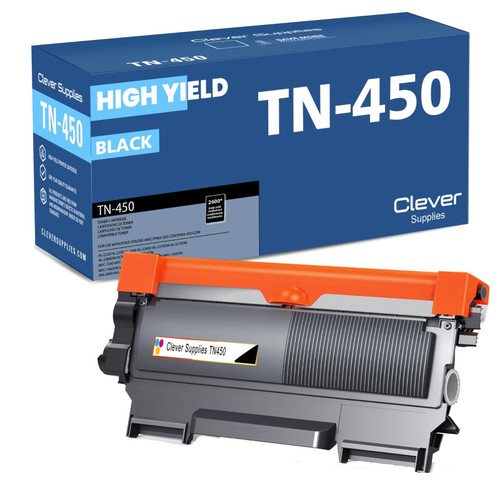 brother tn450 tn450 toner cartridge black
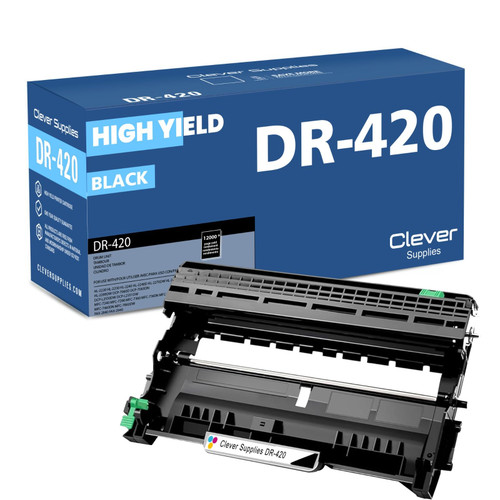 brother dr420 dr420 toner cartridge black
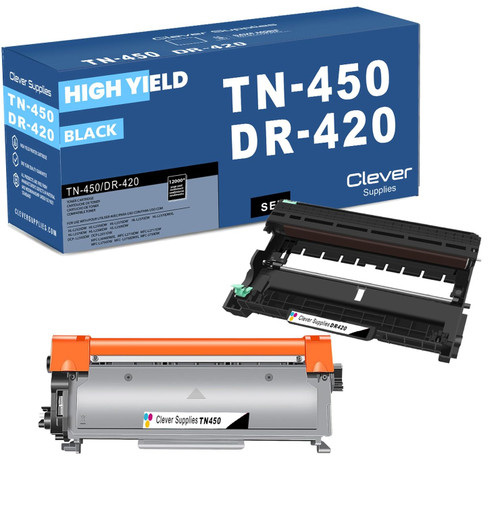 brother tn450 dr420 black drum and toner set
Key takeaways
- The top cartridge here is rated at 2,600 pages — fewer swaps, lower cost per page.
- Lowest cost per page in this family: ~0.9¢ with the highest-yield cartridge.
- Buying the toner + drum set instead of the parts separately saves $16.08.
Other Printers That Use TN420, TN450 and DR420
The DCP-7060D is one of sixteen models running on the same two cartridges and drum:
- HL-2220
- HL-2230
- HL-2240
- HL-2240D
- HL-2270DW
- HL-2275DW
- HL-2280DW
- DCP-7065DN
- MFC-7240
- MFC-7360N
- MFC-7365DN
- MFC-7460DN
- MFC-7860DW
- FAX-2840
- FAX-2940
Ready to order? Start from our DCP-7060D toner page, which lists every cartridge, drum and set that fits this printer.