




What Toner Does the Brother MFC-L8895CDW Use?
Posted by Clever Supplies on Nov 9th 2026
Quick answer: The Brother MFC-L8895CDW uses black, cyan, magenta and yellow toner from one family: TN431 standard yield, TN433 high yield, or TN436 super high yield — any tier fits any colour slot — running over a separate DR431CL drum unit. For most offices the TN436 is the sensible default: the largest rating and, at Clever Supplies prices, the lowest cost per page.
Its in-box black supply, covered next, is unusually generous.
Start With What Arrives in the Box
Many colour lasers ship with short-life starters. This one is generous on black: the included black total reaches about 4,500 pages — roughly 1,500 pages beyond a standard black cartridge — while cyan, magenta and yellow each start near 1,800 pages.
That imbalance shapes your first purchase: black will likely outlast an early colour, so watch the supplies screen colour by colour and order single colours as they dip.
Yields for Every Tier This Machine Accepts
Brother rates these cartridges under ISO/IEC 19798. Coverage and job mix move real-world totals up or down.
| Cartridge | Black | Cyan | Magenta | Yellow |
|---|---|---|---|---|
| TN431 standard yield | ~3,000 pages | ~1,800 pages | ~1,800 pages | ~1,800 pages |
| TN433 high yield | ~4,500 pages | ~4,000 pages | ~4,000 pages | ~4,000 pages |
| TN436 super high yield | ~6,500 pages | ~6,500 pages | ~6,500 pages | ~6,500 pages |
Stepping up to TN436 more than doubles the colour rating — on a printer recommended for up to 4,000 pages a month, toner day arrives a few times a year, not monthly.
Every Colour, Linked to Its Own Cartridge
Order by the exact code for the slot that is empty:
For the TN431 position: TN431 Black · TN431 Cyan · TN431 Magenta · TN431 Yellow
TN433 high yield: TN433BK Black · TN433C Cyan · TN433M Magenta · TN433Y Yellow
TN436 super high yield: TN436BK Black · TN436C Cyan · TN436M Magenta · TN436Y Yellow
One honest note on the TN431 listings: the cartridge sold for that slot uses the shared TN431/TN433 high-yield design. Its own listed rating is 4,500 pages black and 4,000 per colour, at $28.39 each — there is no separate standard-yield compatible TN431 here to compare against.
What a Page Actually Costs Here
- TN433 black: 0.63 cents per page ($28.39 ÷ 4,500 pages); each TN433 colour: 0.71 cents ($28.39 ÷ 4,000).
- TN436 black: 0.42 cents per page ($27.55 ÷ 6,500); TN436 colours: 0.45 cents ($29.46 ÷ 6,500).
TN436 black costs slightly less to buy than TN433 black while lasting far longer, so stepping up wins on purchase price and running cost at once.
The Set Worth Considering First
For a full restock, start with the compatible TN436 four-colour set at $67.69. The same four singles total $115.93, so the set saves $48.24 and puts every colour on the shelf in one delivery. A TN433 set at $65.31 exists too.
The counter-case: colours rarely empty in the same week, especially with this model's head start on black. If only yellow is fading, buy the yellow single — sets reward a planned restock, singles an honest look at the gauge.
Swapping a Cartridge
1. Open the front cover and draw the drum-and-toner tray toward you until it stops. 2. Release the colour named on the display and lift that cartridge clear. 3. Rock the new cartridge side to side, then remove its protective cover. 4. Seat it in the matching bay until it clicks, and slide the bay's green tab across and back once. 5. Push the tray home, close the front cover and let the machine settle.
The Drum Is a Separate Part
The DR431CL drum carries all four colours and wears independently: rated around 30,000 pages at one page per job, approaching 50,000 at three pages per job. The BU330CL belt and WT320CL waste box each rate around 50,000 pages. Clever Supplies sells no compatible DR431CL — only a genuine Brother listing exists — so replace the drum on the machine's prompt. Fading that survives a fresh cartridge is the usual warning.
Two Details That Define This Model
A touchscreen built for repeat jobs. The 5-inch colour display holds up to 64 shortcuts, turning recurring scan, copy and fax routines into one tap — and fewer mis-sent scans.
Legal glass plus a serious feeder. The flatbed accepts legal-size originals, while the 70-page feeder scans both sides at up to 58 images per minute. Add 33 ppm printing, an integrated NFC card reader, Wi-Fi, Gigabit Ethernet and USB, and paper capacity growing from 250 sheets plus a 50-sheet multipurpose tray to 1,300 sheets, and this print/copy/scan/fax all-in-one fits a busy workgroup. Maximum duty cycle: 60,000 pages a month.
Frequently Asked Questions
Why does the included black toner last longer than the colours? Brother includes extra black here — about 4,500 pages total, roughly 1,500 beyond standard — while each colour starts around 1,800 pages.
Can I mix tiers, such as TN436 black with TN433 colours? Yes. Each slot accepts any tier independently, so upgrade the colour you burn fastest and leave the others.
What does the NFC card reader do? It supports card-based access, letting authorised users work at the machine with a tap instead of typed credentials.
How much paper can it hold after expansion? Up to 1,300 sheets in total, from the standard 250-sheet tray plus 50-sheet multipurpose tray.
Will it scan a legal-size contract without the feeder? Yes. The glass itself is legal-size, so bound or fragile legal originals can lie flat instead of being fed.
 brother tn436 toner cartridge 4 color set tn436bk tn436c tn4
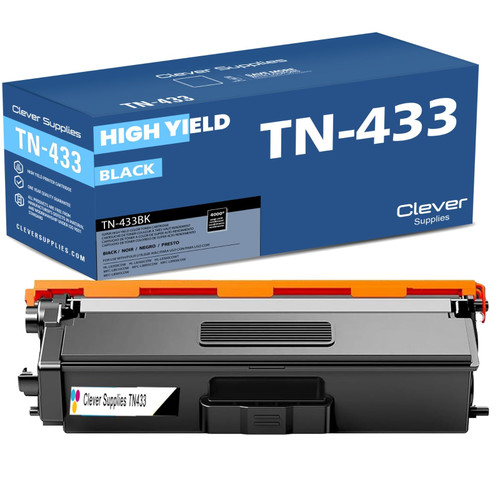 brother tn431 toner cartridge black tn433bk
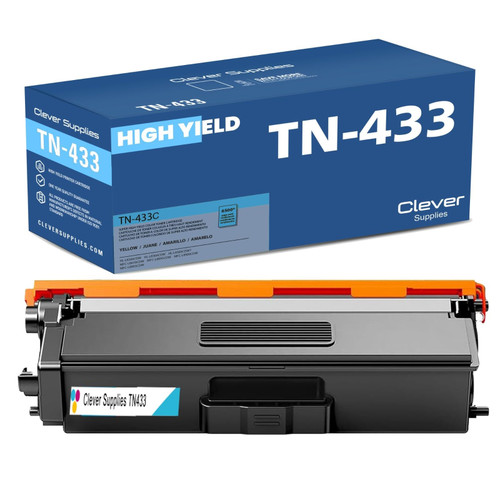 brother tn431 toner cartridge cyan tn433c
 brother tn431 toner cartridge magenta tn433m
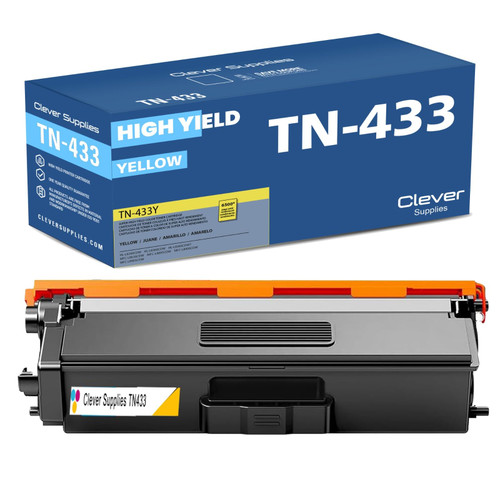 brother tn431 toner cartridge yellow tn433y
Key takeaways
- The top cartridge here is rated at 6,500 pages — fewer swaps, lower cost per page.
- Buying the set instead of the individual cartridges saves $48.24.
- Toner and drum are separate parts on this printer — replace only the one the printer asks for.
Other Printers That Use TN431 and TN433
All seven models below share TN431, TN433 and DR431CL. The split on the top tier matters: the HL-L8360 models and the MFC-L8900 series also accept TN436, while the HL-L8260CDW and MFC-L8610CDW stop at TN433.
- HL-L8260CDW — TN433 is its ceiling
- HL-L8360CDW — also accepts TN436
- HL-L8360CDWT — also accepts TN436
- MFC-L8610CDW — TN433 is its ceiling
- MFC-L8900CDW — also accepts TN436
- MFC-L8905CDW — also accepts TN436
Ready to reorder? The MFC-L8895CDW category page gathers everything that fits this exact machine.