




Ricoh’s compact IM C2000 and IM C2500 color machines draw on one shared set of four print cartridges: 842307 for black, 842308 for yellow, 842309 for magenta and 842310 for cyan. Notice the sequence before you buy anything — Ricoh did not hand these numbers out in the familiar process order most of us carry in our heads, so a cartridge picked by its place in the run is a cartridge picked wrong. Below, this guide prices all six products the family sells — the 4 Color Set, two ways to buy black, and a single for each color — using the sale figures our checkout charges and the page ratings Ricoh publishes for the platform.
In one line: start with the 4 Color Set at $176.96 — it undercuts the four singles bought one by one by $48.22 — then keep the machine fed with black 2-packs and single colors only as each color actually gives out.
One cartridge set covers the whole platform — Ricoh’s brochure prints a single consumables table for the IM C2000, IM C2000A, IM C2500 and IM C2500A, and all four machines order the same codes: 842307 black, 842308 yellow, 842309 magenta, 842310 cyan. For a full refill choose the 4 Color Set at $176.96. To stay ahead of the cartridge that empties first, hold black in the 2-pack at $95.29. And when a single color fades, replace just that color at $56.50 — reading its code against the color name before you click, because on this platform 842308 is yellow and cyan waits at the end of the run as 842310.
Two speeds, one cartridge bay
The two model names describe pace, not appetite. The IM C2000 is Ricoh’s 20-page-per-minute compact color machine and the IM C2500 its 25-page-per-minute sibling, yet the brochure Ricoh publishes for the pair lists exactly one set of consumables beneath both names. The quicker machine reaches the end of a cartridge sooner; it never asks for a different one. An office running one of each keeps a single toner shelf, and a cartridge pulled from that shelf fits whichever machine is calling for it.
The A models belong on the same shelf. Ricoh’s A-series edition of the brochure carries the IM C2000A and IM C2500A in the same consumables table with the same figures, so the letter changes the machine’s configuration — not the cartridge it swallows. There is no A-specific toner for this platform, and a listing implying otherwise is selling you one of these same four codes under a longer name.
One badge note, stated carefully: our product listings describe these same model names as also sold under Ricoh’s Savin, Lanier, Gestetner and Nashuatec brands, and the listings name those badge editions as fits for this family. We could not pull separate Ricoh US documentation for the badge editions to cite here, so the verified roster in this guide is the Ricoh-badged one above — if your machine wears one of those badges over an IM C2000 or IM C2500 nameplate, the product pages for this family are where that claim is made, and the four codes are the same either way.
Finally, mind the namesakes. Ricoh’s catalog also holds a much older Aficio MP C2000 / MP C2500 copier line and the MP C2003 / MP C2503 machines, and all of them take entirely different cartridges. Similar names, unrelated hardware: if the front panel of your machine does not read IM C2000 or IM C2500 (A suffix allowed), this page is not its shelf.
The codes, in the order Ricoh actually assigned them
Most of us absorbed a habit from other cartridge families: codes climb in process order — black first, then cyan, magenta and yellow — so the second number must surely be cyan. Ricoh broke that pattern here. Black leads at 842307, but yellow takes the second slot at 842308, magenta follows at 842309, and cyan closes the sequence at 842310. A buyer ordering by position receives a yellow cartridge while the machine sits open waiting for cyan — and since each cartridge is keyed to its own bay, the error announces itself only at the machine. The whole defense is a two-second check: match the code to the color printed beside it, never to its place in the run.
| Code | Color | Ricoh-rated yield | Single price | Toner cost per rated page |
|---|---|---|---|---|
| 842307 | Black | 16,500 pages | $55.68 | About 0.34 cents |
| 842308 | Yellow | 10,500 pages | $56.50 | About 0.54 cents |
| 842309 | Magenta | 10,500 pages | $56.50 | About 0.54 cents |
| 842310 | Cyan | 10,500 pages | $56.50 | About 0.54 cents |
Those yields come straight from Ricoh’s brochure for the platform, which measured them on A4 sheets at 5% coverage — about the toner laid down by an ordinary letter, a report page or an invoice with a logo at the top. Treat the ratings as a measuring stick for the boxes in this guide, not as a countdown clock. A color cartridge asked to print full-page photographs and saturated presentation backgrounds can lay down several times that coverage per sheet and will empty proportionally sooner, while black — which also carries every mono job the machine ever runs — is rated half again higher than any color precisely because Ricoh expects it to work the hardest.
The per-page figures in the table also let you price a whole page. A monochrome page draws only on black, so it carries roughly 0.34 cents of toner at single prices, or 0.29 cents when black comes from the 2-pack. A full-color page draws on all four cartridges at once, and adding the four figures together puts its rated toner cost at about 1.95 cents — a useful number when a department head asks what the color habit actually costs. Real pages wander above and below these figures with coverage, but as a comparison between the boxes on this shelf, the arithmetic holds.
Machines that arrived from Europe carry a parallel numbering: Ricoh’s European data lists this platform’s cartridges as 842311 through 842314 with identical page ratings. We stock the North American set above. If the cartridge you just pulled out wears one of the 311–314 numbers, match it by the color on its label to the 307–310 cartridge in this guide and you have the right box.
The full shelf, priced as checkout sees it
Six products make up this family: the set of four, black bought two ways, and one single in each color. Every price in the table is a checkout price — the sale figure, not a list price with an asterisk. One quirk of our own catalog before you go looking: each of these six items appears three times in the store, once each under the IMC2000, C2000 and C2500 names, at identical prices. They are the same six products wearing three nameplates; the cards below point at the IMC2000 versions.
| Option | What is inside | Price | Per cartridge | Rated pages | Choose it when |
|---|---|---|---|---|---|
| 4 Color Set | One cartridge in each color | $176.96 | $44.24 average | 16,500 black + 10,500 per color | A machine new to you, or several colors low together |
| Black 2-pack | 2 × 842307 black | $95.29 | $47.65 | 33,000 pages | Black is your fastest-moving cartridge and you want a spare |
| Black single | 1 × 842307 black | $55.68 | $55.68 | 16,500 pages | A one-time refill, or a first trial of a compatible |
| Yellow single | 1 × 842308 yellow | $56.50 | $56.50 | 10,500 pages | Only yellow has run out — remember, it holds the second code |
| Magenta single | 1 × 842309 magenta | $56.50 | $56.50 | 10,500 pages | Only magenta has run out |
| Cyan single | 1 × 842310 cyan | $56.50 | $56.50 | 10,500 pages | Only cyan has run out — it carries the last code, 842310 |
Shipping needs no strategy on this shelf: the store’s free-shipping threshold is $49, and the cheapest item in the family — the black single at $55.68 — clears it by itself. Every box here ships free on a single-item order.
Pricing on this shelf holds one pleasant surprise: the three colors all cost the same $56.50, so the color your office burns through fastest is never the expensive one, and black — despite carrying the highest page rating of the four — is the cheapest cartridge in the family. The only genuine decision the shelf asks of you is how many cartridges to take at once.
The six products, card by card
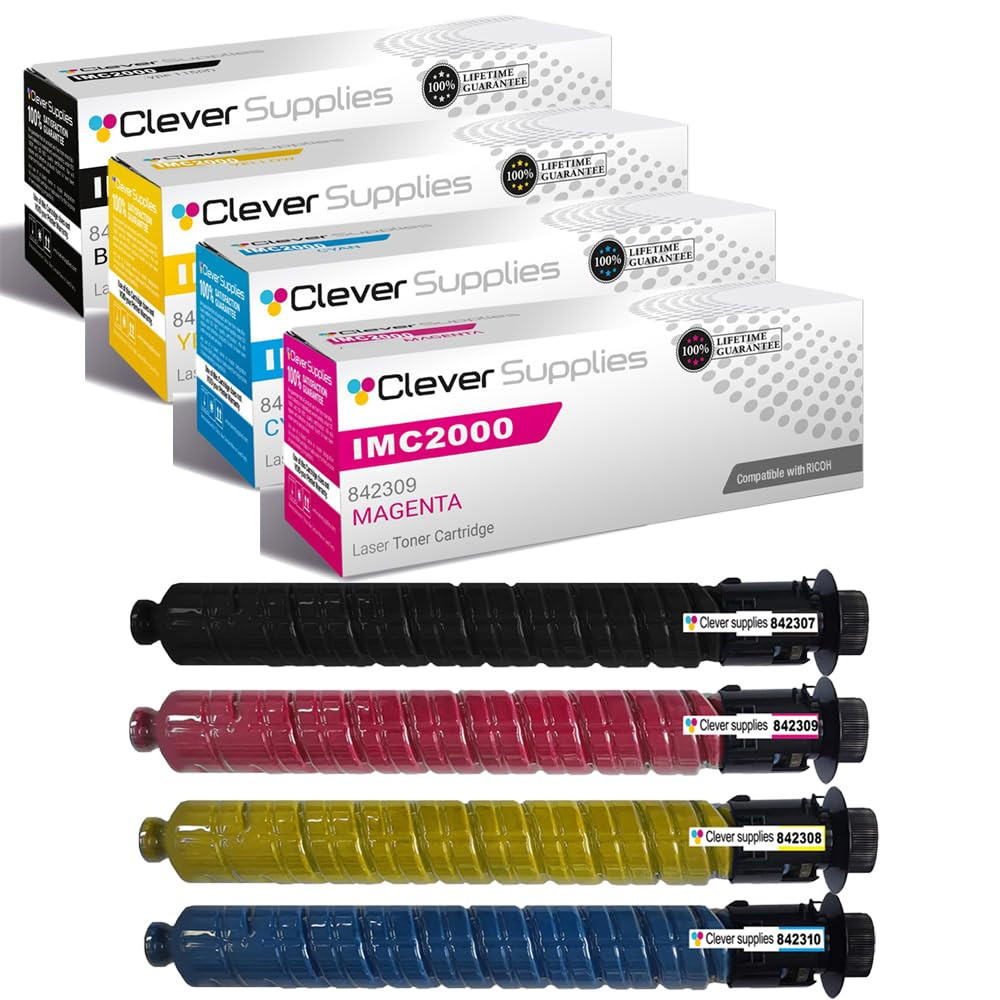
Purchased separately, those four cartridges total $225.18. In the set they are $176.96, and the $48.22 difference stays in the supplies budget — enough to cover most of the next black single when this round runs down. Nothing inside the carton is set-specific, either: open it and you will find the same four sealed cartridges the singles sell, boxed together rather than shipped apart.
See the 4 Color Set →
Black quietly does the majority of the printing in a typical workgroup — documents, copies, reports — and Ricoh’s 16,500-page rating reflects that workload. The single is the uncommitted buy: one cartridge at the family’s lowest cost per page, and a fair test of output quality before packs enter the picture.
See the Black Cartridge →
Two singles would cost $111.36; the pair is $95.29, and each cartridge inside it works out to $47.65. Beyond the arithmetic, the spare changes how an empty black feels: instead of a stopped machine and a rush order, the swap takes a minute and the reorder happens calmly, from a full bay.
See the Black 2-Pack →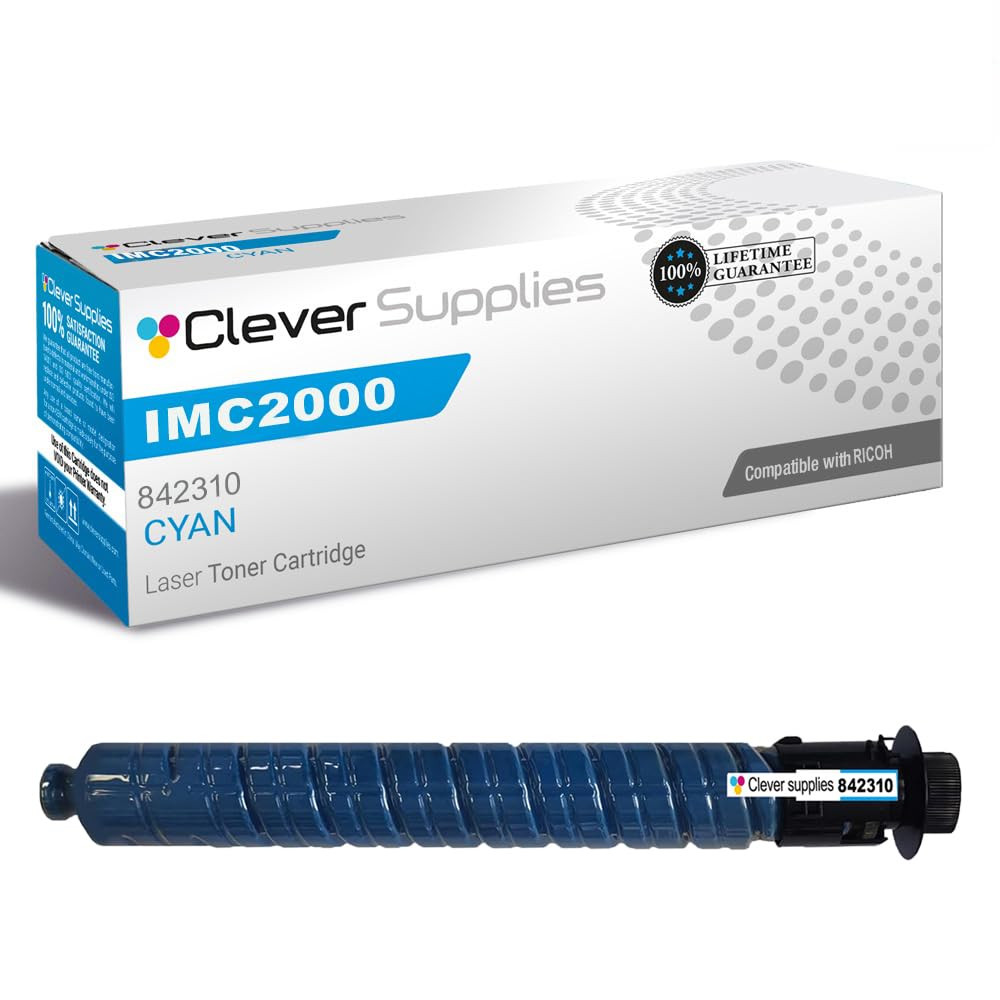
Cyan is where this family’s numbering catches the most people, so the card states it outright: the cyan cartridge is 842310. Order it when the blue in your output starts washing out — pale skies, thin charts, logos losing their corporate blue — and leave the still-healthy colors in place to finish the life they have left.
See the Cyan Cartridge →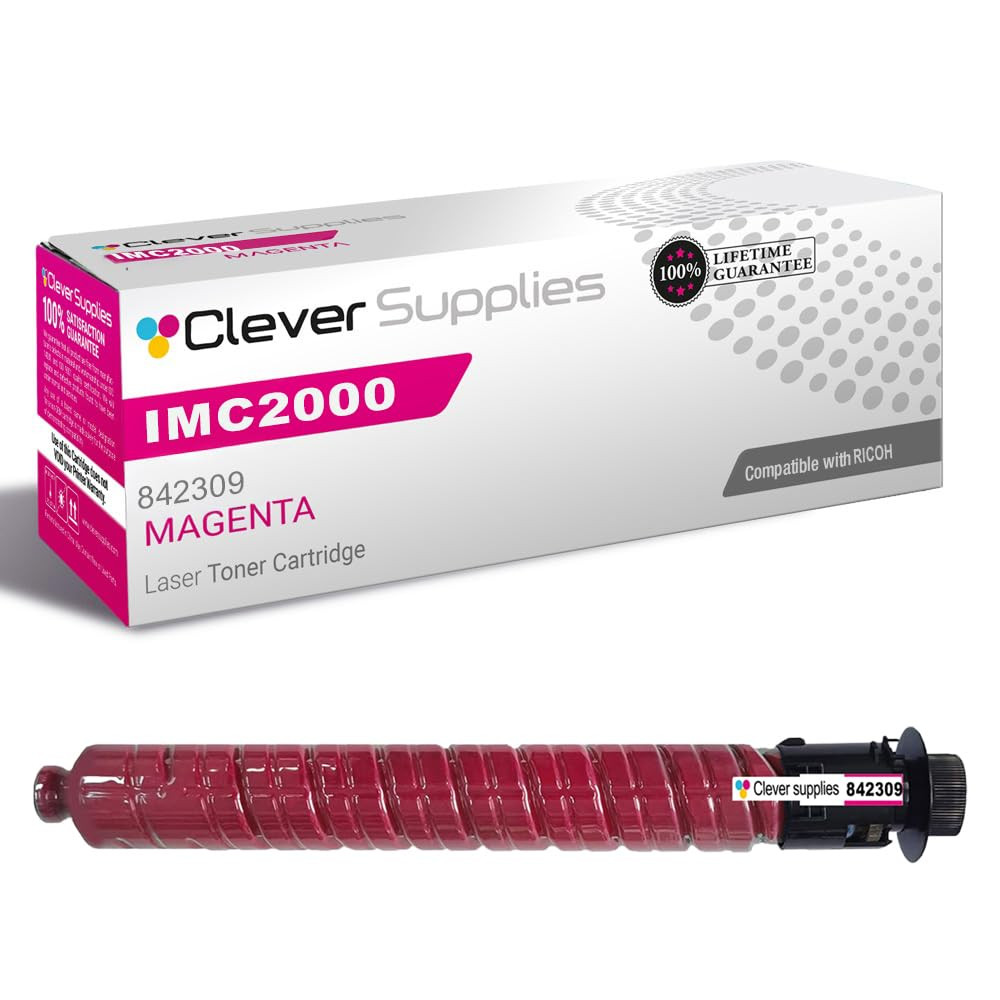
In this family’s sequence, magenta answers to 842309. When the panel flags magenta and the gauges for the other three still read healthy, this one cartridge is the whole repair — swapping out three sound cartridges alongside it would spend money without fixing anything more.
See the Magenta Cartridge →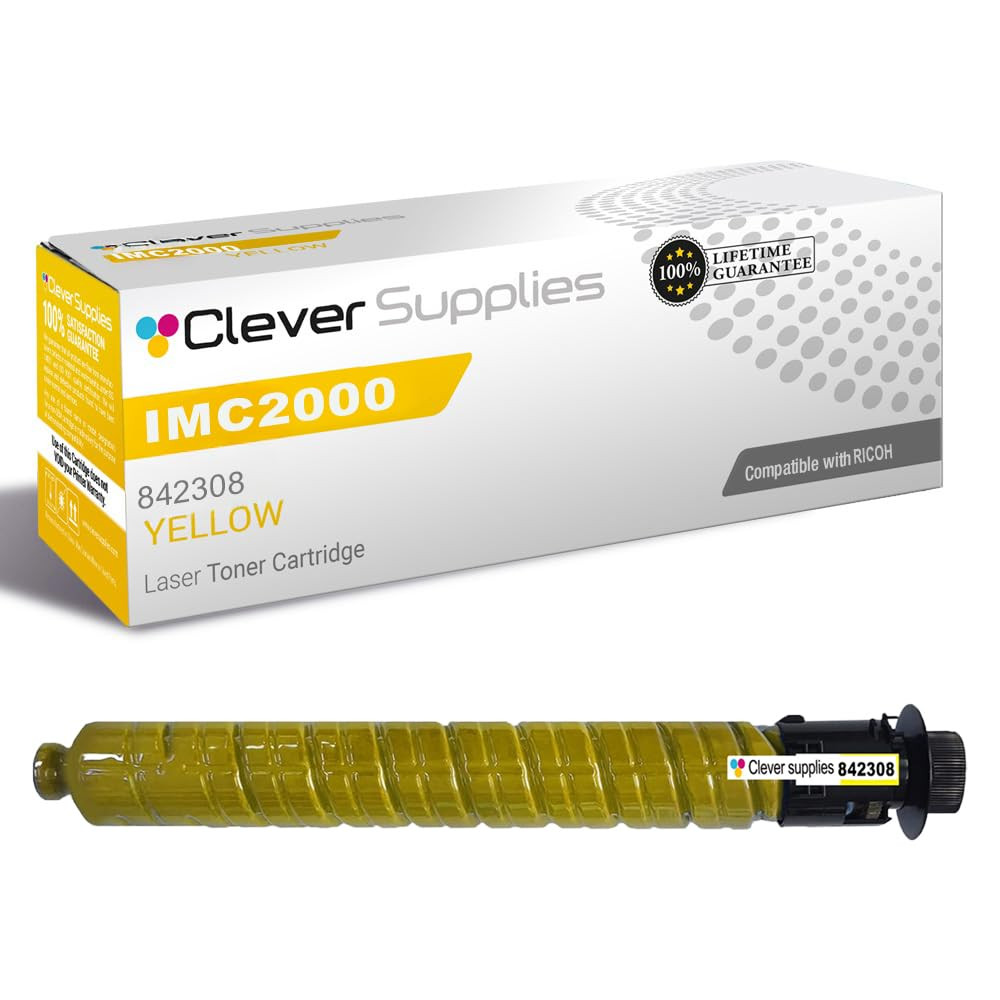
Memorize this card if you memorize nothing else in the guide: on the IM C2000 / IM C2500 platform, 842308 means yellow. Buy it when yellow runs dry, and at the machine, trust the color printed on the cartridge over the number’s place in the sequence — the number is exactly where the trap sits.
See the Yellow Cartridge →Buying rhythm for a shared office machine
Open with the set, then top up piecemeal
Cartridges that go in together do not come out together. Black drains a little with literally everything the machine prints, while each color drains only when a page asks for that color, and only as heavily as the page uses it. Give the machine a season and the four supply gauges will all read differently — so the sensible routine here splits three ways: sets when the whole bay needs resetting, a standing arrangement for black, and individual colors bought as each one fades.
Black deserves its own standing order
Black runs on a faster clock than the colors, and the black 2-pack is priced for that clock. Two singles cost $111.36; the pair costs $95.29, which is $16.07 back and $47.65 per cartridge, and across the pair’s 33,000 rated pages the toner cost works out near 0.29 cents a page instead of 0.34. The spare earns its shelf space in a second way: it deletes the deadline-day scramble that follows when black gives out mid-job on a shared machine.
Colors rarely empty together
When a single color reaches the end, a single cartridge is the right-sized answer: $56.50 puts 10,500 rated pages of that color back while its two companions carry on with whatever life they have left. Do check the cluster first, though. Colors that went in on the same day have lived the same life, so glance at the other gauges before ordering — if another color is close behind, the set wins on arithmetic ($176.96 against $225.18 for the four singles) and on logistics, with one delivery instead of three straggling in.
A worked example: 49,500 black pages and one round of colors
Price out a realistic stretch of workgroup printing: enough pages to consume three black cartridges, plus one full round of the three colors. As singles, that list costs three times $55.68 plus three times $56.50 — $336.54 altogether. Buy it instead as one 4 Color Set and one black 2-pack and the same cartridges cost $272.25, keeping $64.29 in the budget. Scale the example up or down and the shape of it holds: the money on this shelf is saved in the set and the pair.
Turning ratings into a calendar
Volume turns ratings into dates. At roughly 2,000 pages a month, mostly documents with color in a supporting role, an office gets through about 18,000 black pages a year — slightly more than one black cartridge — and perhaps a third of each color cartridge. At 5,000 pages a month the picture tightens: black needs replacing roughly every quarter, and the colors run their course about once a year. That is the cadence the pair and the set are priced around. Pull your own monthly figure from the machine’s counter and the ratings in this guide turn into a reorder schedule instead of a guess.
Stocking for two machines
Plenty of offices run the pair side by side — a C2000 at one end of the floor, a C2500 at the other — and the shared cartridge set turns that into an advantage. One shelf of spares covers both machines, a black cartridge can go to whichever printer calls first, and the faster C2500’s habit of cycling through black sooner is absorbed by the same 2-pack supply. The only housekeeping rule is labeling: write the color beside the code on every spare, because the numbering trap does not care which machine you are standing in front of.
Day-to-day ownership notes
No drum on the shopping list
These are print cartridges rather than plain toner bottles, and no separate drum unit is sold for this family — not by Ricoh as a line item on this shelf, and not by us. That keeps the consumables budget to one short list — the cartridges themselves, bought singly, in pairs or as a set — with no second component quietly running its own countdown toward a replacement bill of its own.
The chip registers itself
Each compatible cartridge on this shelf carries a current-generation chip from the factory, so the IM C machine recognizes it the moment it seats and the toner gauge keeps reporting as it should. There is no chip to salvage from the old cartridge and nothing to move across — installation really is the whole task. One limit, stated plainly: a future firmware change is the one thing no cartridge seller can honestly guarantee against, and we will not claim otherwise. What we can point to is up-to-date chips and a long, trouble-free history in these machines.
Changing one color
The display on the machine tells you which color is finished. Open the front cover, pull that cartridge straight out toward you, rock the new one gently side to side a few times so the toner settles level, remove the protective tape, and push it into the bay for its color until it clicks. The other three cartridges stay untouched throughout. Because each bay accepts only its own color, a mismatched cartridge simply will not go in — the machine protects you at install time, which is exactly why the careful code check belongs earlier, at ordering time.
Keeping a spare ready
Keep spares in their sealed packaging, lying flat in a cool, dry place away from direct sun. Toner is powder, not liquid — it cannot dry out — so a cartridge that arrived inside a set can sit for months waiting its turn and lose nothing. Use the shelf oldest-first. If an IM C2000 and an IM C2500 share your office, let them share the spares shelf too; just write each spare’s color in plain words alongside its code, and nobody has to decode anything at the machine.
Before you order: the IM C2000 / IM C2500 checklist
Questions buyers ask about this family
No. Ricoh publishes one consumables table for both machines, and the IM C2500 takes the same 842307 black rated at the same 16,500 pages. The faster engine simply reaches the end of that rating sooner in calendar time.
No — the box is right and the assumption was wrong. Ricoh sequenced this family black, yellow, magenta, cyan, which makes 842308 the yellow cartridge; cyan is 842310, at the end of the run. It catches more buyers than any other quirk on this platform, and it is why the cards above print a color name next to every code.
No. The A models appear in the same row of Ricoh’s consumables table as the plain models, for both the IM C2000A and the IM C2500A, with the same four codes and the same ratings. The four cartridges in this guide are their cartridges too.
Our product listings describe the IM C2000 and IM C2500 as also sold under the Savin, Lanier, Gestetner and Nashuatec badges, and they name those badge editions as fits for this family. We could not find separate Ricoh US documentation for the badge editions to cite, so treat the listing’s fit line as the source for a badged machine: if the model name under the badge reads IM C2000 or IM C2500, the four codes here are the ones its listings point to.
No separate drum purchase applies here. These are print cartridges, and no standalone drum unit is sold for this family — the four cartridges and their packs are the whole consumables list.
842313 belongs to the European code set for this same platform, 842311 through 842314, which carries identical page ratings. In that set 842313 is the magenta cartridge, so its North American counterpart here is 842309 magenta. Match by color whenever a code looks unfamiliar and the pairing resolves itself.
Not at all. The set is packaging, not a matched kit — each cartridge inside is individually sealed and identical to the same color sold as a single. Install one now, keep the rest on the shelf for months, and mix them freely with singles and 2-packs you buy later; the machine tracks toner levels, not cartons.
Because the four cartridges travel in one carton on one shipment. Added up separately, black at $55.68 and the three colors at $56.50 each come to $225.18; the 4 Color Set is $176.96, returning $48.22 of that — about 21% — while delivering exactly the same four sealed cartridges.