




WorkCentre 5335p
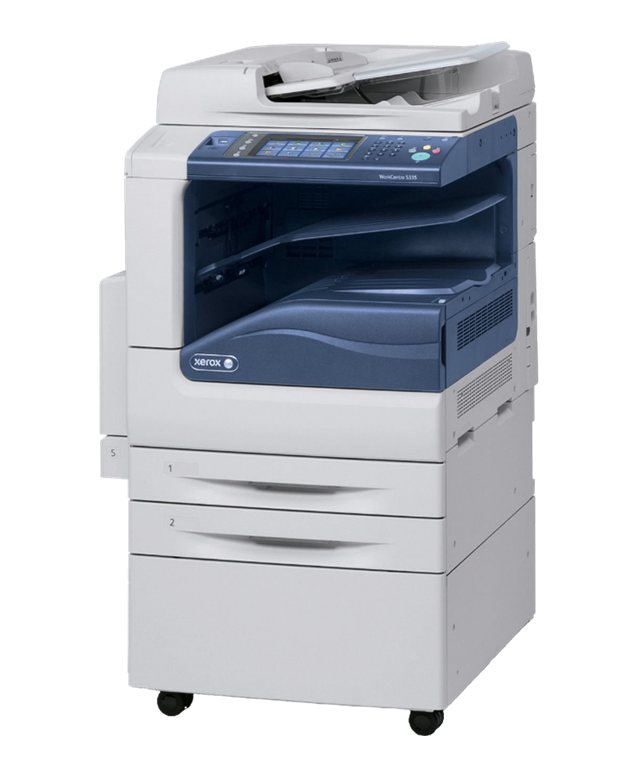
The WorkCentre 5335p is the workhorse of the 53xx monochrome MFP line, printing, copying, scanning and faxing off a single 006R01159 black toner cartridge. That cartridge's roughly 30,000-page yield is made for high-volume environments. Compatible replacements install in seconds and keep output crisp.
Toner Cartridges for Xerox WorkCentre 5335p
| Cartridge | Color | Page Yield | OEM # |
|---|---|---|---|
| Xerox 006R01159 (Compatible) | Black | 30,000 pages | 006R01159 |
Frequently Asked Questions
What toner does the Xerox WorkCentre 5335p use?
The Xerox WorkCentre 5335p uses the Xerox 006R01159 toner cartridge (OEM #006R01159).
How many pages does a Xerox 006R01159 cartridge print?
A Xerox 006R01159 black toner cartridge prints approximately 30,000 pages at 5% coverage — one of the longest-lasting cartridges in the WorkCentre lineup, so replacements are few and far between.
Are compatible Xerox 006R01159 cartridges safe for the WorkCentre 5335p?
Compatible cartridges are designed to work in the WorkCentre 5335p. Check your printer's warranty terms for specific coverage details.
How do I install a Xerox 006R01159 toner cartridge in the WorkCentre 5335p?
Open the front cover of your Xerox WorkCentre 5335p, remove the old cartridge, unpack the new Xerox 006R01159 cartridge, gently rock it to distribute toner, and slide it into place until it clicks.