




WorkCentre 5330ph
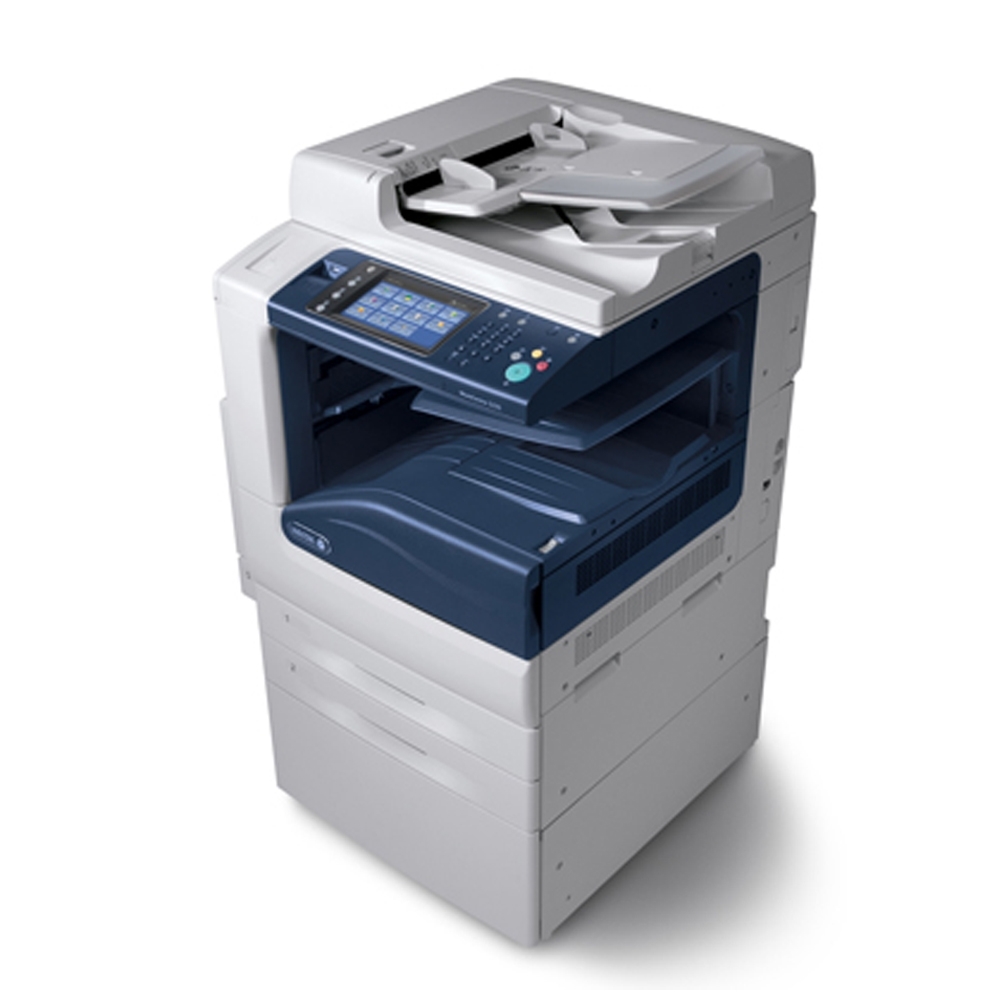
The Xerox WorkCentre 5330ph keeps supply ordering about as simple as a departmental machine can make it: a single black cartridge, the 006R01159, rated for an estimated 30,000 pages. There are no color slots to track and no second cartridge family to stock — when the 5330ph needs toner, this is the one part number that matters.
What makes the 5330ph easy to live with in a busy office is that it shares that cartridge with the entire 5325/5330/5335 group. A facilities shelf holding one box of 006R01159 covers every machine in the family, so a cartridge pulled for a 5330ph on Monday works just as well in a sister model down the hall on Friday. For offices running several of these WorkCentres, that shared supply quietly removes most toner emergencies.
Toner Cartridges for 5330ph
| Cartridge | Color | Page Yield |
|---|---|---|
| 006R01159 | Black | About 30,000 pages |
| WorkCentre 5330ph listing (006R01159) | Black | About 30,000 pages |
| 006R01159 — 3 Pack | Black | About 30,000 pages each |
| 006R01159 Premium — 5 Pack | Black | About 30,000 pages each |
| WorkCentre 5330ph listing — 5 Pack | Black | About 30,000 pages each |
Which cartridge should you buy?
Start with how your office actually consumes a 30,000-page cartridge. A single 006R01159 is the right buy when the 5330ph handles a moderate, steady load — one cartridge already stretches across months of ordinary work. Busier sites usually step up to the 3 Pack, which keeps two spares on the shelf and cuts reordering to a few times a year, while the Premium 5 Pack suits shared supply rooms feeding several machines at once. Note that the listings named for the 5330ph itself and the code-named listings are the same cartridge in different packaging; choose by pack size, not by which name you pick.
Chip, toner and everyday use
The 5330ph reads the cartridge chip as soon as a new unit seats, and the toner gauge on the panel is the number to trust — page counts are estimates at 5% coverage, so dense reports and heavy forms finish a cartridge sooner than the rating suggests. When output starts to fade near the end of a cartridge, slide it out and rock it gently side to side; redistributing the remaining toner often restores even coverage for the last stretch of pages. Keep the replacement sealed until install day, because an opened cartridge stored in a bright supply room ages faster than one left in its packaging.
Frequently Asked Questions
What toner does the WorkCentre 5330ph use?
It uses the 006R01159 black toner cartridge, the same supply fitted across the WorkCentre 5325, 5330 and 5335 models. The listings sold under the 5330ph name are this same cartridge.
How many pages will one cartridge print in a busy office?
The rated yield is about 30,000 pages at 5% coverage. Real offices printing dense text, forms or graphics-heavy pages will see less, but even at heavier coverage a single cartridge typically lasts months before the low-toner warning appears.
Can I take a cartridge from another WorkCentre model and use it here?
Yes, as long as it is a 006R01159. Every model in the More printers list below shares this cartridge, so spares can move freely between machines in the family.
Does this machine need a separate drum cartridge as well?
The products listed on this page are toner cartridges and multipacks only. If your machine reports a drum-related message, check the printer manual for the correct drum part before ordering, since it is a different supply from the 006R01159 toner.
More printers that use the same cartridges
Every model below runs on the same 006R01159 black cartridge: WorkCentre 5325, WorkCentre 5325p, WorkCentre 5325ph, WorkCentre 5330, WorkCentre 5330p, WorkCentre 5335, WorkCentre 5335p, WorkCentre 5335ph.