




Phaser 6180MFP/D Toner Cartridges
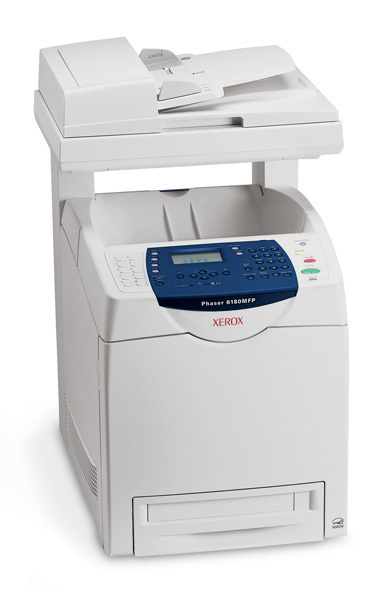
Xerox's Phaser 6180MFP/D is engineered for professional document output, delivering vivid color from a multifunction machine. It uses the 113R00722 cartridge as its standard black supply; for busier months, this model also runs a high-yield four-cartridge family — cyan 113R00723, magenta 113R00724, yellow 113R00725 and black 113R00726 — with every color stocked individually, so one empty slot never forces a full set purchase. The high-yield family is the line listed on this page.
A multifunction machine gathers work from every direction — prints from desks, copies at the glass, documents scanned and reprinted — and all of it lands on the same four cartridges. Vivid color output is what this model is bought for, so its colors see real work, not occasional accents. That is the case for feeding it the high-yield family: on a machine this central, the swap you postpone is a meeting handout that still gets printed, and a spare set in the building is cheaper than one stalled morning.
Toner Cartridges for Phaser 6180MFP/D
| Cartridge | Color | Page Yield |
|---|---|---|
| 113R00726 — Black, high yield, single | Black | See product page |
| 113R00725 — Yellow, high yield, single | Yellow | See product page |
| 113R00723 — Cyan, high yield, single | Cyan | See product page |
| 113R00724 — Magenta, high yield, single | Magenta | See product page |
| Phaser 6180MFP/D — High Yield 4 Color Set | Black, Cyan, Magenta, Yellow | See product page |
| Phaser 6180MFP/D — Premium Quality High Yield 4 Color Set | Black, Cyan, Magenta, Yellow | See product page |
| 113R00726, 113R00723, 113R00724, 113R00725 — High Yield 4 Color Set | Black, Cyan, Magenta, Yellow | See product page |
Which cartridge should you buy?
Buy singles against the low-toner message and keep the full set for restock day. Day to day, the 6180MFP/D only ever needs the one color that has run out, and the high-yield singles above are the direct replacement. When several colors approach empty together — the natural end of a heavy quarter — a 4 color set resets the machine in one order, with standard and premium quality listings to choose from. Each compatible cartridge on this page is covered by a 1-year warranty and 1-year returns.
Chip, toner and everyday use
Rock each new cartridge gently side to side before fitting it, so the toner load spreads evenly and the first copies come out at full density. Push the cartridge in firmly until it seats; if the machine does not recognize it, reseating it so the chip makes clean contact resolves the great majority of cases. Yield figures are rated at 5% coverage — vivid, full-color documents spend toner well beyond that rate, so judge a cartridge's life against your own output. Keep unopened spares flat, sealed, cool and dry.
Frequently Asked Questions
What toner does the Phaser 6180MFP/D use?
Its standard black cartridge is the 113R00722, and it also takes the family's high-yield cartridges: black 113R00726, cyan 113R00723, magenta 113R00724 and yellow 113R00725. This page stocks the high-yield line.
Does one empty color stop the whole machine?
It stops color work calling for that cartridge, but replacing it is a one-cartridge job — the other three stay in place, and no full set change is required.
Why run high-yield cartridges in a multifunction machine?
An MFP collects printing and copying from the whole office, so its cartridges turn over faster than a single-desk printer's. High-yield cartridges space the swaps out and keep the machine available.
How many pages do the high-yield cartridges print?
Ratings are measured at 5% coverage, and vivid color documents use considerably more toner per page. The rated yield for each cartridge appears on its product page.