




E332n
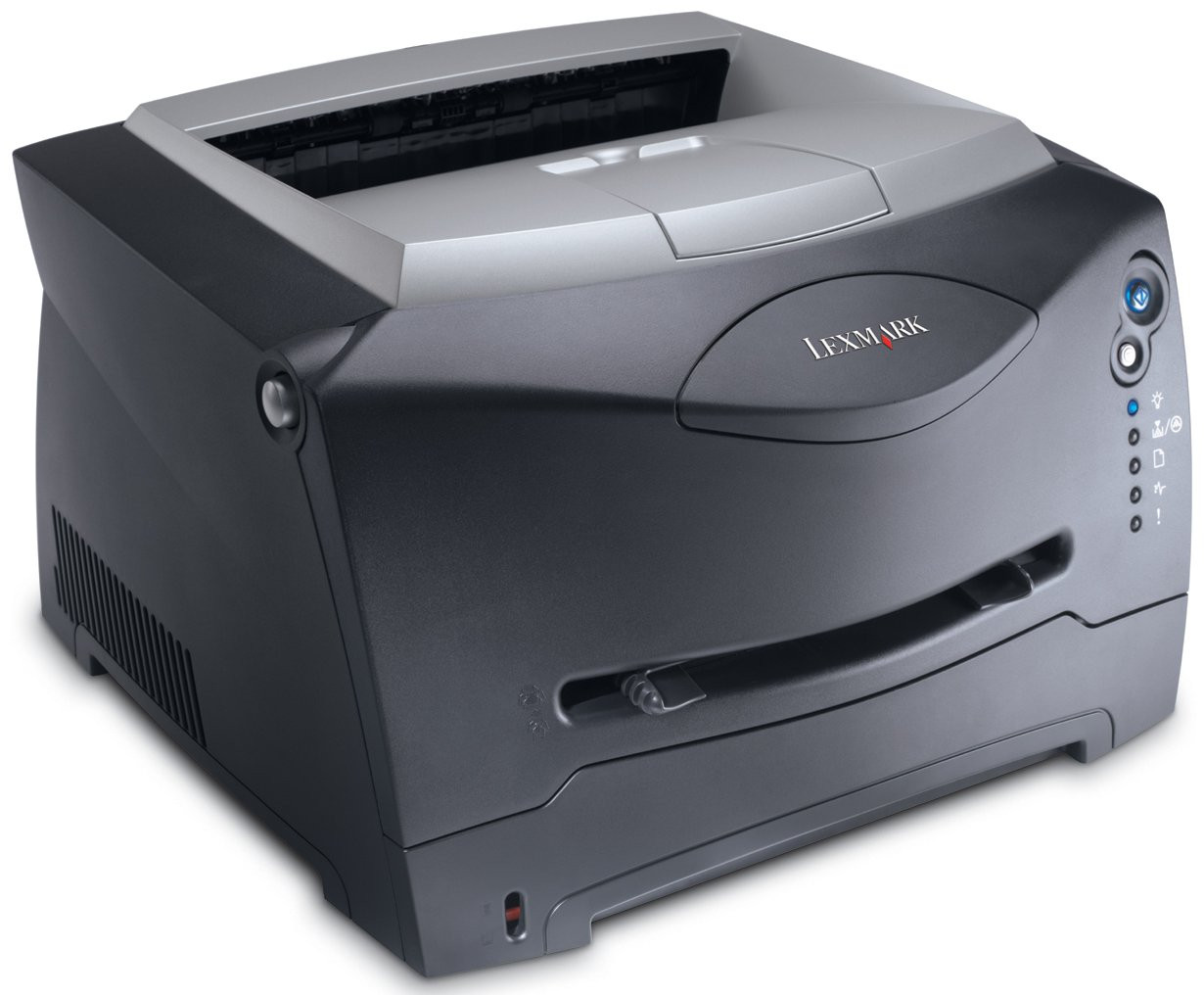
The Lexmark E332n is the networked member of the E332 family: a compact monochrome laser printer with an Ethernet port, made so a small team of three or four people can share one machine instead of queueing at a single desk. It prints with one black cartridge, the 12A8305, and the compatible version stocked on this page comes as a single cartridge, a 2-pack or a 4-pack, so whoever looks after supplies can match each order to how fast the printer actually gets through toner.
A shared printer changes the way toner gets managed. Nobody sits beside the E332n all day, so the cartridge has to look after itself: the level can be checked on screen, a warning shows up before the toner is truly spent, and the swap itself takes about a minute when it comes. A spare on the shelf matters more here than it does with a personal printer, because an empty cartridge stalls several people's work at the same time, not just one person's print job.
Toner Cartridges for E332n
| Cartridge | Color | Page Yield |
|---|---|---|
| 12A8305 — Single | Black | See product page |
| 12A8305 — 2 Pack | Black | See product page |
| 12A8305 — 4 Pack | Black | See product page |
Which cartridge should you buy?
Lexmark built two yield tiers around this printer family. The standard cartridge, numbered 24015SA, is rated at roughly 2,500 pages, while the high-yield 34015HA runs to about 6,000 pages before it needs replacing. On a lightly used shared printer the standard tier is perfectly sensible; on a machine handling the whole desk pod's daily output, the high-yield tier cuts both the number of swaps and the cost of each printed page. The compatible 12A8305 listings above express the same choice through pack sizes: a single cartridge for occasional use, or a 2-pack or 4-pack when you would rather keep spares on site and reorder less often.
Chip, toner and everyday use
Every compatible cartridge on this page carries a working chip, so the E332n registers its toner level from the first install and reports it the way it would an original cartridge. When the low warning appears, slide the cartridge out and rock it gently from side to side a few times; toner settles during use, and redistributing it often restores even coverage for the pages that remain. Keep spares flat, sealed in their bags and away from direct light, and the cartridge you fit in three months will print as cleanly as the one you fit today.
Frequently Asked Questions
Which toner cartridge does the Lexmark E332n take?
It takes the family's single black cartridge design. The compatible cartridges sold here are the 12A8305 listings above; in Lexmark's own numbering, the standard-yield version of the cartridge is the 24015SA and the high-yield version is the 34015HA.
Can everyone sharing the printer see how much toner is left?
Yes. The chip in the cartridge talks to the printer's toner gauge, so the level can be checked at the machine and the low-toner warning arrives in good time, before output starts to fade.
Is the high-yield cartridge worth choosing for a shared printer?
Usually it is. At about 6,000 pages against roughly 2,500 pages for the standard cartridge, the 34015HA more than doubles the distance between swaps, which counts for a lot when several people depend on the same machine.
Are the cartridges on this page original Lexmark products?
No. They are premium compatible cartridges built for this printer family. They install and print the way the originals do, and each one is covered by a 1-year warranty with 1-year returns.
More printers that use the same cartridges
The E332n draws from the same cartridge pool as the rest of the E33x and E34x line, so one stock of toner covers all of these machines: E332, E332tn, E340, E342, E342N.