




Xpress M2625
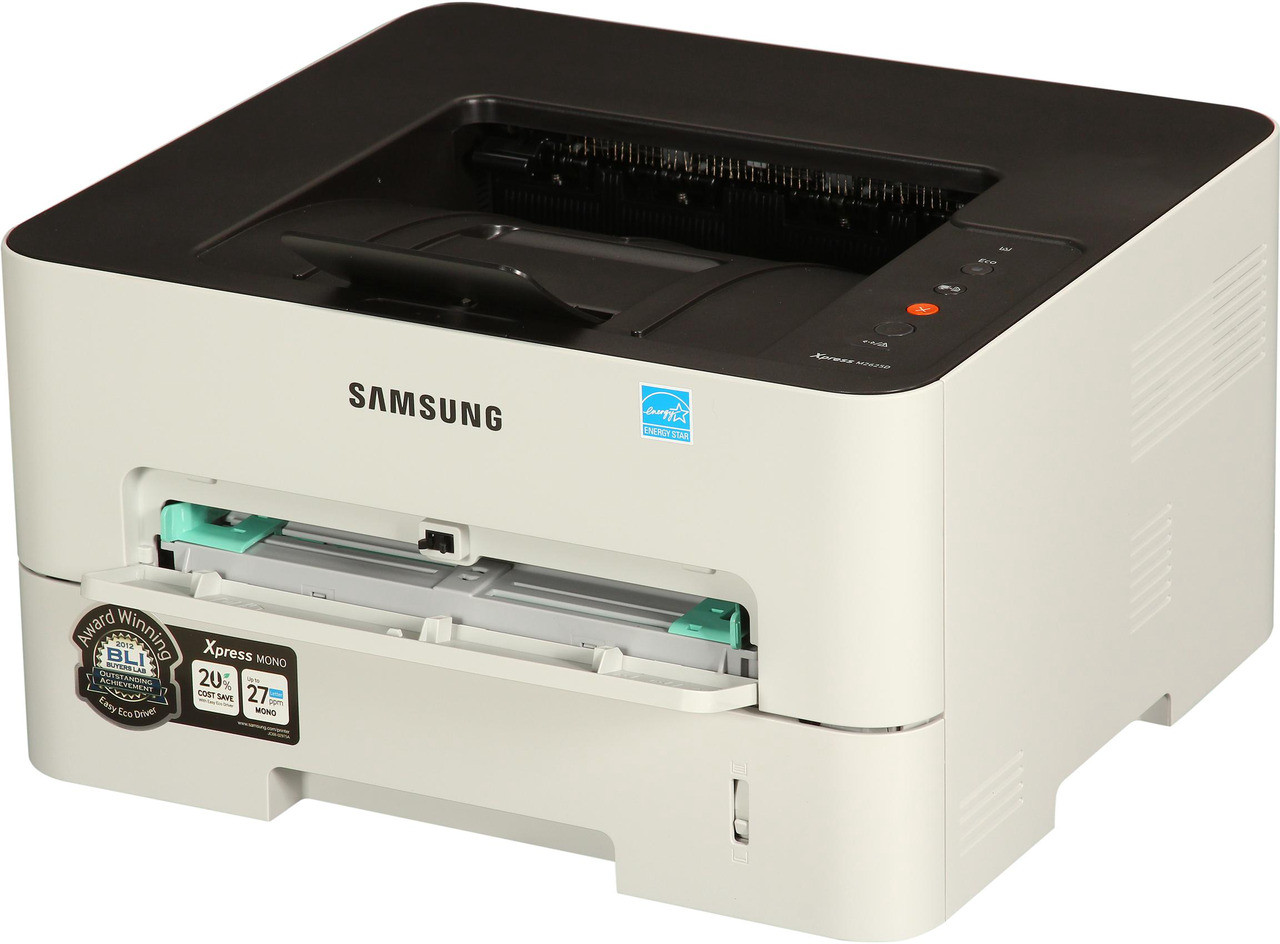
Every cartridge family has an anchor machine, and for the MLT-D116 line it is the Xpress M2625: a 26 ppm monochrome multifunction that prints, copies, scans and faxes for small offices. Its consumables split into two independent parts — the MLT-D116L high-yield toner (the standard MLT-D116S fits the same slot) for regular swaps, and a separate MLT-R116 imaging unit, rated around 9,000 pages, that comes out only a few times in the machine's working life. Everything listed below is a compatible supply for that two-part system.
The M2625 is the generalist at the front desk or in the back office: contracts in the morning, copies before lunch, a scanned form after it. That mixed, steady workload is exactly where the two-piece design pays off — when toner runs out you replace toner only, instead of throwing away a drum that still has thousands of pages left in it, and long-term running costs stay lower than all-in-one cartridge designs.
Toner Cartridges for Xpress M2625
| Cartridge | Color | Page Yield |
|---|---|---|
| MLT-D116L High Yield Toner Cartridge | Black | See product page |
| Xpress M2625 High Yield Toner Cartridge | Black | See product page |
| MLT-D116L High Yield Toner Cartridge — 3 Pack | Black | See product page |
| MLT-D116L Premium High Yield Toner Cartridge — 5 Pack | Black | See product page |
| Xpress M2625 High Yield Toner Cartridges — 5 Pack | Black | See product page |
Imaging unit (replaced separately, on a much longer cycle):
- MLT-R116 Drum Unit — rated around 9,000 pages
Which cartridge should you buy?
Start with how the machine is actually used. An M2625 that prints every working day will empty the standard MLT-D116S quickly enough that its lower shelf price stops looking clever; the MLT-D116L spreads its cost over far more pages and halves the number of interruptions. Offices that hate reordering keep a 3 pack or 5 pack in the supply cabinet and treat toner like paper — a stock item, not an emergency purchase. If your M2625 is a backup unit that wakes up twice a month, the standard cartridge is the honest choice: toner does not improve with age, and unused capacity bought a year ahead earns nothing.
Chip, toner and everyday use
These compatible cartridges carry a chip the M2625 reads for toner level reporting, so keep the contacts clean and push the cartridge in until it seats with a click. A cartridge that has traveled in a hot or cold truck can misread at first — let it reach room temperature before judging it. Store spares flat, sealed and out of direct sunlight. When output starts to thin near the end of a cartridge, remove it and rock it gently side to side; the redistributed powder usually carries you to a convenient moment for the swap. Compatible cartridges are covered by a 1-year warranty and 1-year returns.
Frequently Asked Questions
The Xpress M2625 says to replace the imaging unit. Is that the toner?
No — they are two different supplies on two different clocks. The MLT-D116L or MLT-D116S is the toner you swap whenever pages fade; the MLT-R116 imaging unit forms the image itself and survives several toner cartridges before its quality gives out. A replace-imaging-unit message will not clear by fitting new toner, and a toner warning is never cured by changing the drum.
MLT-D116S or MLT-D116L for an office that prints every day?
For daily printing, the high-yield MLT-D116L is the economical default: more pages per cartridge, fewer swaps, lower cost per page. The standard MLT-D116S suits genuinely light or occasional use, where a smaller upfront spend matters more than the per-page figure.
How do I get the longest life out of the MLT-R116 drum?
Treat it like camera film. The drum surface is light-sensitive, so work briskly when it is out of the machine and never leave it sitting under bright light, and keep fingers off the surface itself — skin oil prints as a repeating spot on page after page. A defect that repeats at the same interval down every sheet is the classic sign the drum, not the toner, has reached the end.
Can I keep printing after the toner-low warning appears?
Usually, yes, for a while. The warning is an estimate, not a hard stop, and a gentle side-to-side rock of the cartridge evens out the remaining powder so the last pages stay readable. Plan the replacement then rather than when the warning first shows — but have the spare ready before pages turn visibly faint.