




BizHub C284
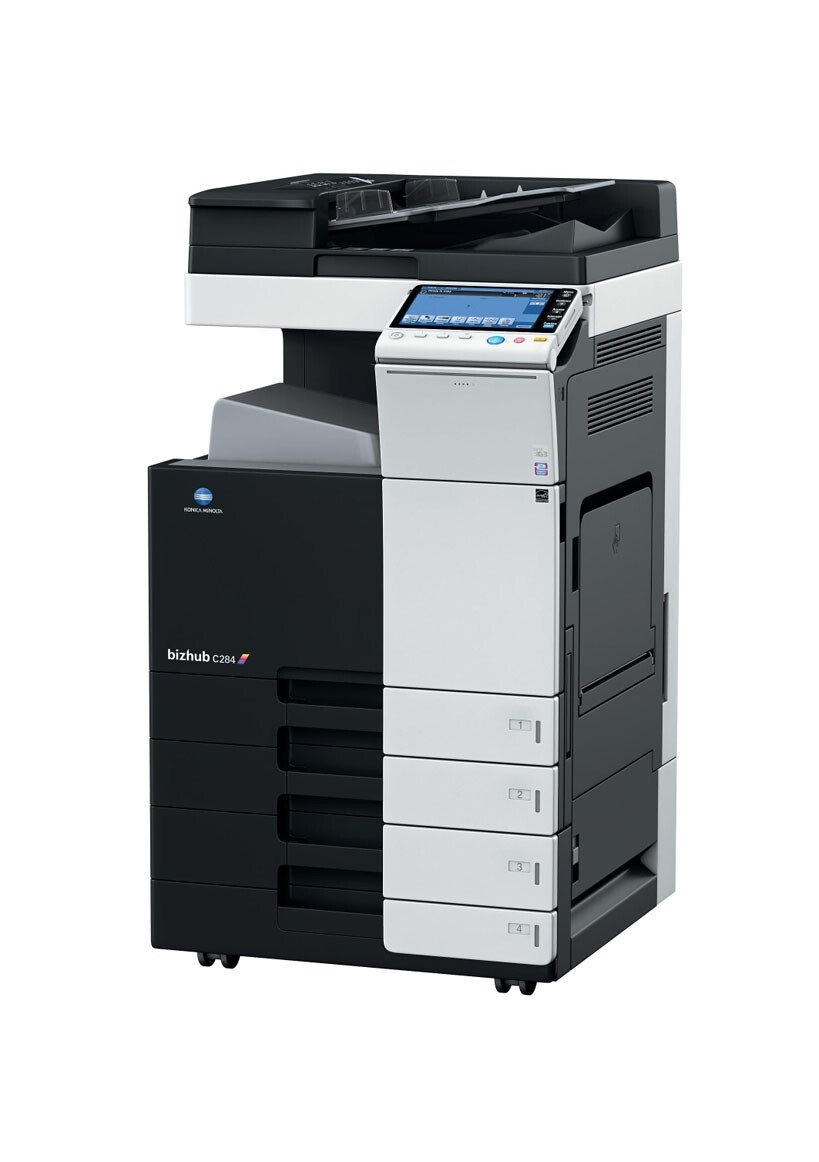
The BizHub C284 is the quicker step in Konica Minolta's color departmental line, and a quicker engine goes through toner quicker — yet it drinks from the same well as its smaller sibling: the TN-321 set, spelled TN321 in its short form. The four positions are black A33K130 (TN-321K / TN321K), cyan A33K430 (TN-321C / TN321C), magenta A33K330 (TN-321M / TN321M) and yellow A33K230 (TN-321Y / TN321Y). On a machine that turns pages this fast, compatible pricing across all four positions is where the running-cost gap opens widest.
The C284 typically anchors a busy color department: client-facing documents, presentation decks and reports that cannot wait on a slower box. Its appetite is the point — a faster engine concentrates cartridge demand into shorter windows, so a supply gap shows up as a missed deadline rather than a minor delay. The saving grace is family discipline: the C284 shares its complete toner set with the BizHub C224, so a fleet mixing the two speeds still stocks just one cartridge per color.
Toner Cartridges for BizHub C284
Which cartridge should you buy?
On a workhorse C284, the cheapest cartridge strategy is the one that never lets the machine stand idle. Hold one complete spare set as the floor: color depletion is unpredictable, and an empty magenta discovered at deadline time costs more in disruption than any cartridge on this page. Day to day, replace singles as they finish — black will cycle fastest under document load, and the two-black pack matches that rhythm. Step up to the larger multi-packs only when the department's usage is steady enough that the stock will actually turn over; toner keeps well while it stays sealed, but money sitting in a supply cabinet is still money.
Chip, toner and everyday use
Speed does not change the swap ritual, but it punishes shortcuts faster. Pull the old unit straight out without tilting it, slide the replacement in along its rails until it locks, and confirm the protective seal came away in one whole piece — a torn seal tail left inside the bay is a classic cause of streaks on the next run. Let the machine complete its startup calibration before sending a long job; the C284 adjusts its color balance after a cartridge change, and interrupting that cycle shows up as drift across the first pages. When a cartridge is nearly empty, a gentle rock can redistribute the toner left in it for a short reprieve, but treat that as a bridge to the spare on the shelf, not as a refill.
Frequently Asked Questions
Is the C284's TN-321 set the same as the C224's?
Identical, cartridge for cartridge. Stock bought for a C224 runs in the C284 without any adjustment, and because the two models draw on the same four TN-321 cartridges, they can share one supply shelf between them.
Should a busy office keep a full spare TN-321 set for the C284?
Yes — one full set is the practical minimum for a machine doing deadline work. Any single color can finish with little warning under heavy coverage, and a complete spare set turns that event into a two-minute swap instead of a stopped department.
Why do colors look washed out on the C284 even with fresh cartridges?
When all four colors fade together, the cause usually sits downstream of the toner: a worn transfer belt or tired imaging units will mute output no matter how fresh the cartridges are. Fresh TN-321s cannot compensate for a transfer system at the end of its life, so have the machine inspected before ordering more toner.
Can I swap a single empty color in the middle of a job?
Yes. Pause the queue, replace only the empty cartridge, and let the machine recalibrate before resuming. The other three cartridges are independent units and stay exactly where they are — there is no reason to disturb them.
More printers that use the same cartridges
Fleet buyers can standardize further on the same four cartridges, because they also run the BizHub C224, BizHub C224E, BizHub C284E, BizHub C364 and BizHub C364E.