




BizHub C224
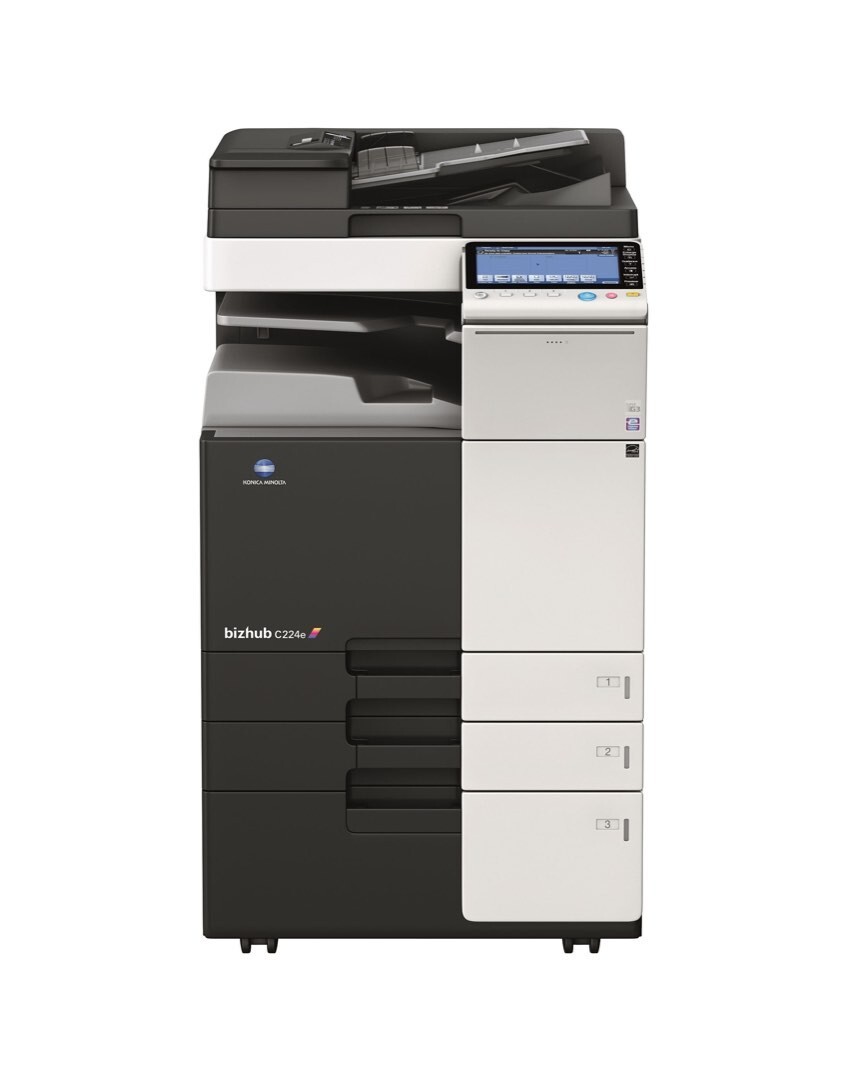
The Konica Minolta BizHub C224 is a color departmental MFP built for the mainstream office, and it prints through a four-cartridge toner system: the TN-321 set, also written TN321 without the hyphen. Black is A33K130, ordered as TN-321K or TN321K; cyan is A33K430 (TN-321C, also TN321C); magenta is A33K330 (TN-321M, also TN321M); and yellow is A33K230 (TN-321Y, also TN321Y). Because a departmental color machine works through four cartridges at once, running it on compatible toner multiplies the saving across every one of them.
A C224 usually sits at the center of a workgroup's day: reports, proposals and handouts in mixed black and color, with finishing options for stapled and sorted sets. In that setting toner is not an occasional purchase but a running cost, and the buying pattern that suits the machine is a stocked shelf rather than a string of emergency orders. The C224 also shares its toner family with the BizHub C284 and the BizHub C364, so an office running more than one of these models can pool a single spare set across all of them instead of stocking model by model.
Toner Cartridges for BizHub C224
Which cartridge should you buy?
Start from how the machine actually empties. Black does the heavy lifting in office documents, so the black position usually finishes first; a two-black pack or a spare black single keeps the C224 printing while a color order is still in transit. The colors deplete one at a time and unevenly — a quarter rich in charts and presentations can drain magenta long before yellow — so replacing single colors as each one finishes costs less than swapping a whole set on somebody else's schedule. A full four-color set earns its place twice: as the first fill of a newly installed machine, and as the emergency shelf stock that covers any color without a second order. The larger multi-packs suit offices that already know their monthly rhythm and would rather reorder less often.
Chip, toner and everyday use
Every TN-321 cartridge carries a chip the C224 reads for its toner level reporting, so a compatible cartridge has to present itself correctly the moment it seats. Before installing, peel the protective seal away completely and rock the cartridge gently from side to side a few times to loosen toner that settled in shipping. Push the unit in until it locks; a cartridge resting slightly proud of its seat is the usual cause of an instant "empty" message. After any swap, running the machine's auto color calibration keeps the four colors in register with each other. Store spares flat, sealed and out of direct sunlight, and rotate stock so the oldest cartridge is always the next one used.
Frequently Asked Questions
Can I replace just one TN-321 color on the C224?
Yes. The four cartridges are independent units on separate replacement cycles, so an empty yellow can be swapped on its own while the other three stay in the machine. There is no need to change a set when a single color finishes, and doing so only throws away the toner still working in the healthy cartridges.
Why does the C224 refuse to copy when only the yellow cartridge is empty?
The print engine needs all four cartridges installed and reporting toner before it will run, even for a black-only copy job, so an empty yellow blocks the queue until it is replaced. Keeping one spare of each color on the shelf is the simplest way to guarantee that a single empty never stops the department.
Which black should I order for the C224 — A33K130 or TN-321K?
They are two numbers for the same black cartridge: A33K130 is Konica Minolta's factory part number, and TN-321K is the family code for the black position. Both listings on this page fit the C224, so order by whichever number your own records use — the cartridge that arrives is the same unit either way.
What should I check first if a new cartridge reads as empty?
Remove the cartridge and look for a strip of sealing tape still covering the toner outlet, then reseat the unit firmly until it locks. Seal remnants and a half-seated cartridge account for most instant-empty reports. If the message survives a clean reseat, try the cartridge in another machine from the same family before assuming it is faulty.
More printers that use the same cartridges
The same TN-321 family also feeds the other departmental models below, which is why one spare set can cover a mixed fleet: BizHub C224E, BizHub C284, BizHub C284E, BizHub C364, BizHub C364E.