




LaserJet Enterprise M528z
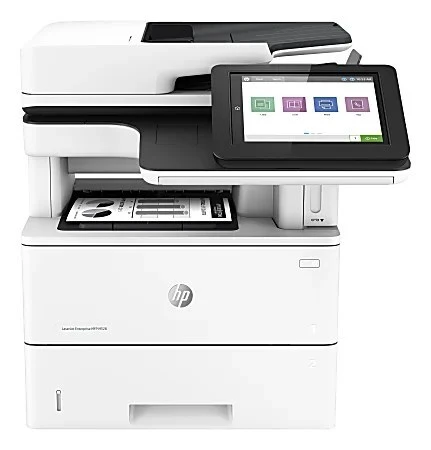
Top-spec M528: the LaserJet Enterprise M528Z is the highest configuration of the multifunction line, for offices that want the full feature set on their shared monochrome machine. It runs on HP 89A cartridges — standard CF289A, with high-yield CF289X and CF289Y options.
Compatible and genuine OEM CF289A, CF289X and CF289Y for the M528Z are all in stock. The high-yield cartridges stretch the interval between swaps on a busy shared MFP; the standard cartridge suits lighter duty. Clever Supplies ships fast either way.
Toner Cartridges for LaserJet Enterprise M528z
This printer works with the following toner cartridges:
- HP CF289A
- HP CF289X
- HP CF289Y
More HP Printers
- LaserJet Enterprise M507
- LaserJet Enterprise M507dn
- LaserJet Enterprise M507x
- LaserJet Enterprise M528
- LaserJet Enterprise M528c
- LaserJet Enterprise M528f
- LaserJet Enterprise MFP M528dn
Frequently Asked Questions
Which cartridge codes are compatible with the LaserJet Enterprise M528z?
HP built the LaserJet Enterprise M528z around CF289A (standard), CF289X (high-yield), and CF289Y (extra-high-yield), so stick to those codes for a proper fit.
Where does the toner cartridge go in the LaserJet Enterprise M528z?
The cartridge bay sits behind the front door of the LaserJet Enterprise M528z. Slide the empty cartridge out, take the new CF289A out of its bag, remove the protective tape, and push it firmly into the LaserJet Enterprise M528z until it clicks.
How should I store spare toner cartridges for the LaserJet Enterprise M528z?
Keep spare CF289A cartridges for the LaserJet Enterprise M528z sealed in their original packaging, stored upright in a cool, dry place away from direct sunlight — and leave the protective seal on until installation day.