




Color Pro MFP M454dw
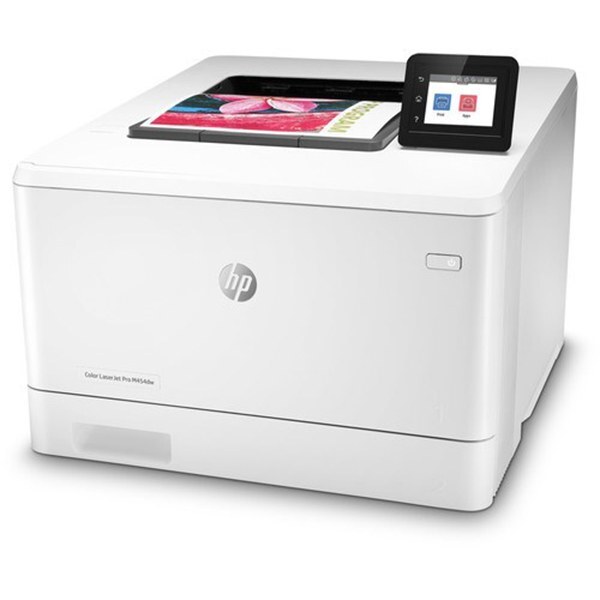
The HP Color Pro MFP M454dw packs print, scan, copy and fax into a surprisingly small color laser. Dual-band wireless and automatic duplexing cover the essentials for modern small offices.
HP 414A/414X cartridges keep it running — W2020A black (W2020X high-yield) plus W2021A/W2022A/W2023A color (W2021X/W2022X/W2023X high-yield). We offer compatible and genuine OEM toner for the M454dw.
Toner Cartridges for Color Pro MFP M454dw
This printer works with the following toner cartridges:
- HP W2020A
- HP W2020X
- HP W2021A
- HP W2021X
- HP W2022A
- HP W2022X
- HP W2023A
- HP W2023X
More HP Printers
- Color Enterprise M455dn
- Color Enterprise MFP M480f
- Color Pro M479fdw
- Color Pro M479fdw, M479fdn, M479
- Color Pro MFP M454dw, M454dn, M454
- M454
- M454dn
- M479
- M479fdn
Frequently Asked Questions
Can I use compatible (non-OEM) toner cartridges in my Color Pro MFP M454dw?
The correct cartridges for the Color Pro MFP M454dw are W2020A, W2020X, W2021A, W2021X, W2022A, W2022X, W2023A, W2023X (HP 414A/414X). Whether you buy OEM or compatible, that number is what matters — anything outside HP 414A/414X will not seat properly in the Color Pro MFP M454dw.
How do I connect the Color Pro MFP M454dw to my wireless network?
On the Color Pro MFP M454dw's control panel, open the wireless setup menu and follow the prompts to join your Wi-Fi network. Once connected, install the HP driver on your computers and the Color Pro MFP M454dw should appear automatically.
Should I replace the cartridge as soon as the Color Pro MFP M454dw warns about low toner?
A toner-low message on the Color Pro MFP M454dw is an early warning, not a hard stop — you can typically keep printing while a replacement is on the way. When output starts looking faded, remove the cartridge, rock it gently side to side, and reinstall it to squeeze out extra pages.