




Color LaserJet Enterprise M750XH
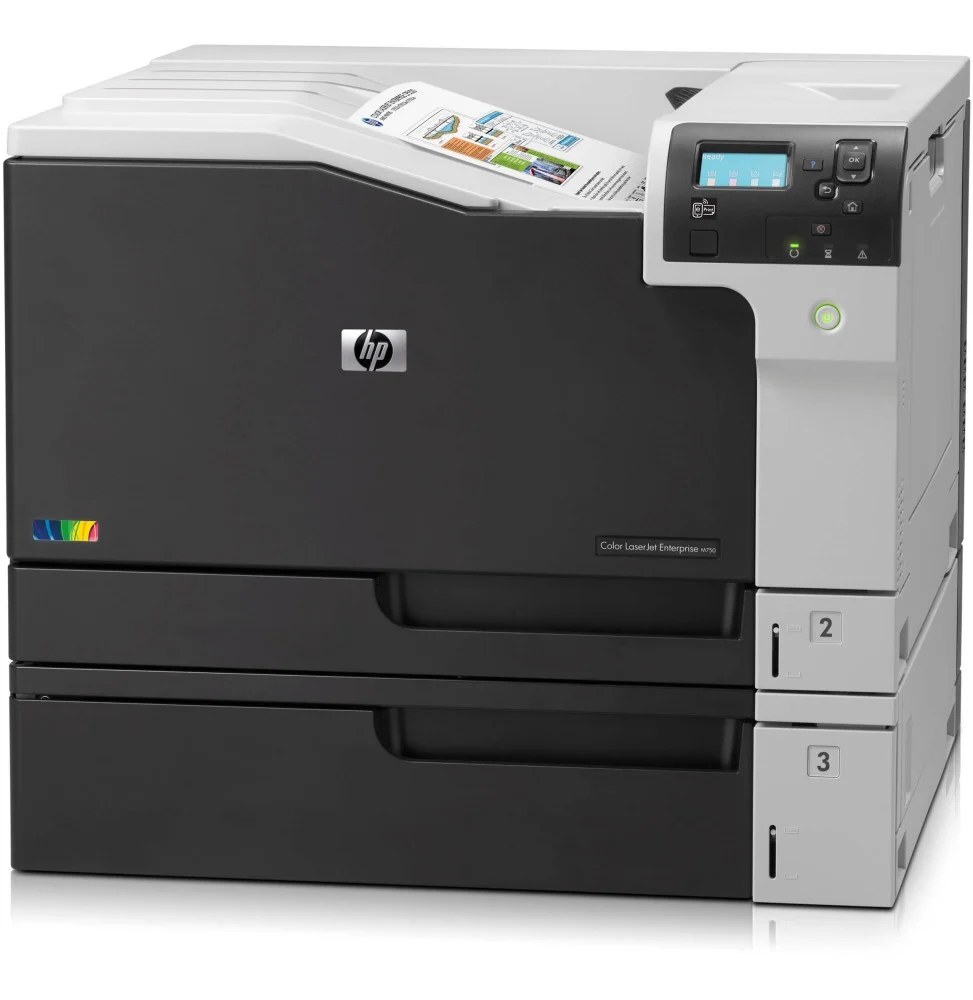
The XH marks the Color LaserJet Enterprise M750XH as the maximum-capacity configuration of the wide-format M750 line — the Enterprise color printer for offices where A3 printing never pauses.
HP 650A toner powers it: black CE270A (or high-yield CE270X) plus CE271A, CE272A, CE273A color (CE271X–CE273X high-yield). Compatible or genuine OEM, the M750XH is built for volume ordering.
Toner Cartridges for Color LaserJet Enterprise M750XH
This printer works with the following toner cartridges:
- HP CE270A
- HP CE271A
- HP CE272A
- HP CE273A
- HP CE270X
- HP CE271X
- HP CE272X
- HP CE273X
More HP Printers
- Color LaserJet CP5520
- Color LaserJet CP5520DN
- Color LaserJet CP5520N
- Color LaserJet CP5520XH
- Color LaserJet CP5525
- Color LaserJet CP5525DN
- Color LaserJet CP5525N
- Color LaserJet CP5525XH
- Color LaserJet Enterprise CP5520
- Color LaserJet Enterprise CP5520DN
- Color LaserJet Enterprise CP5520N
- Color LaserJet Enterprise CP5520XH
- Color LaserJet Enterprise CP5525
- Color LaserJet Enterprise CP5525DN
- Color LaserJet Enterprise CP5525N
- Color LaserJet Enterprise CP5525XH
- Color LaserJet Enterprise M750
- Color LaserJet Enterprise M750DN
- Color LaserJet Enterprise M750N
- Color LaserJet M750
- Color LaserJet M750DN
- Color LaserJet M750N
- Color LaserJet M750XH
Frequently Asked Questions
What toner cartridges does the Color LaserJet Enterprise M750XH use?
The Color LaserJet Enterprise M750XH is a color laser printer that takes four separate toner cartridges: CE270A, CE271A, CE272A, CE273A, CE270X, CE271X, CE272X, CE273X. Match these exact codes when buying replacements for the Color LaserJet Enterprise M750XH.
What is the difference between CE270A and CE270X for the Color LaserJet Enterprise M750XH?
Both cartridges fit the Color LaserJet Enterprise M750XH, but CE270X is the high-yield version of the standard CE270A black cartridge, so it prints longer before running out. Choose CE270X for heavy printing on the Color LaserJet Enterprise M750XH and CE270A if you print only occasionally.
Why is my Color LaserJet Enterprise M750XH printing faded or streaked pages?
If your Color LaserJet Enterprise M750XH prints faded or streaked pages, check the supplies menu to confirm none of the CE270A, CE271A, CE272A, CE273A, CE270X, CE271X, CE272X, CE273X cartridges are low, then run a cleaning page from the device menus. If streaks persist, remove the suspect cartridge, rock it gently to redistribute toner, and reseat it in the Color LaserJet Enterprise M750XH.