




Color LaserJet Enterprise M681dh
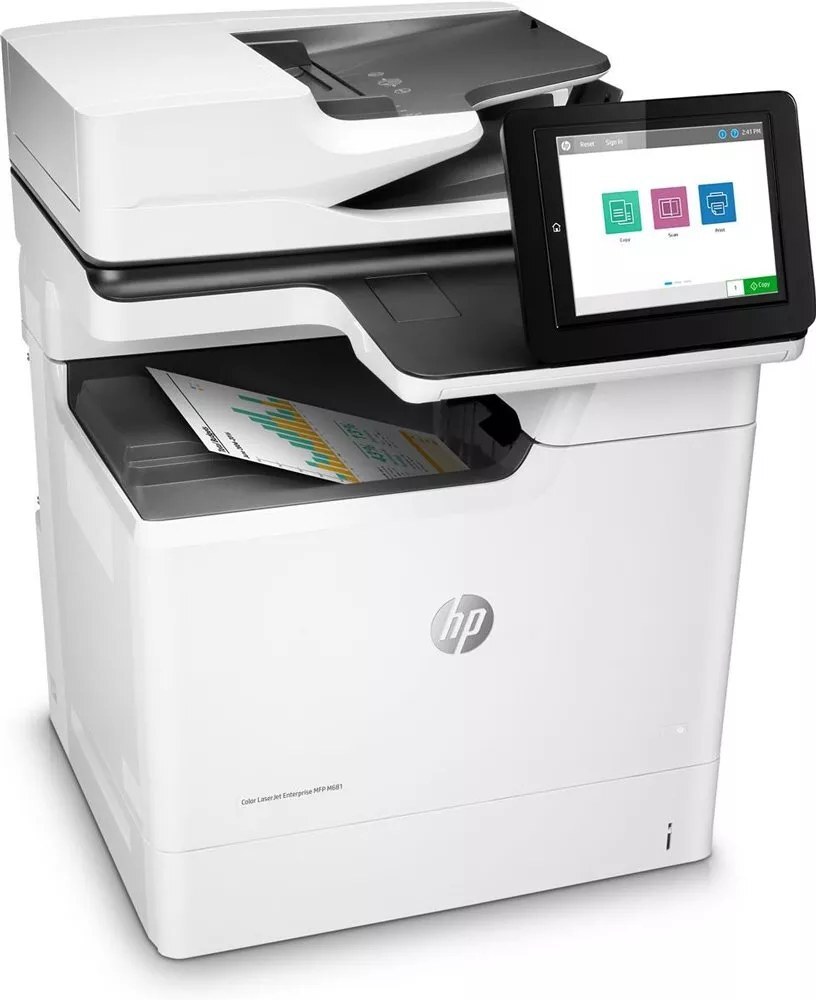
The M681 with room to grow: the Color LaserJet Enterprise M681dh adds duplex printing and high-capacity paper handling to the enterprise color formula. It takes the HP 655A four-cartridge set — CF450A black plus CF451A, CF452A, CF453A color.
We carry the complete 655A range for the M681dh as genuine OEM and compatible cartridges. Duplex output and bigger trays suit departments with real volume; fast shipping from Clever Supplies keeps toner ahead of demand.
Toner Cartridges for Color LaserJet Enterprise M681dh
This printer works with the following toner cartridges:
- HP CF450A
- HP CF451A
- HP CF452A
- HP CF453A
More HP Printers
- Color LaserJet Enterprise M652dn
- Color LaserJet Enterprise M652n
- Color LaserJet Enterprise M653dh
- Color LaserJet Enterprise M653dn
- Color LaserJet Enterprise M653x
- Color LaserJet Enterprise M681
- Color LaserJet Enterprise M681f
- Color LaserJet Enterprise M682
- Color LaserJet Enterprise MFP M681 z
- Color LaserJet Enterprise MFP M682 z
Frequently Asked Questions
Which toner cartridges work with the Color LaserJet Enterprise M681dh?
CF450A, CF451A, CF452A and CF453A are the cartridge codes for the Color LaserJet Enterprise M681dh. Checking the label on the old cartridge is the fastest way to confirm.
Do I need to replace all four cartridges in the Color LaserJet Enterprise M681dh at the same time?
No — the Color LaserJet Enterprise M681dh tracks each cartridge separately, so replace only the one that is empty. The others can stay until their own levels run low.
Why are prints from my Color LaserJet Enterprise M681dh coming out faded?
Check that all four cartridges (CF450A, CF451A, CF452A and CF453A) are seated in the Color LaserJet Enterprise M681dh and that none is empty, then run the printer's cleaning cycle from the menu. If only one color looks washed out, the CF451A cartridge is the likely culprit.