




Color LaserJet Enterprise M653x
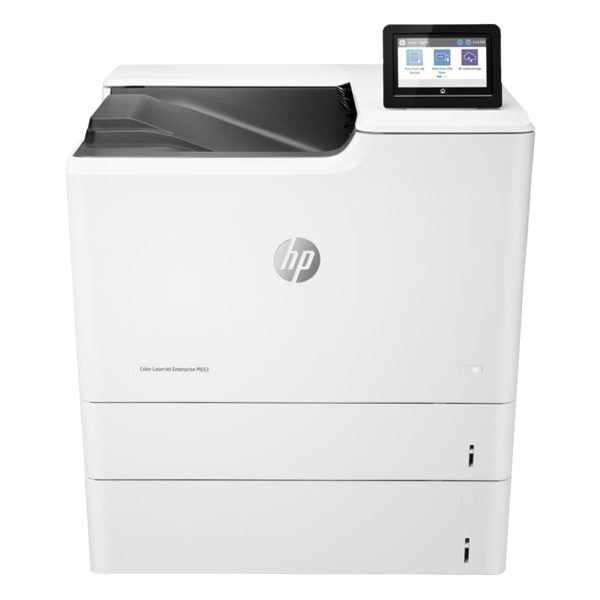
The Color LaserJet Enterprise M653x arrived as a 2017-era color office printer built for enterprise fleets. Offices kept it around because it prints what it is asked to, day after day. Its engine was built around the HP 655A cartridges (CF450A, CF451A).
Stock both kinds and decide per job: genuine OEM CF450A, CF451A for presentations, compatible for internal prints. The Color LaserJet Enterprise M653x handles either without complaint.
Toner Cartridges for Color LaserJet Enterprise M653x
This printer works with the following toner cartridges:
- HP CF450A
- HP CF451A
- HP CF452A
- HP CF453A
More HP Printers
- Color LaserJet Enterprise M652dn
- Color LaserJet Enterprise M652n
- Color LaserJet Enterprise M653dh
- Color LaserJet Enterprise M653dn
- Color LaserJet Enterprise M681
- Color LaserJet Enterprise M681dh
- Color LaserJet Enterprise M681f
- Color LaserJet Enterprise M682
- Color LaserJet Enterprise MFP M681 z
- Color LaserJet Enterprise MFP M682 z
Frequently Asked Questions
Which toner cartridges work with the Color LaserJet Enterprise M653x?
CF450A, CF451A, CF452A and CF453A are the cartridge codes for the Color LaserJet Enterprise M653x. Checking the label on the old cartridge is the fastest way to confirm.
Why is my Color LaserJet Enterprise M653x still showing a toner alert after I installed a new CF450A?
The Color LaserJet Enterprise M653x normally clears the alert on its own once the new CF450A cartridge is detected. If the message persists, open and close the toner door or restart the printer to refresh the sensor.
What causes vertical streaks on pages from the Color LaserJet Enterprise M653x?
Vertical streaks on the Color LaserJet Enterprise M653x usually come from a dirty drum or one failing color cartridge. Print a supplies-status page to identify which of the CF450A, CF451A, CF452A and CF453A needs attention, then clean or replace it.