




Color LaserJet Enterprise CP4525
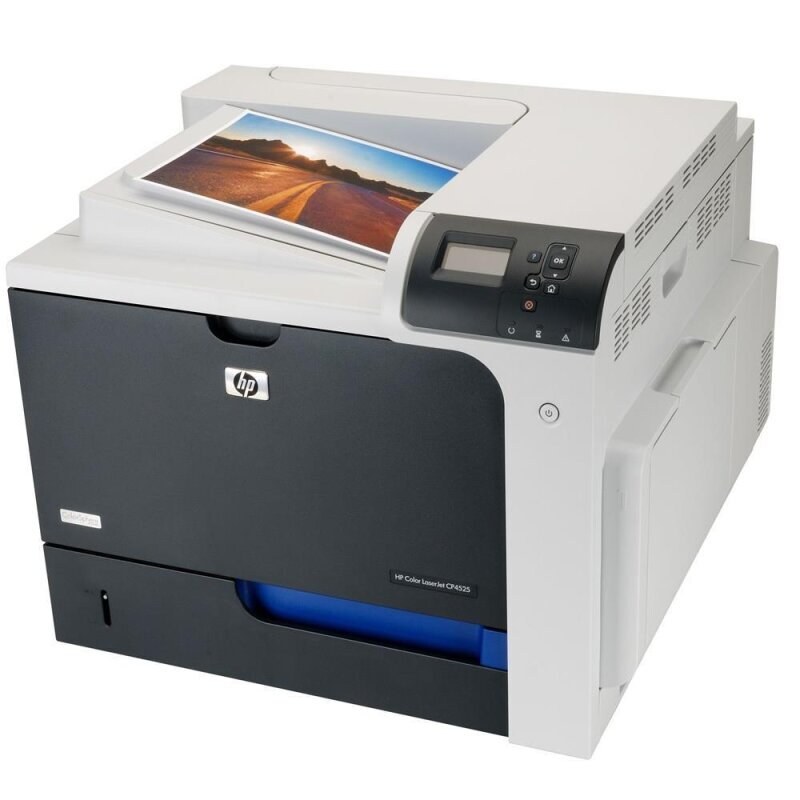
The Enterprise CP4525 is the fleet workhorse without the extras — a managed color laser that IT deploys by the dozen. Proven output, predictable toner, no surprises.
HP 647A/648A toner (CE260A/CE260X black; CE261A, CE262A, CE263A color) powers it. Genuine OEM and compatible cartridges are both stocked for the Enterprise CP4525.
Toner Cartridges for Color LaserJet Enterprise CP4525
This printer works with the following toner cartridges:
- HP CE260A
- HP CE260X
- HP CE261A
- HP CE262A
- HP CE263A
More HP Printers
- Color CP4000
- Color CP4025
- Color CP4025dn
- Color CP4025n
- Color CP4500
- Color CP4525
- Color CP4525dn
- Color CP4525n
- Color CP4525xh
- Color Enterprise CP4025
- Color Enterprise CP4025n
- Color Enterprise CP4525
- Color Enterprise CP4525dn
- Color Enterprise CP4525n
- Color Enterprise CP4525xh
- Color LaserJet CP4000
- Color LaserJet CP4025
- Color LaserJet CP4025DN
- Color LaserJet CP4025N
- Color LaserJet CP4500
- Color LaserJet CP4525
- Color LaserJet CP4525DN
- Color LaserJet CP4525N
- Color LaserJet CP4525XH
- Color LaserJet Enterprise CP4025
- Color LaserJet Enterprise CP4025DN
- Color LaserJet Enterprise CP4025N
- Color LaserJet Enterprise CP4525DN
- Color LaserJet Enterprise CP4525N
- Color LaserJet Enterprise CP4525XH
Frequently Asked Questions
Which toner cartridges are compatible with the Color LaserJet Enterprise CP4525?
Look for the exact codes CE260A, CE260X, CE261A, CE262A, CE263A — one black and three color cartridges — for the Color LaserJet Enterprise CP4525. Sticking to these codes guarantees a proper fit and correct recognition in the Color LaserJet Enterprise CP4525.
What does the X mean in CE260X for the Color LaserJet Enterprise CP4525?
It marks the high-yield version of the black CE260A cartridge for the Color LaserJet Enterprise CP4525. CE260X fits the same slot but holds more toner, so it needs replacing less often — useful if you print a lot.
Why does my Color LaserJet Enterprise CP4525 keep jamming?
Repeated jams on the Color LaserJet Enterprise CP4525 usually trace to paper, not the printer: fan a fresh stack, don't fill past the tray line, and keep paper dry. A sheet stuck behind one of the toner cartridges will also cause repeat jams, so check each cartridge bay.