




COLOR LASERJET 150NW
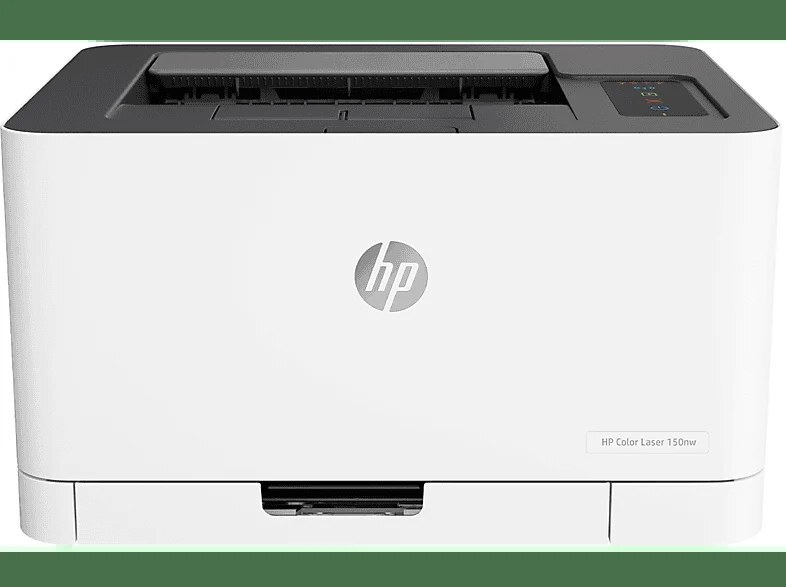
Four cartridges, zero cables to individual desks: the COLOR LASERJET 150NW keeps its toner simple — the 116A family, W2060A black plus W2061A through W2063A for color — and its connectivity simpler still, with Ethernet and Wi-Fi standard. HP's early-2020s formula for household color: one small printer, every device connected.
As a single-function machine it does exactly one job — color documents — and leaves scanning and copying to other devices. For homes that print color but digitize with a phone, that's the right division of labor.
Toner Cartridges for COLOR LASERJET 150NW
This printer works with the following toner cartridges:
- HP W2060A
- HP W2061A
- HP W2062A
- HP W2063A
More HP Printers
- Color LaserJet 150NW
- Color LaserJet 178NW
- Color LaserJet 178NWG
- Color LaserJet 150A
- COLOR LASERJET 178NW
- COLOR LASERJET 178NWG
- Color LaserJet 179FNW
Frequently Asked Questions
What cartridges fit the COLOR LASERJET 150NW?
For the COLOR LASERJET 150NW, buy W2070A, W2071A, W2072A, and W2073A — those are the exact codes built for this printer.
Should spare cartridges for the COLOR LASERJET 150NW be kept in the fridge?
No — never refrigerate toner. Room temperature, low humidity, and no direct sun are all a spare W2070A for the COLOR LASERJET 150NW needs; cold storage can cause condensation inside the cartridge.
The COLOR LASERJET 150NW printed before but stopped — how do I fix it?
If the COLOR LASERJET 150NW suddenly stops printing, check for error lights, confirm it is the default printer, clear any stuck jobs in the queue, and reinstall the COLOR LASERJET 150NW's driver if the problem persists.