




Color LaserJet 150A
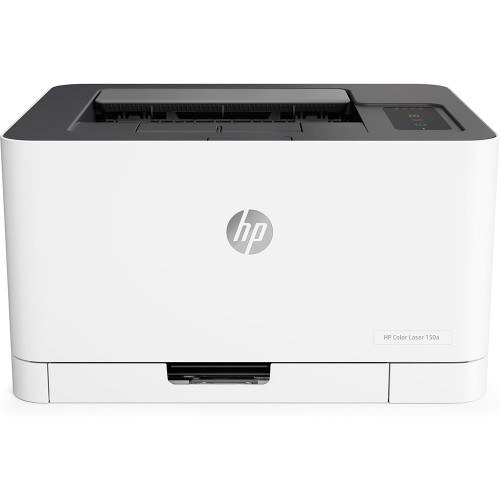
The simplest color printer HP made in the early 2020s: the Color LaserJet 150A. No network, no wireless — just compact single-function color for the desk that prints documents and the occasional color page. The essentials, nothing else.
Essentials extend to toner: four 116A cartridges, W2060A black through W2063A. One cartridge per color, each compact like the printer.
Toner Cartridges for Color LaserJet 150A
This printer works with the following toner cartridges:
- HP W2060A
- HP W2061A
- HP W2062A
- HP W2063A
More HP Printers
- Color LaserJet 150NW
- Color LaserJet 178NW
- Color LaserJet 178NWG
- COLOR LASERJET 150NW
- COLOR LASERJET 178NW
- COLOR LASERJET 178NWG
- Color LaserJet 179FNW
Frequently Asked Questions
Which cartridge codes are compatible with the Color LaserJet 150A?
HP built the Color LaserJet 150A around W2070A, W2071A, W2072A, and W2073A, so stick to those codes for a proper fit.
What is the correct way to install a new cartridge in the Color LaserJet 150A?
It takes under a minute: lift the Color LaserJet 150A's cartridge access cover, remove the old cartridge, unwrap the new W2070A (pull the sealing strip fully), insert it along the guides, and close the cover on the Color LaserJet 150A.
How do I clear a paper jam in the Color LaserJet 150A?
Power the Color LaserJet 150A down, remove the trays, and open the front and rear access doors to pull jammed sheets out along the paper path — never yank against resistance, and check behind the W2070A cartridge area too.