




Multifunction E525W
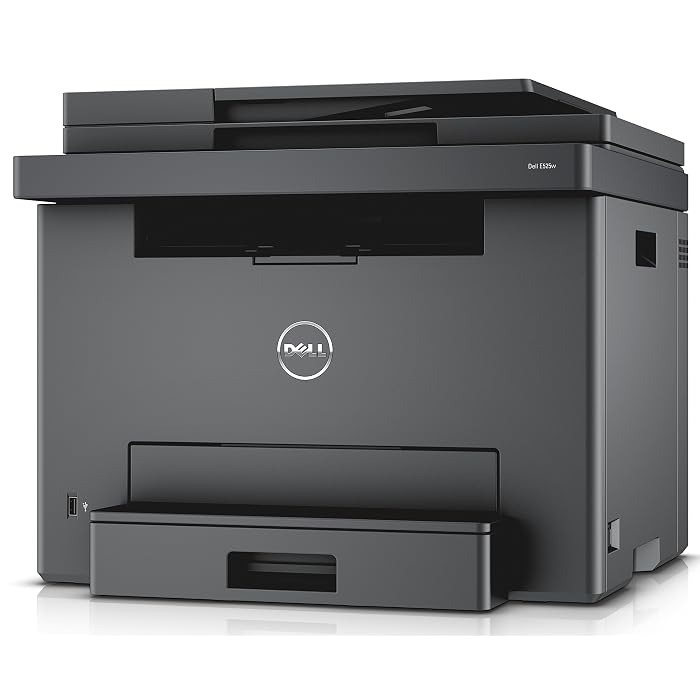
Small offices that need color plus every document function in one box land on the Dell E525W: wireless color printing, copying, scanning, and fax from a compact multifunction. It’s the all-in-one answer for teams of one to five.
Managing four separate color cartridges (593-BBJX family) keeps running costs proportional to actual use — light color users spend very little. Our compatible Dell E525W toner cartridges match OEM color quality and page yields for less, with fast shipping to keep your all-in-one fed.
Toner Cartridges for Dell E525W
This printer works with the following toner cartridges:
- Dell 593-BBJX
- Dell 593-BBJU
- Dell 593-BBJV
- Dell 593-BBJW
Frequently Asked Questions
Which cartridges does the Dell E525W use?
The E525W is a color multifunction using 593-BBJX, 593-BBJU, 593-BBJV, and 593-BBJW cartridges (black plus cyan, magenta, and yellow). The display indicates which color needs replacing.
Can the E525W print and scan over Wi-Fi?
Yes - the W means wireless, so the E525W prints and scans over Wi-Fi. Scanning uses no toner; prints and copies draw from the 593-BBJX/593-BBJU/593-BBJV/593-BBJW cartridges.
How do I save color toner on the E525W?
Default the E525W's driver to black-and-white so everyday jobs only use the black cartridge. Reserve the color cartridges (593-BBJU/593-BBJV/593-BBJW-series) for documents that genuinely need color.