




Laser 5330DN
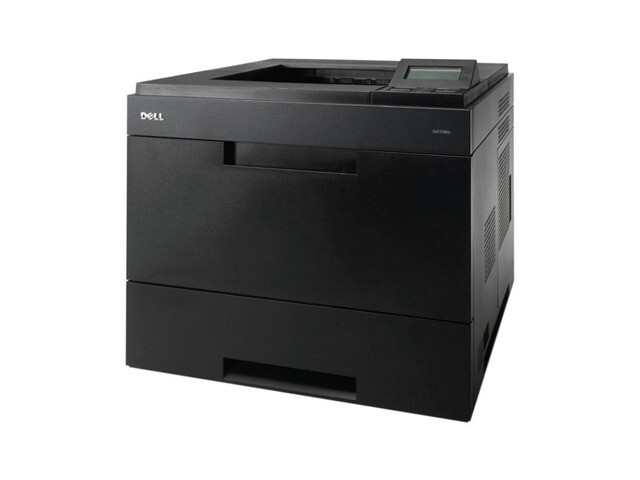
The Dell 5330DN adds automatic duplex and full network connectivity to Dell’s 50-page-per-minute mono workhorse, making it a natural fit for shared office floors and busy back offices. It churns through long documents, batch invoices, and reports while duplexing keeps paper costs in check.
Its 330-2045 and 330-2044 black cartridges come in yields suited to heavy use, so toner changes stay infrequent. Choose genuine OEM Dell toner for warranty-sensitive environments, or compatible 5330DN cartridges for the same crisp output at a lower cost per page — both ship fast.
Toner Cartridges for Dell 5330DN
This printer works with the following toner cartridges:
- Dell 330-2045
- Dell 330-2044
- Dell HW307
Frequently Asked Questions
Does the Dell 5330DN print double-sided automatically?
Yes - the DN suffix means duplex plus networking on the 5330DN. Enable two-sided printing in the driver to save paper, using the same cartridges as the base 5330: 330-2045, 330-2044, and HW307.
Which cartridges fit the 5330DN?
The 5330DN takes 330-2045, 330-2044, and HW307 - the same set as the 5330, so supplies are interchangeable between the two models.
How do I share the 5330DN with an office?
Connect the 5330DN via Ethernet and install it as a network printer on each workstation. The whole office then shares one cartridge supply (330-2045, 330-2044, HW307), so keep a spare cartridge beside the printer.