




Laser 5330
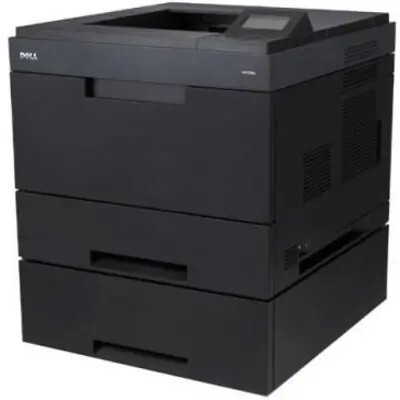
The Dell 5330 is a heavy-duty monochrome laser aimed at offices with serious print volume — around 50 pages per minute and a monthly duty cycle built for hundreds of pages a day. A large standard paper capacity and optional extra trays mean fewer interruptions in high-traffic print rooms.
For a machine like this, cartridge yield matters: the 5330’s black cartridge family includes higher-capacity options that stretch the interval between changes. Our compatible 5330 toner cartridges match OEM page output and print quality, so high-volume printing doesn’t have to mean high supply costs.
Toner Cartridges for Dell 5330
This printer works with the following toner cartridges:
- Dell 330-2045
- Dell 330-2044
- Dell HW307
Frequently Asked Questions
Which cartridges does the Dell 5330 use?
The 5330 uses the 330-2045, 330-2044, and HW307 cartridges. Check the code on your installed cartridge to order the exact match, since the codes cover different supply roles.
How do I install a new cartridge in the 5330?
Open the 5330's front cover, pull the spent cartridge straight out, unpack the new one (330-2045, 330-2044, or HW307), remove all seals and packing, and slide it in until it seats. Close the cover and print a test page.
My 5330 prints are coming out too dark - what should I check?
Overly dark prints on the 5330 can come from a faulty cartridge or a density setting cranked too high. First check the print density setting in the driver; if it is normal, replace the cartridge with a fresh 330-2045/330-2044-series unit.