




Laser 1720
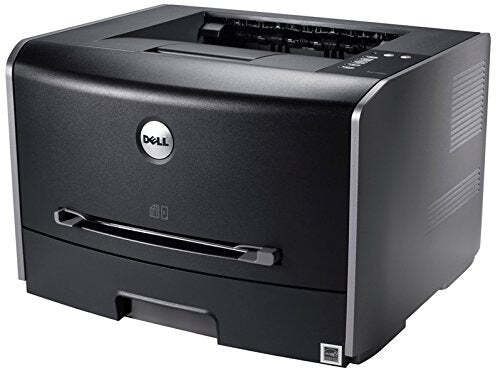
The Dell 1720 is a compact monochrome laser aimed at personal and small-office desktops, printing up to 28 ppm with true 1200 x 1200 dpi resolution. A 250-sheet covered drawer, manual feed slot, and 25,000-page monthly duty cycle give it more stamina than its small size suggests.
Toner comes in standard (3,000-page) and high-capacity (6,000-page) versions from the 310-8700/8706/8707/8708/8709 family — the high-capacity compatible cartridge below effectively halves your cost per page. Genuine Dell options are stocked too.
Toner Cartridges for Dell 1720
This printer works with the following toner cartridges:
- Dell 310-8700
- Dell 310-8706
- Dell 310-8707
- Dell 310-8708
- Dell 310-8709
- Dell GR332
- Dell MW558
- Dell MW559
- Dell PY449
- Dell RP380
- Dell RP441
Frequently Asked Questions
Which toner cartridge does the Dell 1720 use?
The 1720 uses the 310-8700-series black toner cartridges spanning standard, high-yield and extra-high-yield capacities (310-8700 through 310-8709); GR332, MW558, MW559, PY449, RP380 and RP441 are alternate Dell numbers for the same family. All fit the same slot; choose by page yield.
Which capacity is right for a busy 1720?
For a busy printer, the extra-high-yield cartridges in the 310-870x range (or their alternate-number equivalents) are the economical pick: the cost per page drops significantly at the top capacity and you will swap cartridges far less often. Just make sure you will empty it within about a year so the toner stays fresh.
The 1720's output looks speckled, what should I check?
Speckling across the page often comes from a cartridge past its prime or toner contaminated by humidity, so check the cartridge's age and storage history. If a fresh 310-870x cartridge still speckles, clean the printer's interior corona wire area; a dirty charge wire scatters toner unevenly.