




Color Laser C5765DN
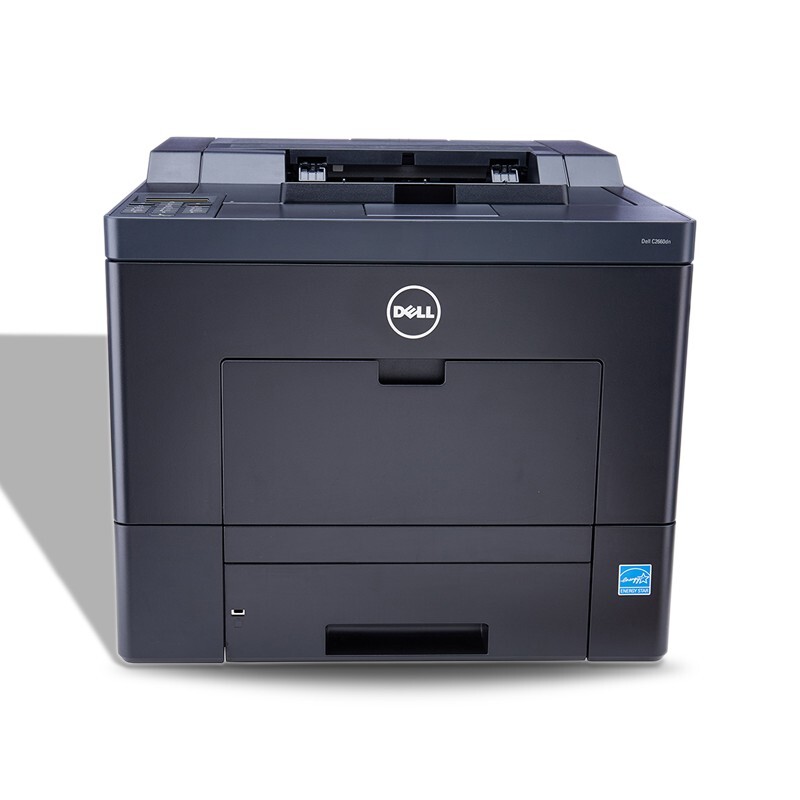
The Dell C5765DN is a color multifunction for demanding offices — around 40 pages per minute in full color with print, copy, scan, and fax. When a department needs workgroup speed plus every document function, this machine delivers.
Its CMYK cartridge set is built for high-volume color use. We stock genuine OEM Dell C5765DN toner and compatible cartridges with equivalent yields and rich, accurate color — keeping the cost of heavy color multifunction printing under control.
Toner Cartridges for Dell C5765DN
This printer works with the following toner cartridges:
- Dell GHJ7J
- Dell 9MHWD
- Dell KDPKJ
- Dell T5P23
Frequently Asked Questions
My Dell C5765DN needs new toner — which cartridges should I order?
The C5765DN takes Dell toner cartridges GHJ7J, 9MHWD, KDPKJ, T5P23. Keep this list handy — ordering by Dell part number is the most reliable way to get a match.
My C5765DN prints look grainy. What setting fixes that?
On the C5765DN, quality lives in three driver choices: resolution (higher for graphics), paper type (must match the tray), and color mode. Set those correctly and the printer delivers clean output; persistent graininess points to a low cartridge in GHJ7J, 9MHWD, KDPKJ, T5P23.
How do I print double-sided on the Dell C5765DN?
To print double-sided on the C5765DN, open printing preferences from any application's print dialog, find the two-sided option, and choose flip on long or short edge to match your document. The printer handles the rest.