




Color Laser 7130
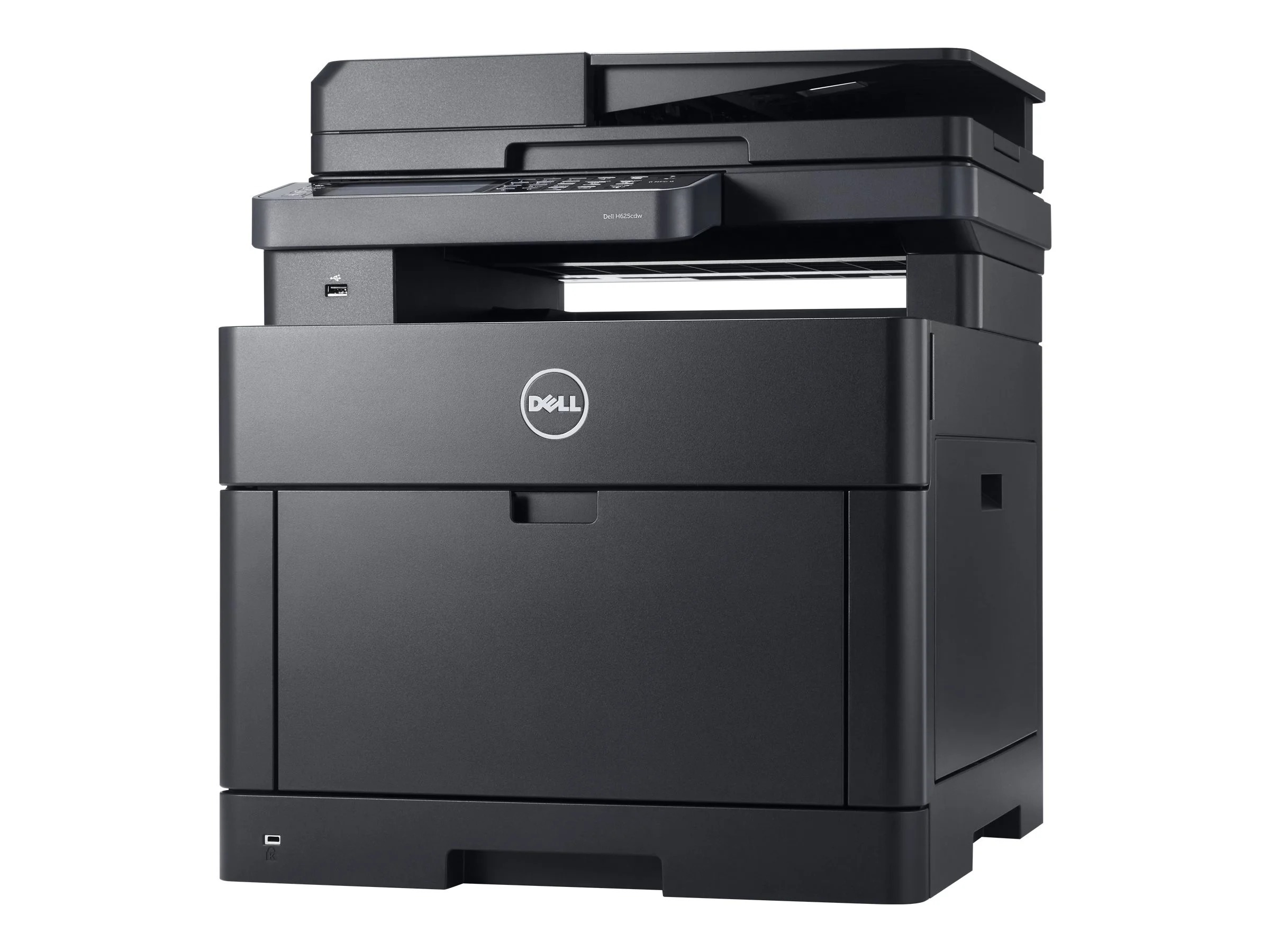
Color printing in a busy office is not a weekly event — it is woven through the whole day, and the Dell 7130 was built for offices in that position. It delivers workgroup-class color laser output at about 35 pages per minute, moving from mono documents to full-color work without the queue backing up. Its toner is a four-cartridge set: 330-6135 for black, 330-6138 for cyan, 330-6141 for magenta and 330-6139 for yellow, each slot filled and emptied on its own schedule.
The detail that shapes life with the 7130 is that the four cartridges rarely run out together. Black goes first in offices that print documents all day and use color for emphasis; a team producing charts and marketing pieces may drain cyan or magenta instead. Either way, the machine's design answer is the same — each color is a separate cartridge with its own number, so running costs follow what your office actually prints rather than a fixed set price.
Toner Cartridges for Dell 7130
| Cartridge | Color | Page Yield |
|---|---|---|
| 330-6135 | Black | See product page |
| 330-6138 | Cyan | See product page |
| 330-6139 | Yellow | See product page |
| 330-6141 | Magenta | See product page |
| 330-6141 | Magenta | See product page |
| 330-6139 | Yellow | See product page |
| 330-6138 | Cyan | See product page |
| 330-6135 | Black | See product page |
| 330-6135 — Black 3 Pack | Black | See product page |
| 330-6135 / 330-6138 / 330-6141 / 330-6139 — 4 Color Set | Black / Cyan / Magenta / Yellow | See product page |
| 7130 4 Color Set | Black / Cyan / Magenta / Yellow | See product page |
| 7130 Premium Quality 4 Color Set | Black / Cyan / Magenta / Yellow | See product page |
| 330-6135 / 330-6138 / 330-6141 / 330-6139 — 4 Color Set | Black / Cyan / Magenta / Yellow | See product page |
| 330-6135 / 330-6138 / 330-6141 / 330-6139 — 5 Color Set | Black / Cyan / Magenta / Yellow | See product page |
| 330-6135 / 330-6138 / 330-6141 / 330-6139 — 8 Color Set | Black / Cyan / Magenta / Yellow | See product page |
Which cartridge should you buy?
Most 7130 owners should buy singles, most of the time. Because the four cartridges deplete at genuinely different rates, replacing one color at a time keeps fresh toner where it is needed and avoids shelving three partly used cartridges while a set's fourth slot is fitted. The exceptions are practical ones: a full four-color set suits a newly installed printer, a fresh stockroom, or the moment two or more colors are flagged low together — and larger set formats exist for sites standardizing one shelf across heavy demand. The black 3-pack serves the document-heavy pattern, where black cycles several times for every color change. If you are switching to compatible cartridges for the first time, they are covered by a 1-year warranty and 1-year returns, and output quality is the direct comparison to make on your first color job.
Chip, toner and everyday use
A 7130 cartridge change is a one-minute job: open the front, pull the spent unit straight out, and slide the replacement in until its chip engages — the printer reads the chip to confirm the part number and reset that color's level. If a level looks wrong after fitting, reseating the cartridge and restarting the printer resolves nearly every case. Toner settles during long quiet periods, so a cartridge that prints faintly after a holiday weekend often just needs removing and gentle rocking to level its contents. Store spares in their sealed bags, flat and away from sunlight; an unopened cartridge waits patiently, while one left open on a shelf gathers dust on its drum surface.
Frequently Asked Questions
Which cartridges fit the Dell 7130?
Four part numbers cover the whole machine: 330-6135 black, 330-6138 cyan, 330-6141 magenta and 330-6139 yellow. They are not interchangeable between slots, so match the number on the cartridge you remove before ordering its replacement.
Only one color has run out. Do I need a full set?
No. Each 7130 slot is independent, and the printer reports levels per color. Replace the single empty cartridge and the others continue with whatever life they have left — that is the normal way this machine is maintained.
My 7130 still shows the old toner level after a change. Why?
The level display updates from the new cartridge's chip once the printer has recognized it. Close all covers, let the machine complete its start-up cycle, and check again; a cartridge that was not pushed fully home is the usual cause if the reading does not change.
Are the 7130 cartridges shared with other Dell models?
The same four numbers also fit the 7130CDN, the networked duplex variant of this printer, so sites running both versions stock a single toner type for the pair.
More printers that use the same cartridges
Beyond the base model, this four-cartridge family also covers the related Dell color laser pages in the same line: Color Laser 7130CDN, Dell (330-6135, 330-6138,330-6141, 330-6139).