




Color Laser 2135
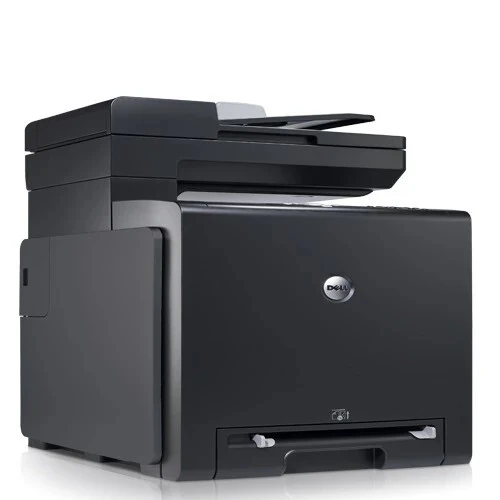
The Dell 2135 brings multifunction convenience to the compact 2130 color laser platform — printing, copying, scanning, and faxing from one networked device. The 40,000-page duty cycle and up-to-20 ppm mono speed carry over, so the MFP keeps pace with the printer-only models.
Supply management stays simple: the 2135 uses the same 330-1436/1437/1433/1438 cartridge set as every other model in the family. Compatible and OEM cartridges below ship fast.
Toner Cartridges for Dell 2135
This printer works with the following toner cartridges:
- Dell 330-1436
- Dell 330-1437
- Dell 330-1433
- Dell 330-1438
Frequently Asked Questions
Which Dell cartridges work in the Dell 2135?
For the Dell 2135, Dell's cartridges include 330-1438 and 330-1433. Check that the code on your current cartridge matches one of the listed options before you buy.
Why does my Dell 2135 say a color is low when I mostly print black?
The Dell 2135 uses a little color toner even on mostly-black pages, for calibration and registration. That's why a color cartridge in the 330-1438/330-1433 range can run low before black does — it's normal.
The Dell 2135 prints blurry text — is the cartridge bad?
Not necessarily — blurry text on the Dell 2135 can come from damp paper or the wrong paper-type setting as well as a failing cartridge. Try fresh, dry paper first; if the blur persists with a new 330-1438 cartridge, look at the drum.