




Color Laser 2130
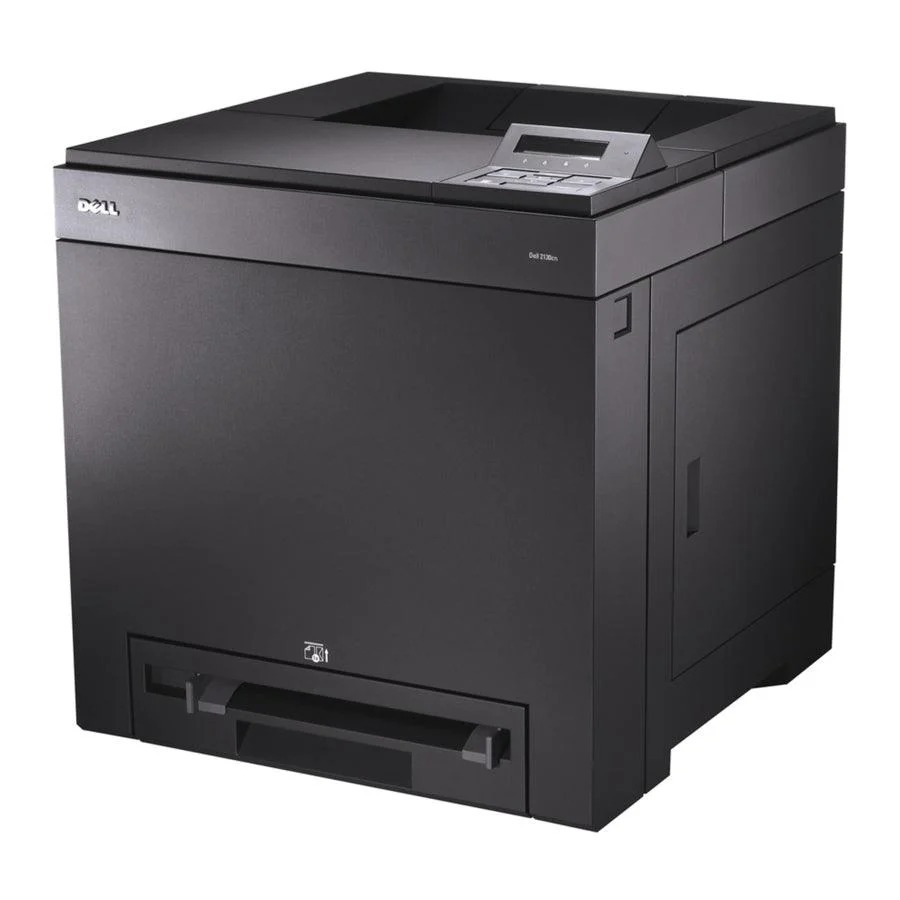
The Dell 2130 is the compact color laser at the heart of the 2130/2135 family — up to 16 ppm color and 20 ppm mono in a cubelike chassis that fits small offices. A 40,000-page monthly duty cycle and 250-sheet tray give it genuine workgroup stamina despite the small footprint.
Its 330-1436/1437/1433/1438 four-cartridge set is shared across the whole family, and the printer's side-access toner compartment makes swaps quick. Genuine and compatible cartridges for the 2130 are below.
Toner Cartridges for Dell 2130
This printer works with the following toner cartridges:
- Dell 330-1436
- Dell 330-1437
- Dell 330-1433
- Dell 330-1438
Frequently Asked Questions
What is the correct cartridge number for the Dell 2130?
Compatible cartridges for the Dell 2130 include 330-1433 and 330-1437. If your printer was bought as part of a bundle or in another region, double-check the code on the installed cartridge first.
How many toner cartridges does the Dell 2130 hold?
Four — one each for black, cyan, magenta and yellow. Cartridges such as 330-1433 and 330-1437 cover the Dell 2130's colors, and each is replaced individually as it empties.
Why are there black lines down the page on my Dell 2130?
A repeating black line down the page on the Dell 2130 often traces to a mark on the imaging drum rather than the toner itself. If a fresh cartridge (330-1433 range) doesn't clear it, the drum or imaging unit needs attention.