






 See Compatible Printers
 Read more about our ink!
Epson
Compatible Epson 78 T078520 Light Cyan Ink Cartridge
- Shipping:
- Calculated at Checkout

Amazon Price:

- Shipping:
- Calculated at Checkout
- Compatible Printers
- Specifications
- SKU:
- CS-EP-078-LC
- Condition:
- New Compatible
- OEM Part #:
- T078520
- Color:
- Light Cyan
- Ink Type:
- Dye
- Chip:
- Yes — new compatible chip (Intellidge-type level chip); "cannot recognize" riski orta, çip kalitesi kritik
- Warranty:
- Lifetime Warranty
- Returns:
- 1-Year Free Returns
- Description
- Reviews
Light cyan is the cartridge that separates a photo printer from a document printer. It lays down the pale blues — skies, water, fair highlights — at a dilution the full-strength cyan cannot match, so gradients stay smooth instead of grainy. This is that cartridge: our compatible T078520, Claria Hi-Definition dye ink, standard tier.


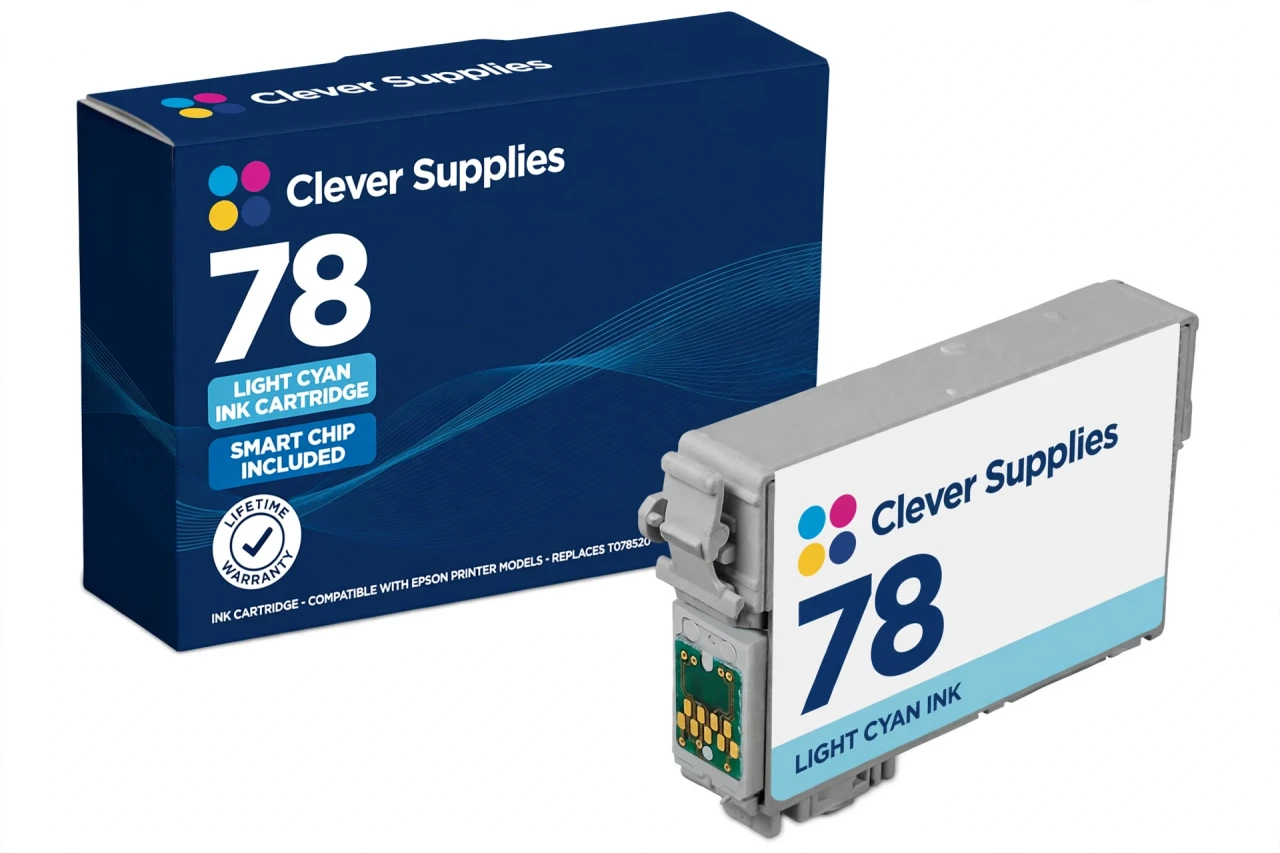
It belongs to a fixed six: T078120 black, T078220 cyan, T078320 magenta, T078420 yellow and its light partner T078620 light magenta. Above the family sits the 77 high-capacity tier (this colour's sibling is T077520), mixable by position according to Epson's guides; our shelf carries the 78 tier. And the family's honest yield rule stands: Epson publishes no official yield table for these codes, so this page prints no page number.
Verified for all seven models — Artisan 50, Stylus Photo R260, Stylus Photo R280, Stylus Photo R380, Stylus Photo RX580, Stylus Photo RX595, Stylus Photo RX680. A new compatible chip is fitted; read the recognition note below. Lifetime warranty, free returns for the first year.
Shop the Epson 78 family: T078120 Black Ink Cartridge · T078220 Cyan Ink Cartridge · T078320 Magenta Ink Cartridge · T078420 Yellow Ink Cartridge · T078620 Light Magenta Ink Cartridge · Set of 6 All Colors Ink Cartridge · Set of 13 3 Black 2 Each Color Ink Cartridge
Browse by series: Artisan · Stylus Photo
Frequently Asked Questions
How should I store a spare cartridge?
Sealed in its vacuum pack, upright, at room temperature and out of direct sunlight; open it only on install day. (A specific shelf-life figure is not published for this product; see Specifications.)
Is this a genuine Epson cartridge?
No — it is a Clever Supplies compatible cartridge built to the genuine cartridge's specification and code, labelled compatible on the box and on this page. It is not manufactured by Epson.
Can I put a regular cyan in the light cyan slot to save money?
No. The slots are coded by colour and the printer expects the light formulation in this position — a full-strength cyan there would break the colour balance the six-ink system is built on, and the cartridge will not seat as a substitute.
What warranty and returns cover this cartridge?
A lifetime warranty: a cartridge that fails to perform is replaced. Free returns run for the first year. (Returns note: the 1-year returns period is our standing compatible-product policy, applied to inkjet as an assumption pending Emrah's inkjet-specific confirmation.)
How many pages will I get from it?
Honest answer: Epson does not publish an official per-cartridge yield table for the 78/77 family — its fact sheet gives no yield figures — so we do not print a page number for this cartridge, here or in the specifications. Photo yield depends heavily on image coverage in any case. Third-party listings quote figures for these codes, but they are seller claims, not Epson ratings, and we will not present them as specifications.
Which printers does it fit?
All seven officially verified models for this family: Artisan 50, Stylus Photo R260, Stylus Photo R280, Stylus Photo R380, Stylus Photo RX580, Stylus Photo RX595, Stylus Photo RX680. The list comes from Epson America's own Claria 78/77 fact sheet (CPD-32251) and Epson's support documentation.
Can I mix 78 and 77 cartridges in the same printer?
Yes. Epson's own printer guides for this family state the two tiers can be combined by position — their example is a standard 78 magenta installed alongside a high-capacity 77 black. Every slot reads its own cartridge. Note that our shelf carries the 78 standard tier; 77 high-capacity cartridges are a separate tier (see the family note on this page).
Will this cartridge be recognised by my printer?
This cartridge carries a new compatible chip. Recognition ('cannot recognize') errors are a known failure mode in this cartridge class, so seat the cartridge firmly until it clicks and restart the printer before assuming a fault. These printers have been out of production for years, so new firmware locks are unlikely — the realistic risk is chip quality, and a cartridge that will not recognise is covered by our lifetime warranty. We do not claim recognition is guaranteed in every case.
What ink is inside?
Claria Hi-Definition dye ink — Epson's six-colour photographic dye system for this printer generation. Dye ink is what gives these Stylus Photo and Artisan models their smooth photo gradations; it is a photo ink, not a pigment document ink.
Can the printer run with one colour empty?
No. Epson's support answers for these models are explicit: the printer will not operate if any cartridge is expended or removed. That is why the six colours are sold as singles — one empty position is all it takes to stop the machine.
How do I install it?
Have the new cartridge ready before you remove the old one — these printers should not sit with a slot empty. Remove only the yellow tape, do not touch the green chip, press the cartridge into its colour holder until it clicks, close the cover and let the printer charge the ink.
Does changing ink affect CD/DVD printing?
No — the R260, R280, R380 and the RX all-in-ones print to ink-jet printable discs with the same six cartridges; there is no separate disc ink. Use ink-jet printable media and let a printed disc dry before handling it.
Related Items

Epson
Compatible Epson 78 T078220 Cyan Ink Cartridge
Cyan is one of the three primary colours in the Claria six-ink system, and when it fades, skies wash out and greens lose their depth. This is the family's standard-tier cyan: our compatible T078220,...


Epson
Compatible Epson 79 T079520 Light Cyan Ink Cartridge
Light cyan exists for one reason: highlights. In pale skies, water and skin tones, a full-strength cyan lays down dots too coarse to blend invisibly, so this paler tint takes over the lightest part...

Epson
Compatible Epson 279 T279520 Light Cyan Ink Cartridge
Light cyan is the reason XP-980 skies have no visible steps in them. This standard-capacity compatible T279520-S carries Claria Photo HD dye light cyan rated up to 360 pages (ISO/IEC 24711) — the...

Epson
Compatible Epson 279XL T279XL520 Light Cyan Ink Cartridge
Light cyan is the cartridge four-colour printers don't have — and the reason six-colour photo prints look continuous instead of dotted in pale skies and water. Our compatible T279XL520-S holds Claria...