





 See Compatible Printers
 Read more about our ink!
Epson
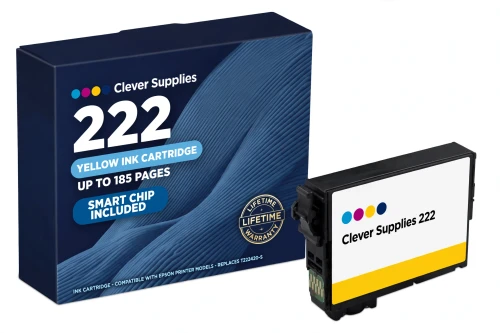
Compatible Epson 222 T222420 Yellow Ink Cartridge
- Page Yield:
- Up to 185 pages (ISO/IEC 24711)
- Shipping:
- Calculated at Checkout

Amazon Price:

- Page Yield:
- Up to 185 pages (ISO/IEC 24711)
- Shipping:
- Calculated at Checkout
- Compatible Printers
- Specifications
- SKU:
- CS-EP-222-Y
- Condition:
- New Compatible
- OEM Part #:
- T222420-S
- Color:
- Yellow
- Page Yield:
- Up to 185 pages (ISO/IEC 24711)
- Chip:
- New compatible chip (ink-level / Intellidge-type)
- Warranty:
- Lifetime Warranty
- Returns:
- 1-Year Free Returns
- Description
- Reviews
Yellow fades quietly: greens lose their warmth and blues take over long before most owners suspect this slot. Our compatible T222420-S is the standard-capacity yellow for the 222 platform — Claria ink rated up to 185 pages (ISO/IEC 24711), the same rating as its cyan and magenta siblings. Like them it has no XL version; in this family XL is a black-only tier (T222XL120-S).


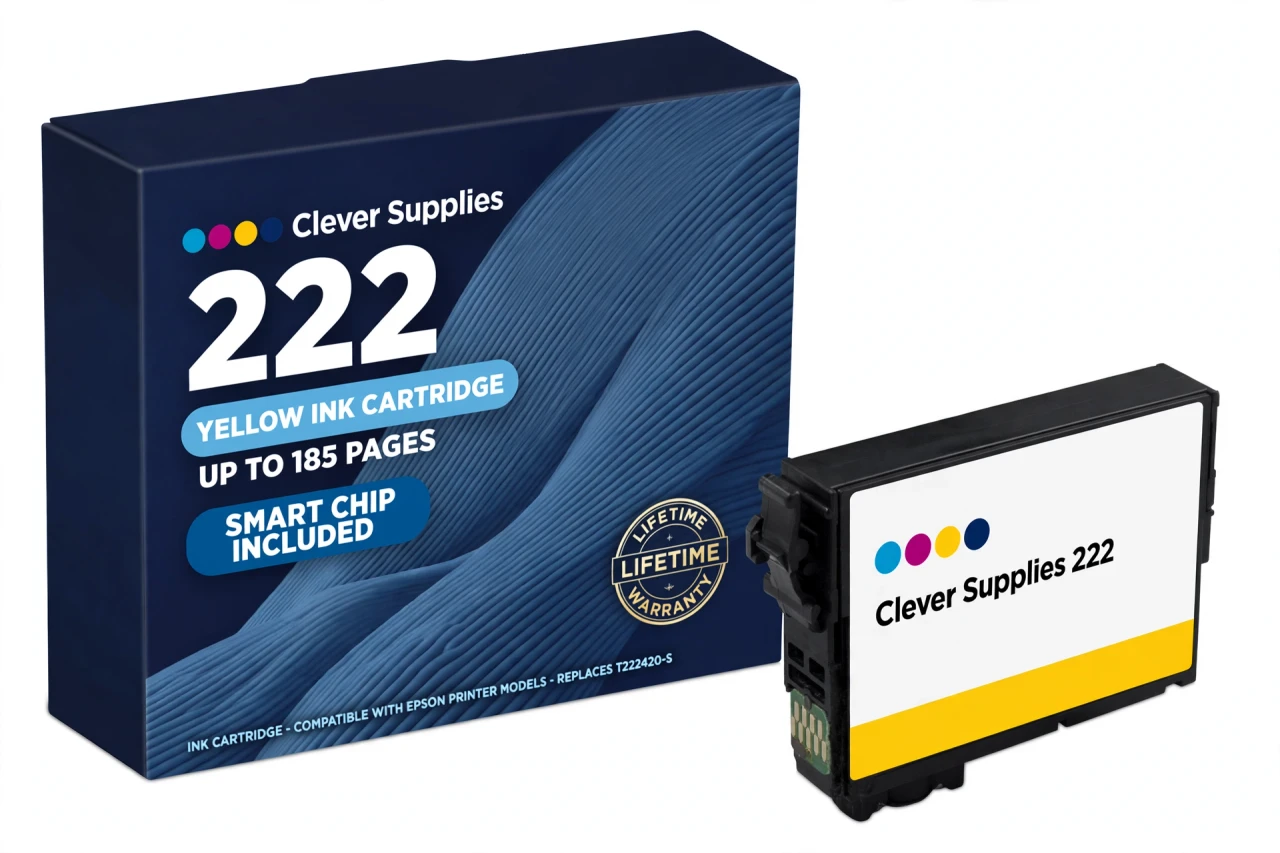
It carries a new compatible chip, with the warning this generation requires: this cartridge carries a new compatible chip. If your printer's firmware has been updated, recognition issues can occasionally occur. Documented XP-5200 cases make that a practical note, not fine print — reseat and restart first if a warning appears.
Fits the Expression Home XP-5200 and the WorkForce WF-2960, and nothing else — least of all the WF-2950, which is a 232-family printer wearing a nearly identical name. Covered by our lifetime warranty, with free returns for the first year.
Shop the Epson 222 family: T222XL120 Black Ink Cartridge · T222220 Cyan Ink Cartridge · T222320 Magenta Ink Cartridge · Set of 4 BCMY Ink Cartridge · Set of 9 3 Black 2 Cyan 2 Magenta 2 Yellow Ink Cartridge
Browse by series: Expression · WorkForce
Frequently Asked Questions
What is the T222420 rated for?
Up to 185 pages, Epson's published standard colour yield for this family on the ISO/IEC 24711 pattern — identical for cyan, magenta and yellow.
Does a 222XL yellow exist?
No. Epson's official table for this platform has an XL column for black only. A yellow sold as 222XL is a standard cartridge in costume; this page sells the standard cartridge as what it is.
Which printers does this yellow fit?
Expression Home XP-5200 and WorkForce WF-2960 — the full official 222 platform. The XP-4200, XP-4205, WF-2930 and WF-2950 use the neighbouring 232 family and take none of these cartridges.
How do I know yellow is the one running out?
Colour drifts cool and blue, greens go dull, and warm subjects look washed. A nozzle check confirms it: a complete yellow pattern with shifted colours means a low cartridge.
What should I know about the chip?
It is new and compatible, and it reports levels normally. This cartridge carries a new compatible chip. If your printer's firmware has been updated, recognition issues can occasionally occur — reseat, restart, then contact us if it persists.
Can a yellow be replaced on its own?
Yes — individual cartridges are the point of this platform. Replace the expended colour only; the XL black and the other colours stay where they are.
Why do the specifications leave Ink Type blank?
Because the official sources for the 222 family name the Claria system without a dye/pigment label we could verify. We publish what is verified — code, platform, Claria line, ISO yield — and leave the unverified field empty.
Is there a millilitre volume?
None is published in Epson's US documentation for this family, so the Volume field is blank. Judge the cartridge by its 185-page ISO rating.
Is it a genuine Epson cartridge?
No — a Clever Supplies compatible built to the T222420-S specification, labelled compatible on the box and this page, not manufactured by Epson.
What does the warranty promise?
A yellow that leaks, prints poorly from new, or will not recognise after standard troubleshooting is replaced under the lifetime warranty. Free returns run for the first year.
Worth keeping a spare yellow?
Yellow is the surprise-empty colour precisely because its fading is subtle. A spare — or a set — on the shelf prevents the mid-document colour shift.
Installation, briefly?
Have the new cartridge ready before the old one comes out, remove only the tape, keep fingers off the chip, press into the yellow holder until it clicks, and let the printer charge the ink before printing.
Related Items

Epson
Compatible Epson 222 T222220 Cyan Ink Cartridge
Start with the fact that shapes this whole family: Epson makes no XL cyan for the 222 platform. Our compatible T222220-S is the standard-capacity cyan, Claria ink rated up to 185 pages (ISO/IEC...

Epson
Compatible Epson 222 T222320 Magenta Ink Cartridge
Magenta is the colour that keeps family photos looking like family: skin tones, sunsets and reds all lean on this slot. Our compatible T222320-S is the standard-capacity magenta for the 222 family —...
Epson
Compatible Epson 222 Set of 4 BCMY Ink Cartridge
This set is built the way Epson built the family: one high-capacity black and three standard colours. Inside: T222XL120-S black (up to 550 pages), T222220-S cyan, T222320-S magenta and T222420-S...
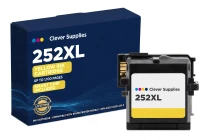
Epson
Compatible Epson 252XL T252XL420 Yellow Ink Cartridge
Yellow rarely gets the attention black does — until a colour document comes out wrong because the yellow quietly ran dry. This compatible T252XL420-S is the high-capacity yellow for the Epson 252...