





 See Compatible Printers
 Read more about our ink!
Canon
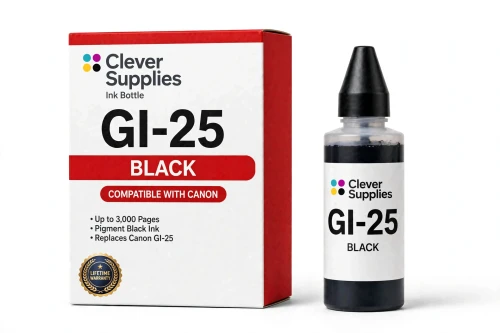
Compatible Canon GI-25 Black Ink Bottle
- Page Yield:
- 3,000 pages
- Shipping:
- Calculated at Checkout

Amazon Price:

- Page Yield:
- 3,000 pages
- Shipping:
- Calculated at Checkout
- Compatible Printers
- Specifications
- SKU:
- CS-CN-GI25-BK
- Condition:
- New (compatible)
- OEM Part #:
- GI-25
- Color:
- Black
- Ink Type:
- Pigment
- Volume:
- 67 ml
- Page Yield:
- 3,000 pages
- Chip:
- No chip — refill bottle
- Warranty:
- Lifetime Warranty
- Returns:
- 1 Year
- Description
- Reviews
The Clever Supplies compatible Canon GI-25 Black ink bottle refills 2 verified MegaTank printers — the MAXIFY GX1020 and the rest of the list under Compatible Printers below. Canon rates this bottle at about 3,000 pages; our bottle is filled to the same 67 ml specification with pigment ink and covered by the Clever Supplies lifetime warranty.
The GX refill system is keyed and self-stopping — each bottle fits only its own color tank, fills to the line and shuts off on its own. Keep the cap on between refills and a part-used bottle stores without drying out.
Shop the GI-25 family: GI-25 Cyan, GI-25 Magenta, GI-25 Yellow, GI-25 Set of 4, GI-25 Set of 10.
Printer series: MAXIFY printers — every model in the Compatible Printers list below takes this bottle.


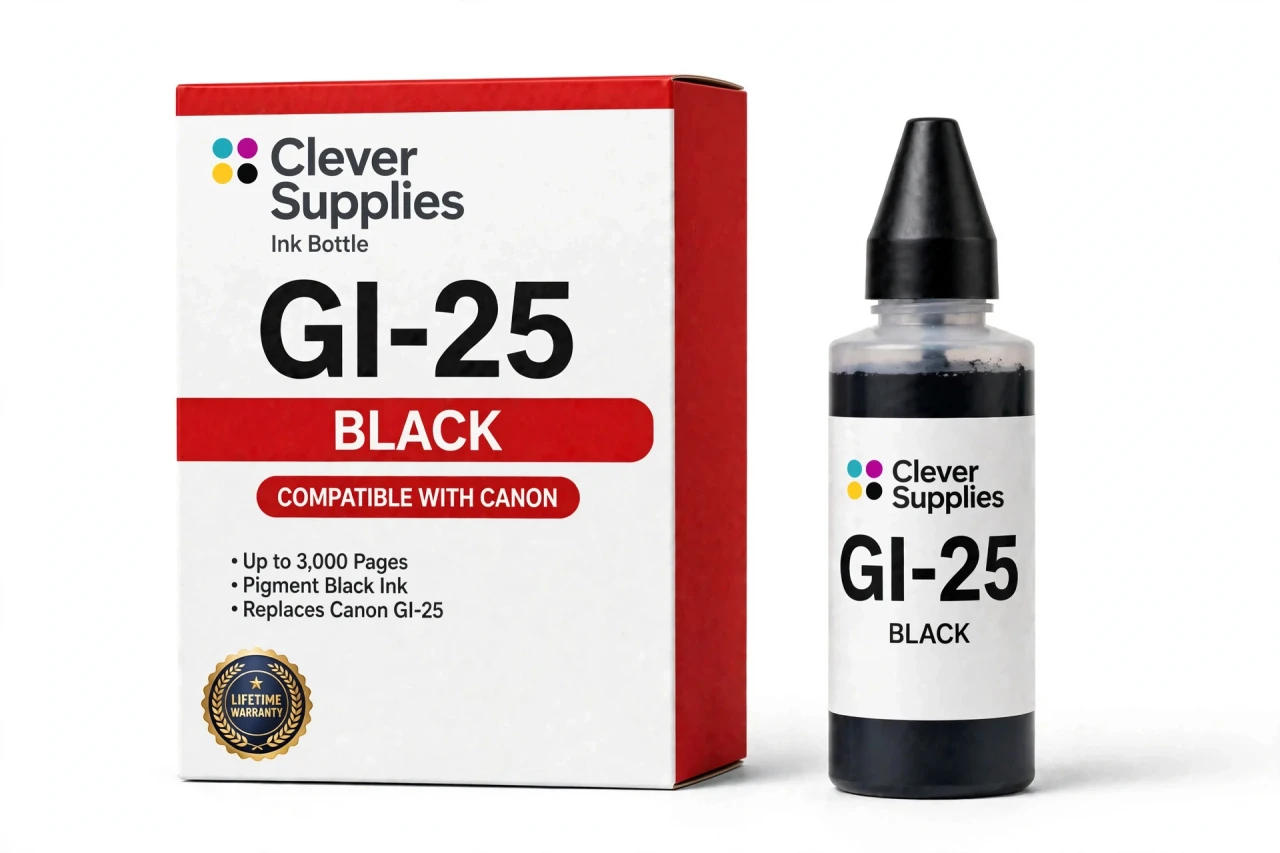
CLEVER SUPPLIES · CANON GI-25 INK
Compatible Canon GI-25 Black Ink Bottle
Replaces Canon GI-25
67 ml · Up to 3,000 pages · Pigment ink
Fits: MAXIFY GX1020, MAXIFY GX2020
Covered by the Clever Supplies Lifetime Warranty
Frequently Asked Questions
What kind of printing is this black bottle built for?
Everyday business output. The MAXIFY GX printers are office machines, and this GI-25 black bottle feeds them 67 ml of pigment ink rated at up to 3,000 pages. Invoices, packing slips, contracts and reports are the workload it is sized for — steady text volume that must stay legible in a customer's hands.
Which printers take the GI-25 black bottle?
Just two models use this family: the Canon MAXIFY GX1020 and the Canon MAXIFY GX2020. The GI-25 nozzle is keyed to the GX tank design, so it will not fit the PIXMA G series or any other MegaTank generation. If your printer is one of those two, this is its black bottle.
Why pigment ink in a business tank printer?
Pigment particles rest on the paper surface rather than soaking in, so characters stay dense and sharp on ordinary office paper. That surface layer also shrugs off highlighter strokes and light moisture better than dye — useful for documents that get marked up, mailed or archived.
How does the GX refill actually happen?
Open the black tank, seat the bottle's keyed nozzle on the opening and let the ink transfer on its own. The GX system is self-stopping: flow ends at the full line with no squeezing from you. Remove the bottle, close the tank and the printer is back in service within minutes.
Does the printer ask me to confirm or reset levels afterward?
No. There is no chip on a GI-25 bottle, no level counter to reset and no confirmation screen. The printer reads the physical level in the tank, which you can also see through the front window. Refill day is purely mechanical: pour, close, print.
How do I judge when the black tank needs this bottle?
Glance at the black tank window during the week and plan a refill as the level nears the lower line, instead of waiting for faded pages to announce it. In a text-heavy office black moves faster than any color and sets the refill rhythm. One spare bottle in the drawer makes that painless.
The tank filled before the bottle emptied. What happens to the rest?
That is normal. Cap the bottle, stand it upright and store it at room temperature out of direct sun. GX bottles are designed to be reopened, so the remainder waits for the next top-up without drying at the nozzle. Keep the cap snug and the bottle somewhere it will not tip.
Text looks washed out even though I just refilled. What is going on?
Check the tank cap is fully closed and the level sits between the lines, then print a nozzle check from the maintenance menu. Gaps in the black pattern point to a clogged channel, and one cleaning cycle usually restores density. Also confirm the driver is not set to a draft mode, which lays down less ink.
Is this the Canon original, and what protection comes with it?
No, it is a Clever Supplies compatible GI-25 bottle filled to the same 67 ml specification and yield as the Canon original. The companion colors are the GI-25 Cyan, GI-25 Magenta and GI-25 Yellow, or the GI-25 Set of 4 for all four tanks. It carries a Lifetime Warranty with 1 Year returns.
Related Items

Canon
Compatible Canon GI-25 Magenta Ink Bottle
The Clever Supplies compatible Canon GI-25 Magenta ink bottle refills 2 verified MegaTank printers — the MAXIFY GX1020 and the rest of the list under Compatible Printers below. Canon rates this...


Canon
Compatible Canon GI-25 Cyan Ink Bottle
The Clever Supplies compatible Canon GI-25 Cyan ink bottle refills 2 verified MegaTank printers — the MAXIFY GX1020 and the rest of the list under Compatible Printers below. It is rated at about...

Canon
Compatible Canon GI-25 Yellow Ink Bottle
The Clever Supplies compatible Canon GI-25 Yellow ink bottle refills 2 verified MegaTank printers — the MAXIFY GX1020 and the rest of the list under Compatible Printers below. Canon rates this bottle...

Canon
Compatible Canon GI-23 Black Ink Bottle
The Clever Supplies compatible Canon GI-23 Black ink bottle refills the black tank of the PIXMA G620 — the only printer in this family. The GI-23 system runs six dye inks for photo printing, and a...