





 See Compatible Printers
 Read more about our ink!
Canon
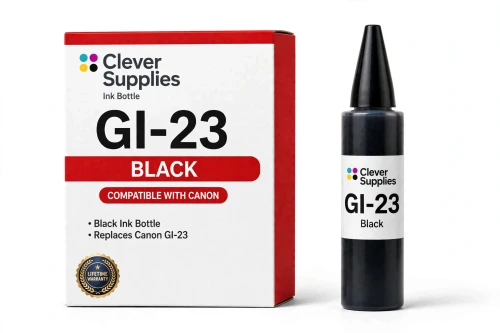
Compatible Canon GI-23 Black Ink Bottle
- Page Yield:
- About 3,800 4×6 photos per full 6-bottle set
- Shipping:
- Calculated at Checkout

Amazon Price:

- Page Yield:
- About 3,800 4×6 photos per full 6-bottle set
- Shipping:
- Calculated at Checkout
- Compatible Printers
- Specifications
- SKU:
- CS-CN-GI23-BK
- Condition:
- New (compatible)
- OEM Part #:
- GI-23
- Color:
- Black
- Ink Type:
- Dye
- Volume:
- 57 ml
- Page Yield:
- About 3,800 4×6 photos per full 6-bottle set
- Chip:
- No chip — refill bottle
- Warranty:
- Lifetime Warranty
- Returns:
- 1 Year
- Description
- Reviews
The Clever Supplies compatible Canon GI-23 Black ink bottle refills the black tank of the PIXMA G620 — the only printer in this family. The GI-23 system runs six dye inks for photo printing, and a full set is rated at about 3,800 4×6 photos. The bottle is filled to the original 57 ml specification and covered by the Clever Supplies lifetime warranty.
Refilling is the clean part of owning a MegaTank printer. The keyed nozzle matches only the correct tank, ink flows until the level line and then stops on its own, and the resealable cap keeps a part-used bottle ready for next time.
Shop the GI-23 family: GI-23 Cyan, GI-23 Magenta, GI-23 Yellow, GI-23 Red, GI-23 Gray, GI-23 Set of 6.
Printer series: PIXMA printers — every model in the Compatible Printers list below takes this bottle.


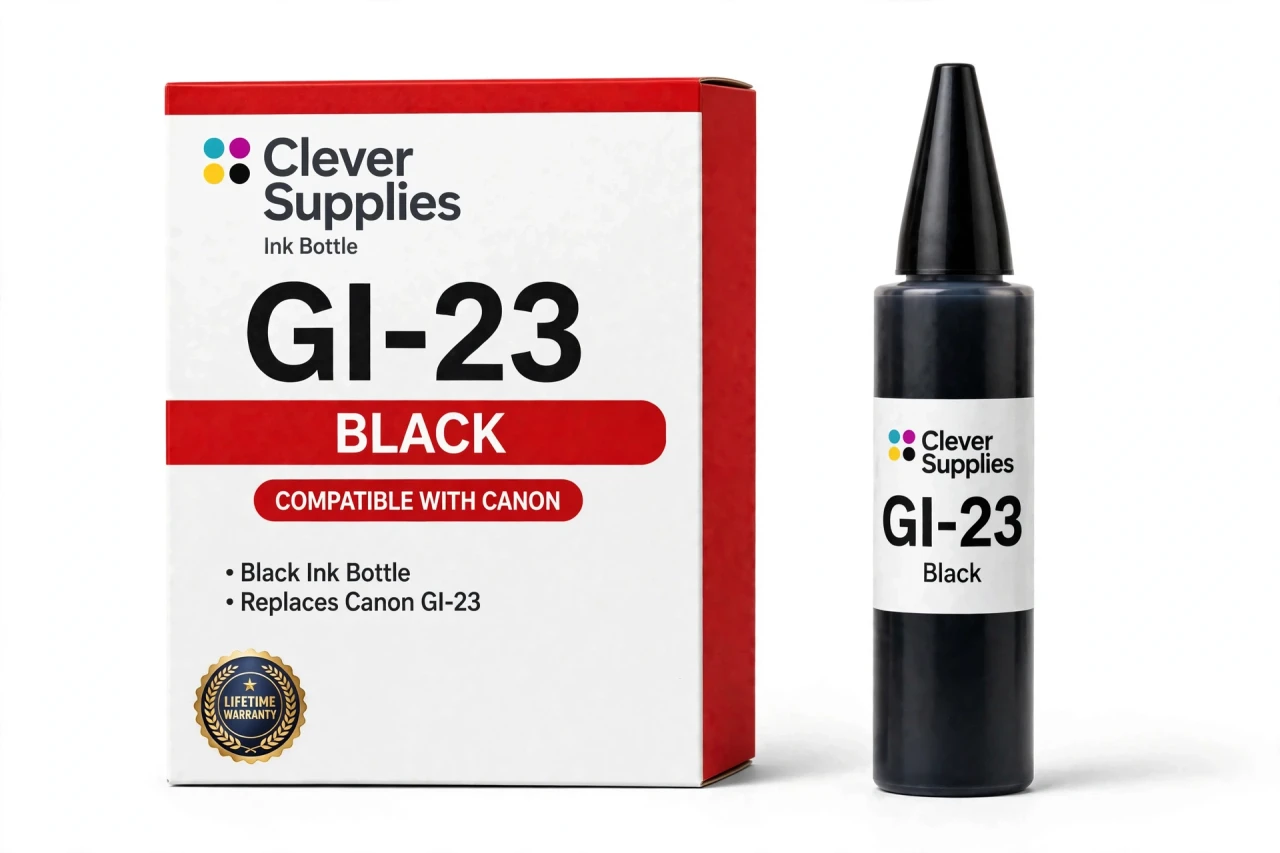
CLEVER SUPPLIES · CANON GI-23 INK
Compatible Canon GI-23 Black Ink Bottle
Replaces Canon GI-23
57 ml · Dye photo ink · Keyed refill bottle
Fits: PIXMA G620
Covered by the Clever Supplies Lifetime Warranty
Frequently Asked Questions
Which printer does this black bottle refill?
This GI-23 Black bottle is made for one printer only, the Canon PIXMA G620. It refills the black tank of that MegaTank photo printer and does not fit other MegaTank generations, because each GI family is keyed to its own tank design.
What does the black tank do in a six-ink photo system?
Black carries the depth in a photo. It anchors shadows, outlines and night scenes, and it keeps text on mixed pages sharp. On the G620 it works alongside five colors rather than alone, so contrast stays controlled and dark areas hold detail instead of turning flat.
How much ink is in the bottle, and what yield should I expect?
The bottle is filled to the original 57 ml specification with dye ink. Yield is rated for a full six-bottle set, not one color alone, at about 3,800 4×6 photos. Dark, contrast-heavy photos draw on black far more than bright, pale images do.
Walk me through refilling the black tank — will it spill?
Open the black tank cap, seat the keyed bottle nozzle and let the ink flow. The nozzle matches only the black tank, the fill is hands-free with no squeezing, and the flow stops on its own at the full line. Close the tank cap and you are done.
Is there a chip in this bottle, or anything to reset after a refill?
No. This is a refill bottle with no chip, so there is nothing to recognize, clear or reset. The printer tracks the ink in the tank itself. You refill, close the cap and keep printing, and no firmware update can block a plain bottle of ink.
My photos look washed out in the dark areas — could low black be the reason?
It could. When black runs low, shadows lose depth first, dark clothing and hair can look gray, and night photos turn pale. Check the black tank level before you blame the paper or the file. If a refill does not help, run a cleaning cycle next.
Can I top up black on its own, or do all six tanks need refilling together?
Black can be refilled completely on its own — each tank is separate. When other colors run down, the matching bottles are GI-23 Cyan, GI-23 Magenta, GI-23 Yellow, GI-23 Red and GI-23 Gray, or the GI-23 Set of 6 restocks everything at once.
How should I store a part-used black bottle?
Put its own cap back on firmly, stand it upright and keep it in a cool spot away from direct sunlight. The cap reseals between refills, so leftover ink stays ready for the next top-up. Keep the label visible so black is never confused with the gray bottle.
Is this a genuine Canon bottle?
No — this is a Clever Supplies compatible bottle made to the same GI-23 specification, fill volume and yield as the original Canon bottle, at a lower price. It is a new bottle of dye photo ink, filled and labeled for the black tank of the PIXMA G620.
What protection comes with this bottle if something goes wrong?
Every Clever Supplies inkjet bottle carries a Lifetime Warranty. If this bottle ever leaks, fails to fill correctly or prints poorly, contact us and we will replace it or refund you. Returns are covered for 1 Year, so trying a compatible black bottle carries little risk.
Related Items

Canon
Compatible Canon GI-23 Red Ink Bottle
The Clever Supplies compatible Canon GI-23 Red ink bottle refills the red tank of the PIXMA G620 — the only printer in this family. The GI-23 system runs six dye inks for photo printing, and a full...


Canon
Compatible Canon GI-23 Cyan Ink Bottle
The Clever Supplies compatible Canon GI-23 Cyan ink bottle refills the cyan tank of the PIXMA G620 — the only printer in this family. The GI-23 system runs six dye inks for photo printing, and a full...

Canon
Compatible Canon GI-23 Gray Ink Bottle
The Clever Supplies compatible Canon GI-23 Gray ink bottle refills the gray tank of the PIXMA G620 — the only printer in this family. The GI-23 system runs six dye inks for photo printing, and a full...

Canon
Compatible Canon GI-23 Magenta Ink Bottle
The Clever Supplies compatible Canon GI-23 Magenta ink bottle refills the magenta tank of the PIXMA G620 — the only printer in this family. The GI-23 system runs six dye inks for photo printing, and...