





 See Compatible Printers
 Read more about our ink!
Canon
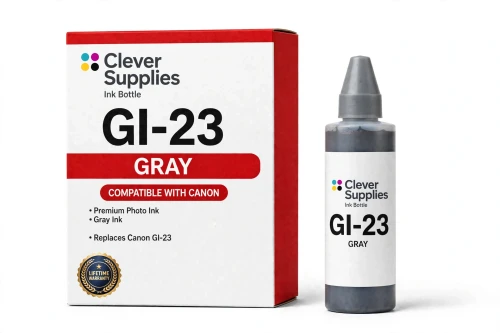
Compatible Canon GI-23 Gray Ink Bottle
- Page Yield:
- About 3,800 4×6 photos per full 6-bottle set
- Shipping:
- Calculated at Checkout

Amazon Price:

- Page Yield:
- About 3,800 4×6 photos per full 6-bottle set
- Shipping:
- Calculated at Checkout
- Compatible Printers
- Specifications
- SKU:
- CS-CN-GI23-GY
- Condition:
- New (compatible)
- OEM Part #:
- GI-23
- Color:
- Gray
- Ink Type:
- Dye
- Volume:
- 57 ml
- Page Yield:
- About 3,800 4×6 photos per full 6-bottle set
- Chip:
- No chip — refill bottle
- Warranty:
- Lifetime Warranty
- Returns:
- 1 Year
- Description
- Reviews
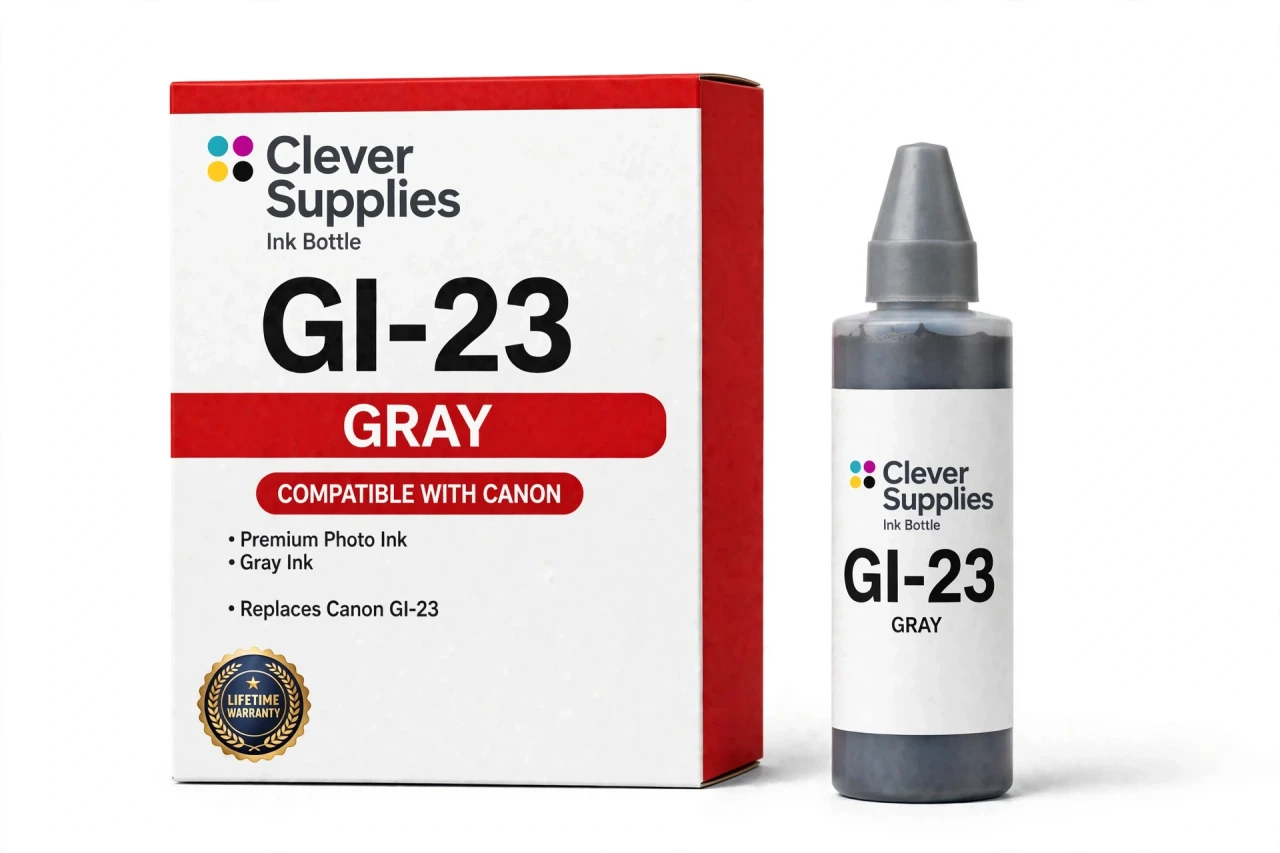
The Clever Supplies compatible Canon GI-23 Gray ink bottle refills the gray tank of the PIXMA G620 — the only printer in this family. The GI-23 system runs six dye inks for photo printing, and a full set is rated at about 3,800 4×6 photos. The bottle is filled to the original 57 ml specification and covered by the Clever Supplies lifetime warranty.
Refilling is the clean part of owning a MegaTank printer. The keyed nozzle matches only the correct tank, ink flows until the level line and then stops on its own, and the resealable cap keeps a part-used bottle ready for next time.
Shop the GI-23 family: GI-23 Black, GI-23 Cyan, GI-23 Magenta, GI-23 Yellow, GI-23 Red, GI-23 Set of 6.
Printer series: PIXMA printers — every model in the Compatible Printers list below takes this bottle.


CLEVER SUPPLIES · CANON GI-23 INK
Compatible Canon GI-23 Gray Ink Bottle
Replaces Canon GI-23
57 ml · Dye photo ink · Keyed refill bottle
Fits: PIXMA G620
Covered by the Clever Supplies Lifetime Warranty
Frequently Asked Questions
What is a gray ink doing in a color photo printer?
Gray is the quiet specialist in this six-ink system. Instead of building neutral tones by mixing colors, the Canon PIXMA G620 lays down real gray ink. That smooths gray tones and gives finer steps between white, mid-gray and black.
How does gray change black-and-white prints?
Monochrome work is where this GI-23 Gray bottle earns its place. Portraits, architecture and landscapes in black and white need long, smooth runs of midtones, and gray ink makes those transitions gradual instead of blotchy. Fog, concrete, metal and skin all hold together better with a healthy gray tank.
Which printer uses this gray bottle?
The PIXMA G620 is the only model in this family, and this bottle refills its gray tank. No other MegaTank printer takes it — each GI family is keyed to its own tank design, and the gray tank is part of what makes the G620 a photo-focused model.
How do I fill the gray tank without mixing it up with black?
You do not have to rely on labels alone. The bottle nozzle is keyed, so it seats on the gray opening and will not fit the black tank the same way. Seat it, let the ink flow hands-free until it stops at the full line, then close the cap.
How many photos does the rated yield for this system cover?
The bottle contains 57 ml of dye ink, filled to the original specification. Yield is quoted for the complete system: a full six-bottle set is rated at about 3,800 4×6 photos. Gray use depends on subject matter — black-and-white runs draw on it steadily, bright color work very little.
Will I need to reset anything after topping up the gray tank?
No reset, no chip and no warning to clear. This is a chipless refill bottle, so the printer does not read the bottle at all; it works from the ink in the tank. Close the cap and print straight away — a firmware update cannot change how a plain bottle behaves.
My monochrome prints show rough steps in the midtones — is gray the tank to check?
Yes, check it first for that exact symptom. When gray runs low, the printer leans on the remaining inks to fake neutral tones, and gradients turn coarse or pick up a color cast. Refill gray first; if the steps remain, follow with a nozzle check and cleaning cycle.
How do I store this bottle once it has been opened?
Cap it tightly, stand it upright and store it away from sunlight and heat. The cap reseals, so a part-used bottle keeps safely for the next refill. Since gray can look like black on a shelf, store it label-forward, apart from the GI-23 Black bottle.
Can I refill gray on its own, and where do the other colors live?
Yes — every tank refills separately, so gray never forces a full restock. The other singles are GI-23 Cyan, GI-23 Magenta, GI-23 Yellow and GI-23 Red, and the GI-23 Set of 6 replaces all six together.
Is this bottle made by Canon, and what guarantee backs it?
It is a Clever Supplies compatible bottle, made to the same GI-23 specification and 57 ml fill as the Canon original rather than by Canon itself. It carries a Lifetime Warranty — a leaking or poor-printing bottle is replaced or refunded — and returns are covered for 1 Year.
Related Items

Canon
Compatible Canon GI-23 Red Ink Bottle
The Clever Supplies compatible Canon GI-23 Red ink bottle refills the red tank of the PIXMA G620 — the only printer in this family. The GI-23 system runs six dye inks for photo printing, and a full...


Canon
Compatible Canon GI-23 Black Ink Bottle
The Clever Supplies compatible Canon GI-23 Black ink bottle refills the black tank of the PIXMA G620 — the only printer in this family. The GI-23 system runs six dye inks for photo printing, and a...

Canon
Compatible Canon GI-23 Magenta Ink Bottle
The Clever Supplies compatible Canon GI-23 Magenta ink bottle refills the magenta tank of the PIXMA G620 — the only printer in this family. The GI-23 system runs six dye inks for photo printing, and...

Canon
Compatible Canon GI-23 Cyan Ink Bottle
The Clever Supplies compatible Canon GI-23 Cyan ink bottle refills the cyan tank of the PIXMA G620 — the only printer in this family. The GI-23 system runs six dye inks for photo printing, and a full...