





 See Compatible Printers
 Read more about our ink!
Brother
Compatible Brother LC3029 Set of 9 BCMY Ink Cartridge
- Page Yield:
- Black up to 3,000; each color up to 1,500 (ISO/IEC 24711)
- Shipping:
- Calculated at Checkout

Amazon Price:

- Page Yield:
- Black up to 3,000; each color up to 1,500 (ISO/IEC 24711)
- Shipping:
- Calculated at Checkout
- Compatible Printers
- Specifications
- SKU:
- CS-BR-3029-SET9
- Condition:
- New Compatible
- OEM Part #:
- LC3029BK, LC3029C, LC3029M, LC3029Y
- Color:
- Black + Cyan + Magenta + Yellow
- Page Yield:
- Black up to 3,000; each color up to 1,500 (ISO/IEC 24711)
- Chip:
- New compatible chip
- Warranty:
- Lifetime Warranty
- Returns:
- 1-Year Free Returns
- Description
- Reviews
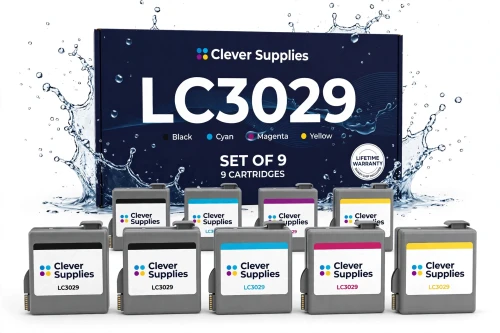
This is the Super High Yield (INKvestment Tank) set for the 6 printers in its platform — MFC-J5830DW, MFC-J5830DW XL, MFC-J5930DW, MFC-J6535DW, MFC-J6535DW XL, MFC-J6935DW. The box holds 3 × black + 2 × cyan + 2 × magenta + 2 × yellow, each cartridge with its own new compatible chip, and yields are stated per cartridge, never added together: Black up to 3,000; each color up to 1,500 (ISO/IEC 24711). It does NOT fit the standard-cassette Business Smart Pro printers MFC-J5330DW, MFC-J6530DW and MFC-J6930DW, and it is not interchangeable with LC3019: the yields are the same (3,000 black / 1,500 color) but the cartridges are physically different — LC3029 fits only INKvestment Tank printers.


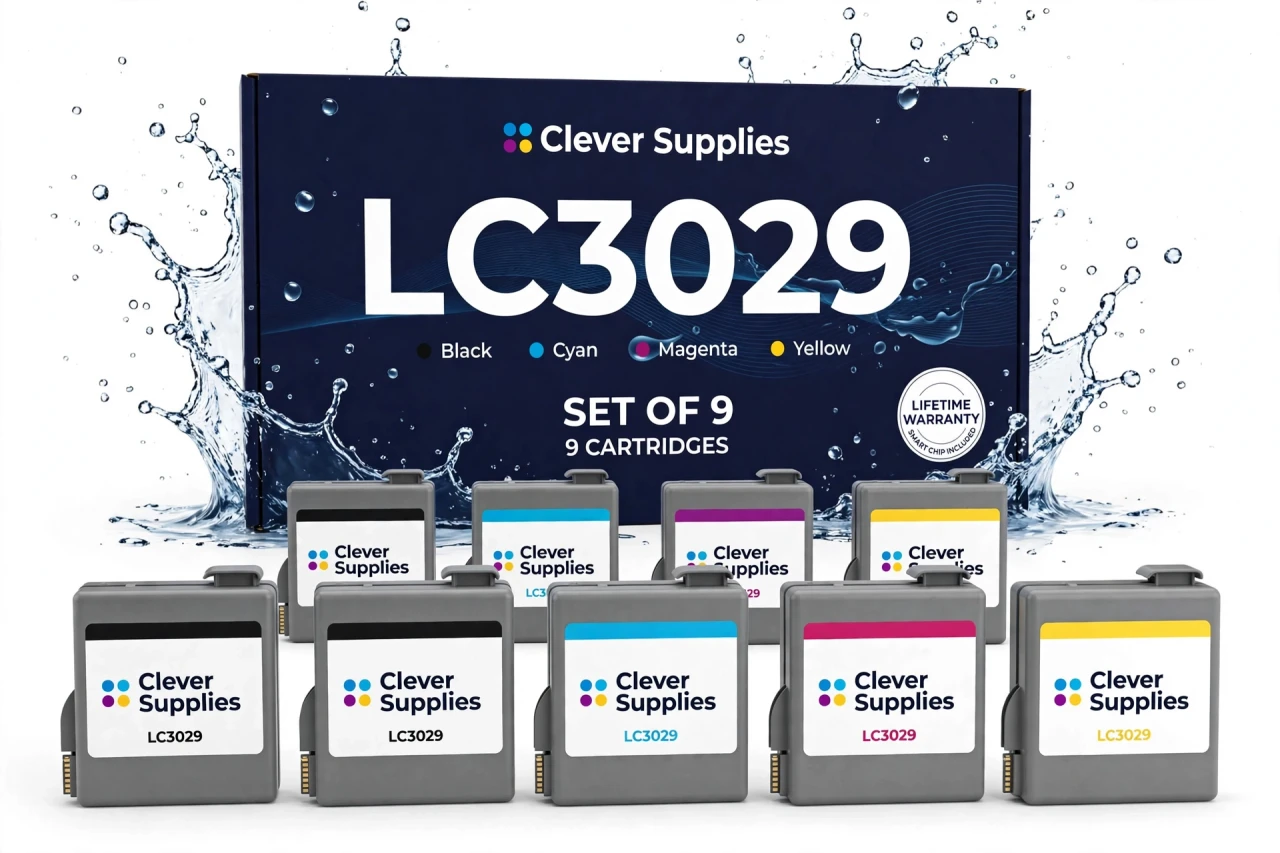
A set earns its place when several colors are low together, when a printer returns to service, or when you want one known starting point. For the bulk box, the extra blacks are deliberate — black empties fastest in text-heavy work, so three blacks against two of each color matches how these printers actually consume ink. The sibling codes are LC3029BK, LC3029C, LC3029M and LC3029Y; no compatible black 2-pack is offered in this range, because the LD ladder has no counterpart for Brother's OEM 2-pack.
Every cartridge in the box carries a new compatible chip. As with the singles, expect that a compatible cartridge may show “Cannot Detect Ink Volume” — the ink-level display may not read, while printing itself is unaffected. For Tank sets, read the firmware note in the FAQ (versions A–K versus L and above) before first installation. Covered by our lifetime warranty (each cartridge individually), with free returns for the first year.
Shop the Brother LC3029 family: LC3029BK Black Ink Cartridge · LC3029C Cyan Ink Cartridge · LC3029M Magenta Ink Cartridge · LC3029Y Yellow Ink Cartridge · Set of 4 BCMY Ink Cartridge
Browse by series: MFC MULTIFUNCTION SERIES
Frequently Asked Questions
What warranty and returns does the set carry?
A lifetime warranty covering each cartridge individually — a single faulty cartridge is replaced on its own; the set does not go back as a unit. Free returns apply within the first year.
When does a Set of 9 BCMY make sense over singles?
The Set of 4 is the full reset — one of each color. The Set of 9 is the shelf box for a printer that runs through black fastest: three blacks and two of each color, so the next black change is already in the drawer.
Why is there no black 2-pack in this range?
Brother's own OEM 2-pack (LC30172PKS for LC3017) has no LD compatible counterpart in the ladder this range is priced from; the compatible architecture is singles plus Set of 4 plus Set of 9. A compatible 2-pack would need a separate pricing decision.
Does the XL version of my printer take a different set?
No — the XL Tank models take the same LC3029 set as their non-XL counterparts.
Can LC3017 and LC3019 sets be mixed in one printer?
Not applicable — this is a Tank set. Within the Tank platform, LC3029 is the only cartridge family for these six printers.
What exactly is in this set?
The set contains 3 × black + 2 × cyan + 2 × magenta + 2 × yellow — all LC3029 cartridges, each with its own new compatible chip.
How many pages does the set print?
Per cartridge, never summed: Black up to 3,000; each color up to 1,500 (ISO/IEC 24711).
Which printers does this set fit?
MFC-J5830DW, MFC-J5830DW XL, MFC-J5930DW, MFC-J6535DW, MFC-J6535DW XL, MFC-J6935DW. No other models are on Brother's official list.
Does this set fit the other platform in this group?
It does NOT fit the standard-cassette Business Smart Pro printers MFC-J5330DW, MFC-J6530DW and MFC-J6930DW, and it is not interchangeable with LC3019: the yields are the same (3,000 black / 1,500 color) but the cartridges are physically different — LC3029 fits only INKvestment Tank printers.
Is LC3029 an INKvestment Tank set?
Yes — LC3029 is the INKvestment Tank family for the six Tank printers listed above.
Will my printer recognize these cartridges?
Each cartridge carries a new compatible chip. If your printer's firmware has been updated, recognition issues can occasionally occur — reseat firmly, keep the small green chip contacts clean and untouched, and restart the printer.
What does “Cannot Detect Ink Volume” mean?
It is Brother's documented behavior for a generic or third-party cartridge: the printer may be unable to determine the ink volume, so the ink-level display may not read. The machine still prints; judge replacement by print quality. Firmware note, in Brother's own support wording: on firmware versions A–K, an “Update failed — install genuine ink cartridge” message can appear and the firmware should be updated while that message is shown; on version L and above, the message stays on screen until the cartridge is empty, but the machine keeps working. If you see that message, check your firmware version before assuming the cartridge has failed.
Related Items

Brother
Compatible Brother LC3029 Set of 4 BCMY Ink Cartridge
This is the Super High Yield (INKvestment Tank) set for the 6 printers in its platform — MFC-J5830DW, MFC-J5830DW XL,


Brother
Compatible Brother LC3017 Set of 9 BCMY Ink Cartridge
This is the High Yield set for the 3 printers in its platform — MFC-J5330DW, MFC-J6530DW,

Brother
Compatible Brother LC3019 Set of 9 BCMY Ink Cartridge
This is the Super High Yield set for the 3 printers in its platform — MFC-J5330DW, MFC-J6530DW,

Brother
Compatible Brother LC404 Set of 9 BCMY Ink Cartridge
This is the stock-up pack for Brother's small INKvestment family: our compatible LC404 set of 9 — 3 black + 2 cyan + 2 magenta + 2 yellow cartridges — every one rated up to 750 pages in accordance...