




MFC-L2717DW
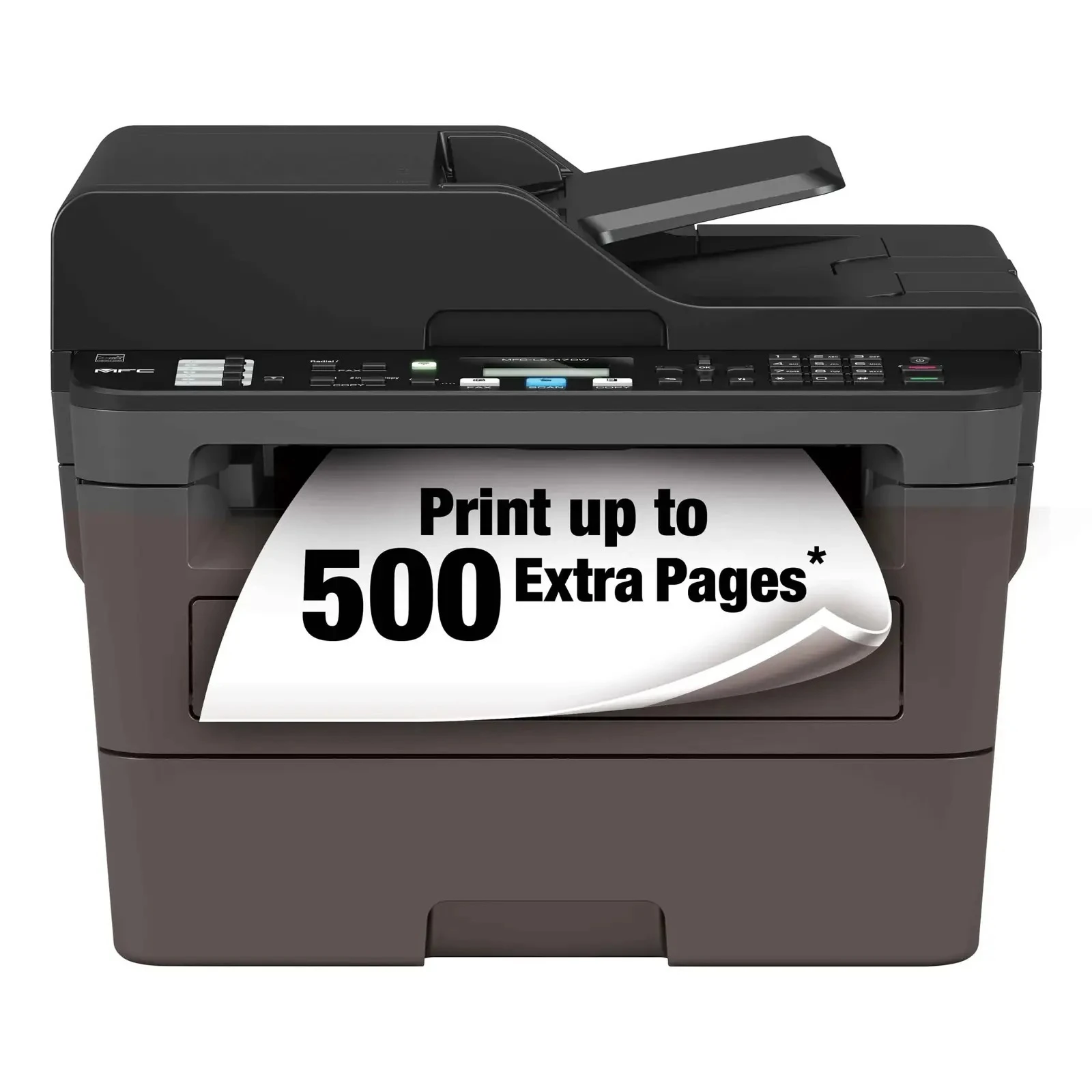
Think of the Brother MFC-L2717DW's supplies as two clocks running at very different speeds. The toner clock ticks fast — a TN730 cartridge lasts about 1,200 pages and a TN760 about 3,000 — while the drum clock behind it, the DR730, turns slowly at roughly 12,000 pages per unit. This page exists for the slow clock: it gathers every DR730 drum listing for the MFC-L2717DW, from single compatible units to a four-pack and the genuine Brother drum, so the once-in-a-while replacement is a planned purchase rather than an emergency one.
That difference in pace shapes how most owners buy. Toner is a routine restock; the drum is the part people discover only when a warning appears or output quality slips. Yet the drum decides how clean every page looks, because the toner cartridge images through it. Treating the DR730 as a scheduled service item — ordered when the current unit is aging, not after it has visibly failed — keeps the MFC-L2717DW producing sharp pages without interruption.
Drum Units for the MFC-L2717DW
- Compatible DR730 drum unit — the single compatible drum, the standard one-for-one replacement.
- Compatible DR730 drum unit, alternate listing — the same single drum carried under a second listing.
- Compatible DR730 drum unit, further listing — a third listing of the same single compatible drum.
- Compatible DR730 drum units, 2 pack — two drums: one to fit now, one held as a spare.
- Compatible DR730 drum units, 2 pack, alternate listing — the two-drum pack under a second listing.
- Compatible DR730 drum units, 2 pack, further listing — the two-drum pack under a third listing.
- Compatible DR730 drum units, 4 pack — the bulk option for machines that print all day.
- Brother DR730 genuine OEM drum unit — Brother's own drum, rated at 12,000 pages.
Which drum should you buy?
Start from how the printer is used. A home-office MFC-L2717DW that prints a few hundred pages a month will take years to finish one drum, so a single compatible unit — or the genuine drum, if you prefer the manufacturer's part — is all the stock you need. In a busier setting the arithmetic changes: one DR730 spans roughly ten TN730 cartridges or four TN760 cartridges, and a two-pack on the shelf means the next change takes minutes. The four-pack is fleet logic, priced for several machines or one very hard-worked printer. Whichever you choose, you are buying the same DR730 fit; only the count and the maker differ.
Chip, toner and everyday use
A drum change is a good moment for basic housekeeping. Power the machine down, let it cool, and slide the toner-and-drum assembly out as one piece; the cartridge then unclips from the drum so it can move into the new unit. Wipe any loose toner from the corona wire with the drum's cleaning tab, and avoid touching the drum surface itself — skin oils leave permanent marks on prints. Once the new drum is in, confirm the drum counter reset on the printer so its remaining-life estimate reflects the fresh unit, and remember that quoted yields assume 5% coverage, so graphics-heavy work shortens them.
Frequently Asked Questions
How many toner cartridges does one DR730 drum outlast?
At the rated figures, about ten TN730 cartridges or four TN760 cartridges. The DR730 is rated near 12,000 pages against roughly 1,200 pages for the standard toner and 3,000 for the high-yield, which is why drum purchases come around so much less often than toner orders for the MFC-L2717DW.
Does the MFC-L2717DW use the same drum as the MFC-L2690DW?
Yes — the MFC-L2690DW and the MFC-L2717DW sit in the same supply family, and both run on the DR730 drum with TN730 or TN760 toner. The drum listings on this page fit either machine, which simplifies life if you keep one of each in the same office.
Can I change the drum without changing the toner?
Yes. The toner cartridge and the drum unit are separate parts that clip together. Your current TN730 or TN760 cartridge — even a partly used one — lifts out of the old drum and seats into the new DR730, so nothing you have already paid for in toner goes to waste.
What happens if I keep printing on a worn-out drum?
The printer will keep working, but quality keeps sliding: backgrounds pick up a gray cast, spots repeat at regular intervals down the page, and fine text loses its edge. None of that damages the toner cartridge, yet no cartridge swap will cure it — once the drum surface is worn, only a new DR730 restores clean output.
More printers that use the same cartridges
One drum family covers a wide bench of Brother machines. The DR730 listings above also serve these models, so a spare bought for the MFC-L2717DW is not wasted if the office lineup changes:
MFC-L2750DWXL, MFC-L2750DW XL, MFC-L2750DW, MFC-L2710DW, MFC-L2690DW, HL-L2395DW, HL-L2390DW, HL-L2370DW XL, HL-L2370DW, HL-L2350DW, DCP-L2550DW