




What Toner Does the Brother HL-L5200DW Use?
Nov 5th 2026
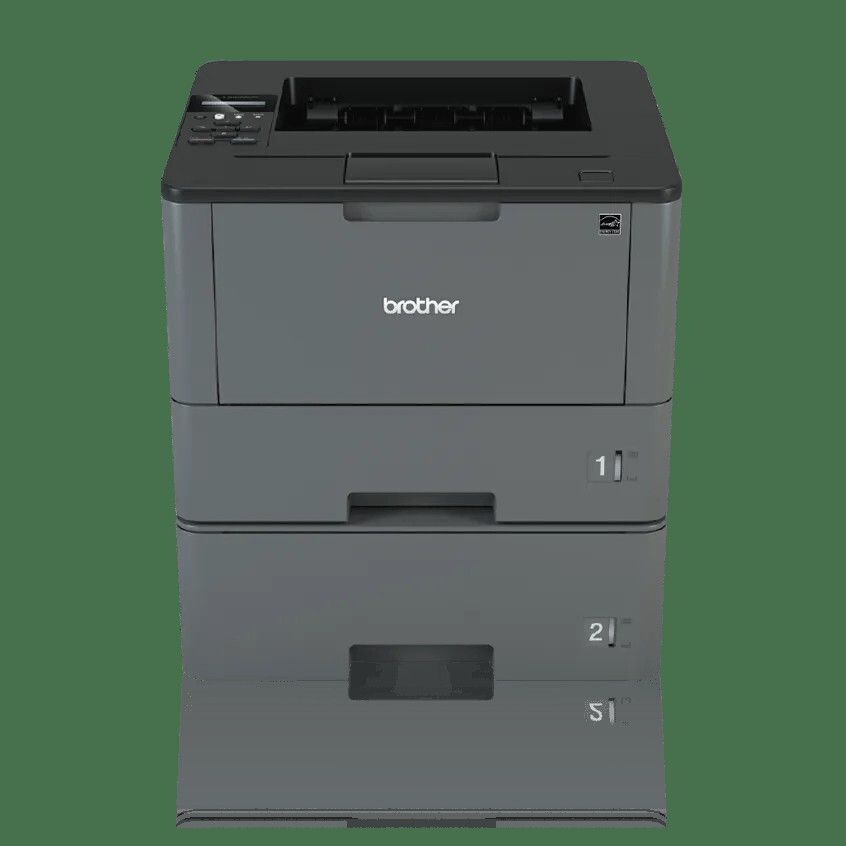
Quick answer: The Brother HL-L5200DW takes two black toner cartridges — the standard-yield TN820 (about 3,000 pages) and the high-yield TN850 (about 8,000 pages) — and both work inside a separate DR820 drum unit rated for roughly 30,000 pages. One thing surprises many owners: the super-high-yield TN880 does not fit this printer. That cartridge belongs to the faster HL-L6200 and HL-L6300 models further up the range.
Built for a Small Workgroup, Not a Corner Office
Brother aimed the HL-L5200DW at offices and small workgroups, and the specification sheet shows it. It prints at up to 42 pages per minute with automatic two-sided printing, connects over Wi-Fi, Gigabit Ethernet or USB, and feeds from a 250-sheet tray plus a 50-sheet multi-purpose slot for envelopes and letterhead. If the team grows, optional trays stack underneath and take total input to 1,340 sheets. A plain one-line LCD handles the menus — no touchscreen, nothing to configure beyond the basics.
Brother rates the machine for a maximum of 50,000 pages in a peak month and recommends up to 3,500 pages a month as a steady workload. That recommended figure is the one to plan supplies around, because it decides how often you will be opening the front cover.
The Cartridge Maths, Including a Pricing Quirk
| Cartridge | Rated yield | Our compatible price | Cost per page |
|---|---|---|---|
| TN820 | ~3,000 pages | $29.07 | ~0.97¢ |
| TN850 | ~8,000 pages | $29.07 | ~0.36¢ |
| DR820 drum | ~30,000 pages | $30.04 | ~0.10¢ |
Prices checked November 2, 2026; yields are Brother's ISO/IEC 19752 ratings. Read the first two rows again: in our store the standard cartridge and the high-yield cartridge sit at the same shelf price. The TN850 prints a page for a little over a third of what the TN820 costs per page, and it asks you to change it less than half as often. Unless a TN820 is already on your shelf, there is no economic argument for the smaller cartridge in this machine. The printer ships with a roughly 3,000-page TN820 in the box, so the step up to TN850 economics normally starts with your first replacement.
At the recommended 3,500 pages a month, a TN850 lasts a little over two months. The DR820 drum, rated at about 30,000 pages on Brother's one-page-per-job basis (and up to 50,000 on longer jobs), works out to roughly one drum for every four TN850 cartridges.
Changing the Cartridge
Keep the power on and open the front cover. Slide the drum-and-toner assembly out as one piece, then press the green lock lever to release the spent cartridge from the drum cradle. Rock the new cartridge gently from side to side to level the toner inside, strip off its protective cover, and push it into the drum until it clicks. Slide the drum's green tab back and forth once to clean the corona wire, refit the assembly, and shut the cover. If the panel keeps showing a toner warning after a genuine change, do not keep reseating the cartridge — follow the reset routine in our TN820, TN850 and TN880 troubleshooting guide.
When the Drum Comes Due
We do not currently stock a combined TN850-and-drum set for this model — the paired sets in our catalog are built around the TN880, which this printer cannot use — so the drum is a separate, occasional purchase. That turns out to be painless: at $30.04 spread over some 30,000 pages, the DR820 adds about a tenth of a cent to each page, and the printer tells you plainly when it wants one. Buy toner on its own while the drum counter is young, and simply add a drum the month the "Replace Drum" message appears.
Questions HL-L5200DW Owners Ask
Will a TN880 cartridge fit if I push a little harder? No — and forcing it risks damaging the drum cradle. The TN880 is keyed for the HL-L6200DW, HL-L6200DWT and HL-L6300DW (and certain MFC models). Your printer's ceiling is the TN850.
My printer arrived with a cartridge already inside. Which one is it? A standard-yield TN820 rated at roughly 3,000 pages. When it runs out, that is the natural moment to move up to the TN850.
The TN820 and TN850 cost the same. Is the TN850 a pricing mistake? It is simply how our compatible range is priced right now. The practical effect stands either way: identical money buys you about 5,000 extra pages from the TN850.
Does Toner Save Mode change which cartridge I should buy? No. Toner Save lightens output for internal drafts and stretches any cartridge further, but the TN850 still wins the per-page maths by the same wide margin.
Faint pages or a dirty background — toner or drum? Overall fading that improves when you rock the cartridge is toner. Background shading or marks repeating down the page at fixed intervals is the drum's signature.
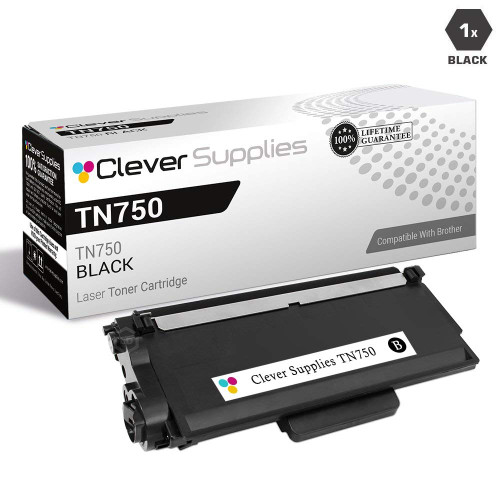 brother tn820 laser toner cartridge compatible black
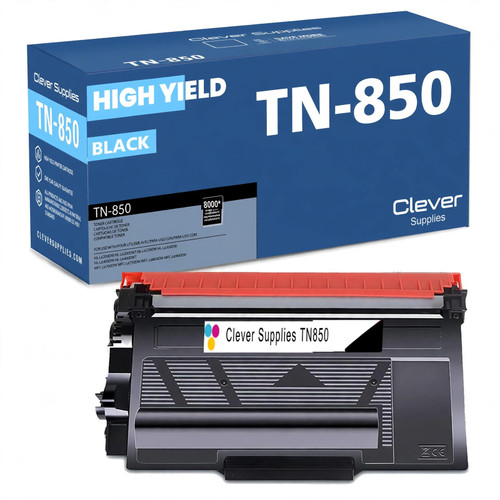 brother tn850 laser toner cartridge compatible high yield bl
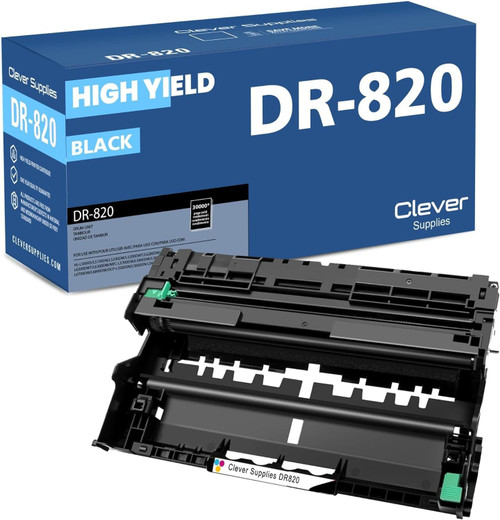 brother dr820 drum unit high yield black
Key takeaways
- The top cartridge here is rated at 8,000 pages — fewer swaps, lower cost per page.
- Lowest cost per page in this family: ~0.36¢ with the highest-yield cartridge.
- Toner and drum are separate parts on this printer — replace only the one the printer asks for.
Other Printers That Use TN850 and DR820
Fourteen more models in our catalog drink from the same TN850 and DR820 well. The dual-tray sibling is the HL-L5200DWT; the 48 ppm step-ups are the HL-L6200DW, HL-L6200DWT and HL-L6300DW — those three also accept the TN880. The scanner-equipped DCP line offers the DCP-L5500DN, DCP-L5600DN and DCP-L5650DN, while the fax-capable all-in-ones are the MFC-L5700DW, MFC-L5800DW, MFC-L5850DW, MFC-L5900DW, MFC-L6700DW, MFC-L6800DW and MFC-L6900DW. A spare TN850 on the shelf therefore covers any of them.
Ready to restock? Start from our HL-L5200DW toner page, which lists every cartridge and drum that fits this printer.